8 DTrack2 frontend software
8.2.3 Wake On LAN
The controller is capable of Wake On LAN (WOL) when powered down in standby mode
by the user (DTrack2 → Controller standby).
There are two options for waking up the controller remotely:
1. you may use DTrack2 or
2. use a separate tool (Windows: WOL program; Linux: console-based command).
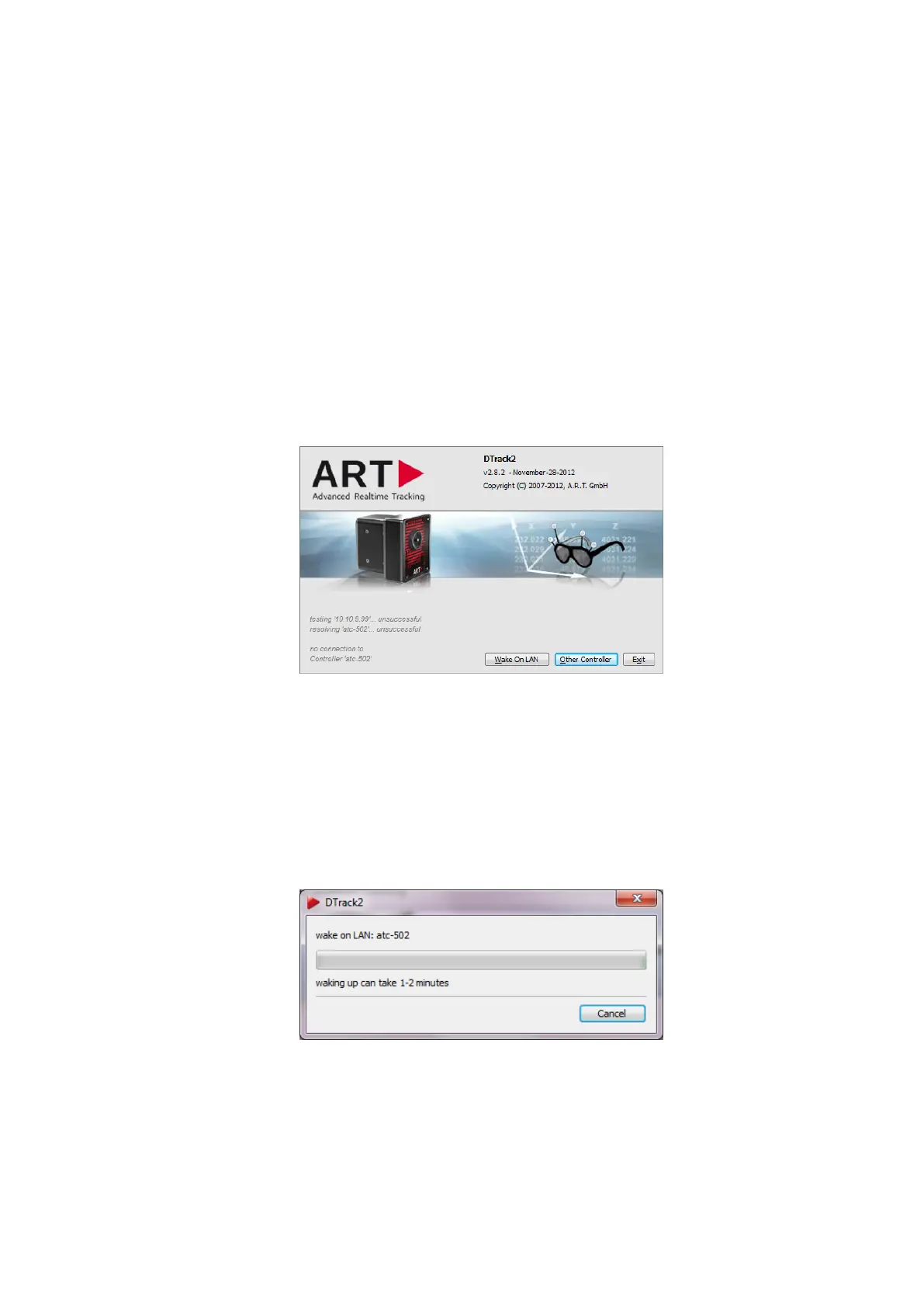
Option 1 - WOL via DTrack2 Start the DTrack2 frontend software as usual. It will
search for the controller but the ’Connect’ button will change its name into ’Wake On
LAN’ after a few seconds (see figure 8.3 on page 126).
Figure 8.3: Welcome screen of DTrack2 with Wake On LAN option
Z
Please make sure that the controller is still connected to the local net-
work! DTrack2 cannot wake up the controller if no physical connection
between remote PC and controller is established!
Press the ’Wake On LAN’ button and DTrack2 will try to wake up the controller - this may
take up to two minutes as the controller has to boot up (see figure 8.4 on page 126).
Figure 8.4: Wake On LAN progress bar
If Wake On LAN is successful DTrack2 will automatically establish the connection with
this controller and start the frontend software.
126



 To Next Page