8 DTrack2 frontend software
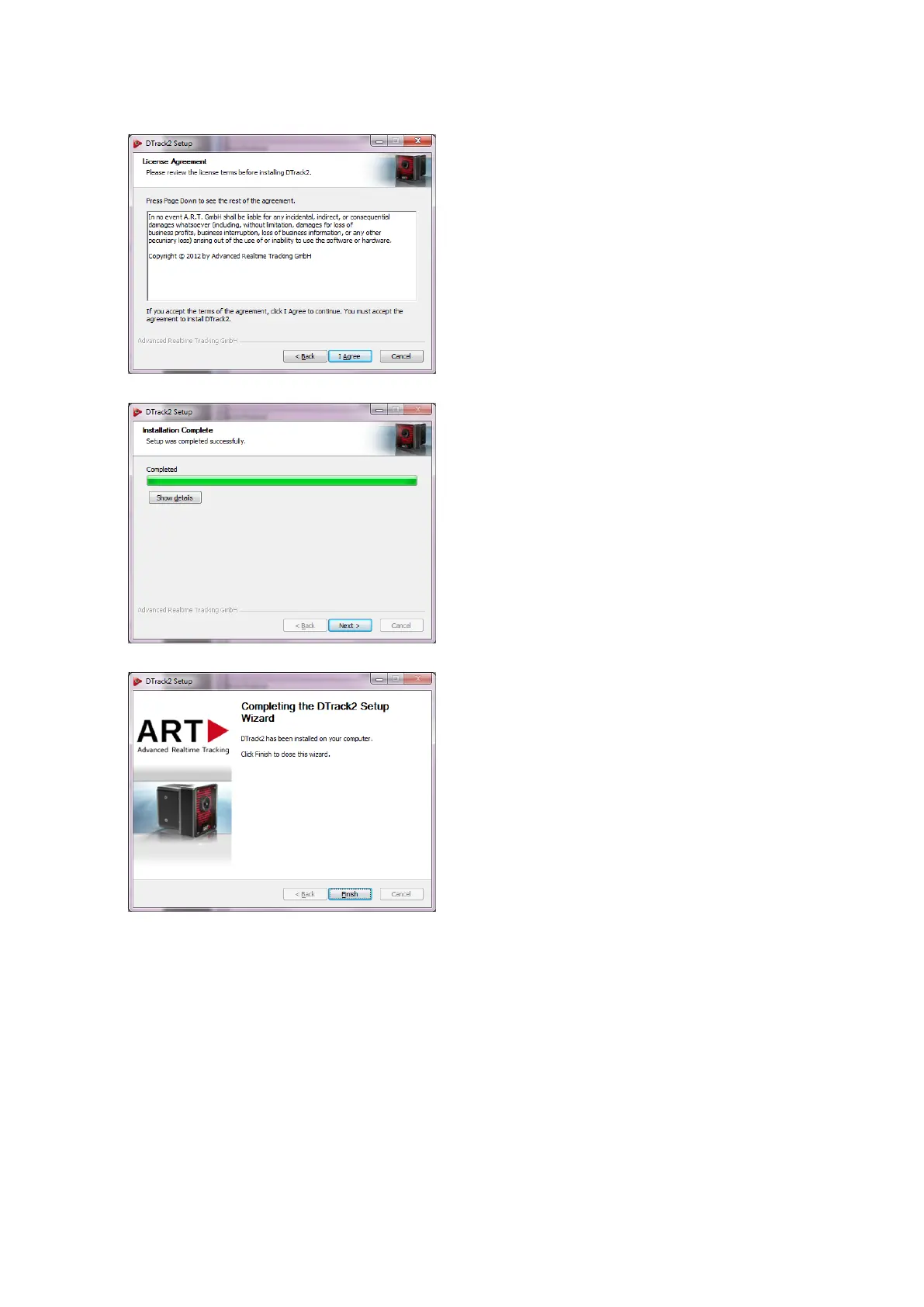
Please read the license terms carefully and
press I Agree if you agree indeed. A new win-
dow shows the installation progress.
The installation of the DTrack2 software is com-
plete now. DTrack2 has been installed on your
computer. Click Next.
Press Finish to complete the DTrack2 setup wiz-
ard. Now, you can use DTrack2 .
8.1.2 Installation guide (Linux)
The software (32-bit and 64-bit package available) is packed in an archive.
(DTrack2_v2.x.x_linux32.tar.gz) You do not need to have administrator rights to extract
all files to a user-defined folder. In a shell, change to the user-defined folder and type in
the command tar xvf DTrack2_v2.x.x_linux32.tar.gz in order to extract the files. For
ease of use, you may create a shortcut on the desktop.
122



 To Next Page