Chapter 8
8.5 Menu Settings
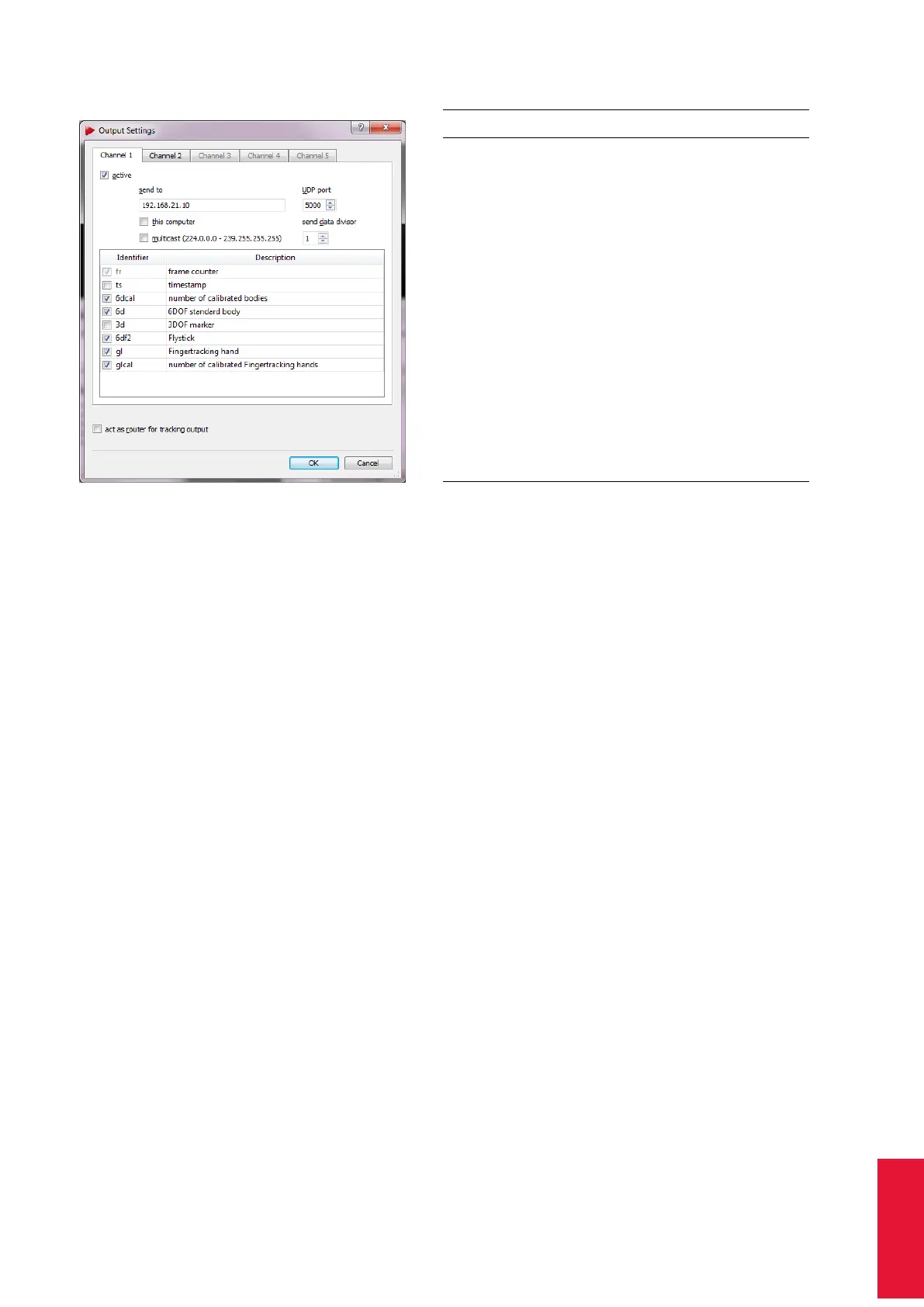
Figure 8.18: Output settings
Identifier Description
fr frame counter
ts timestamp
6dcal number of adjusted bodies
6d 6DOF standard body
3d 3DOF marker
6df2 Flystick
6dmt Measurement Tool
6dmtr Measurement Tool reference
6dmt2 Measurement Tool (also for ball
probes)
gl Fingertracking hand
glcal number of calibrated Fingertracking
hands
6di 6D inertial body
6df Flystick (old)
only available if activated in Flystick
settings (→ checkbox ’use old output
format’)
Table 8.14: Output identifiers
Z
Double-check the currently used pulse generating source in the Track-
ing menu. Please refer to chapter 8.5.5 on page 155 for further infor-
mation.
Z
When using the ’timestamp’ please note the remarks on accuracy in
chapter B.2.2 on page 259.
Act as router for tracking output The UDP output data may also be routed by DTrack2 by
ticking the checkbox act as router for tracking output. This functionality is especially im-
portant when it is not allowed to connect the controller to your local network due to IP
security reasons.
The mandatory requirement for this function is that the PC running the DTrack2 frontend
is equipped with two ethernet LAN ports. One is needed for connecting the controller and
one to your local network (see figure 8.19 on page 162). The data from the controller is
then routed to the local network through the DTrack2 frontend.
i
Using this function will cause a short delay due to forwarding of the
data.
Z
Do not use this function if the application PC and the controller are in
the same network!
8.5.8 Fingertracking
This dialogue is the center for installation and calibration of Fingertracking hardware with
optional tactile feedback. Please refer to chapter 6.4.6 on page 92 to learn how to install
161



 To Next Page