Chapter 8
8.3 Main GUI
Recommendation Increase the flash intensity until all markers are yellow or green. Addi-
tionally the intensity of the brightest pixel in the field of view is shown using a simulated
LED bar display (refer to figure 8.5 on page 132). Note: Except for ARTTRACK1 cameras
where the bar display is integrated into the camera on the front side.
As a rule of thumb: for measurement applications with high accuracy requirements the
markers should be displayed in green with intensities of min. 4 bars; for VR applications
yellow markers with intensities down to 2 bars are sufficient.
Additional Monitor 2DOF display settings In the Monitor 2DOF display additional
functions are assigned to mouse interactions.
• left mouse button
Drag & drop to move the camera monitors’ position within the Monitor 2DOF view.
• middle mouse button
Click to hide all camera monitors but the one you selected. Click again and all
camera monitors will be displayed.
• right mouse button
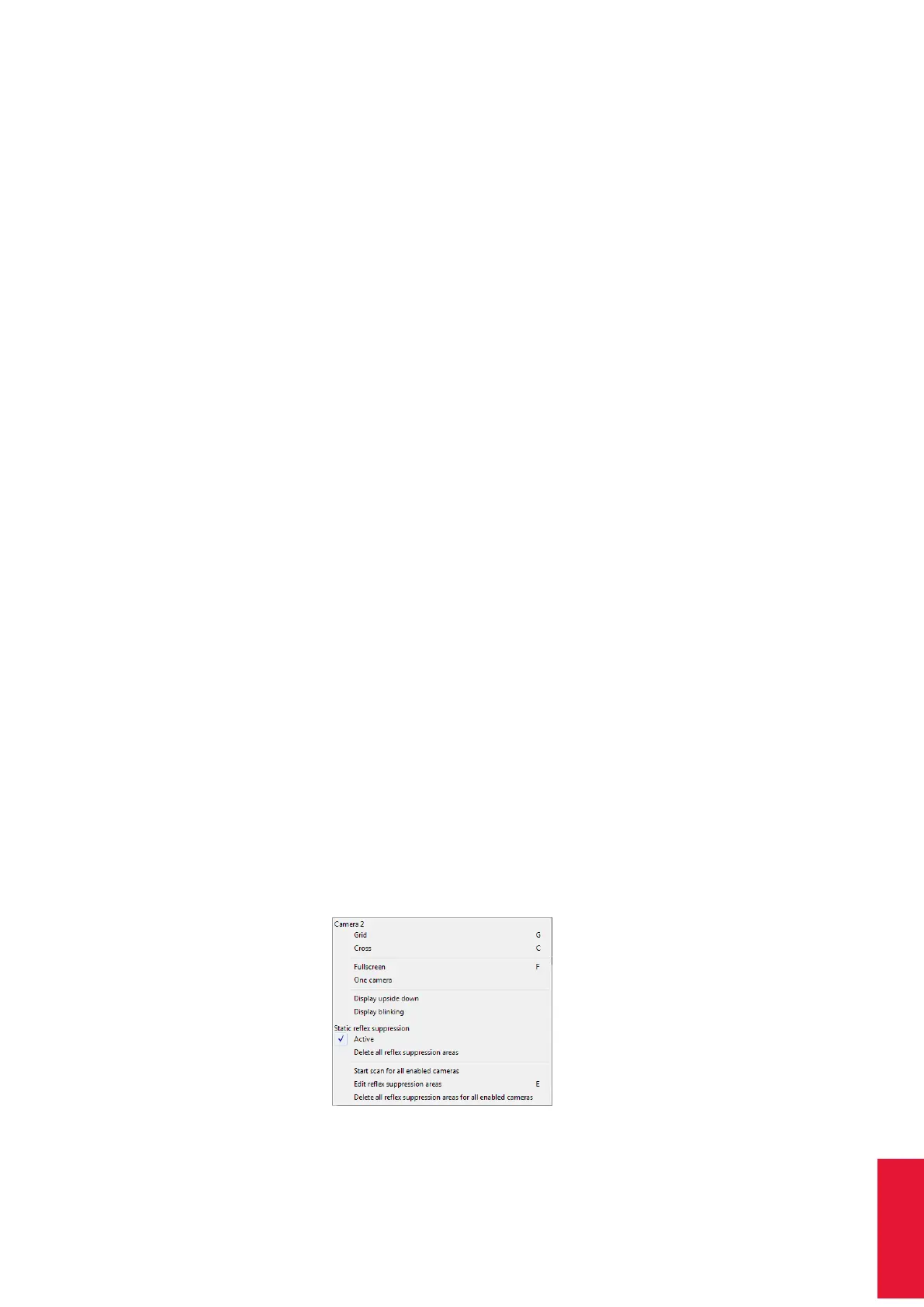
Click on a camera monitor to open a menu for the respective camera settings; see
table 8.4 on page 138 and figure 8.7 on page 137 for more details.
Figure 8.7: Monitor 2DOF view menu (e.g. camera 2)
137



 To Next Page