8 DTrack2 frontend software
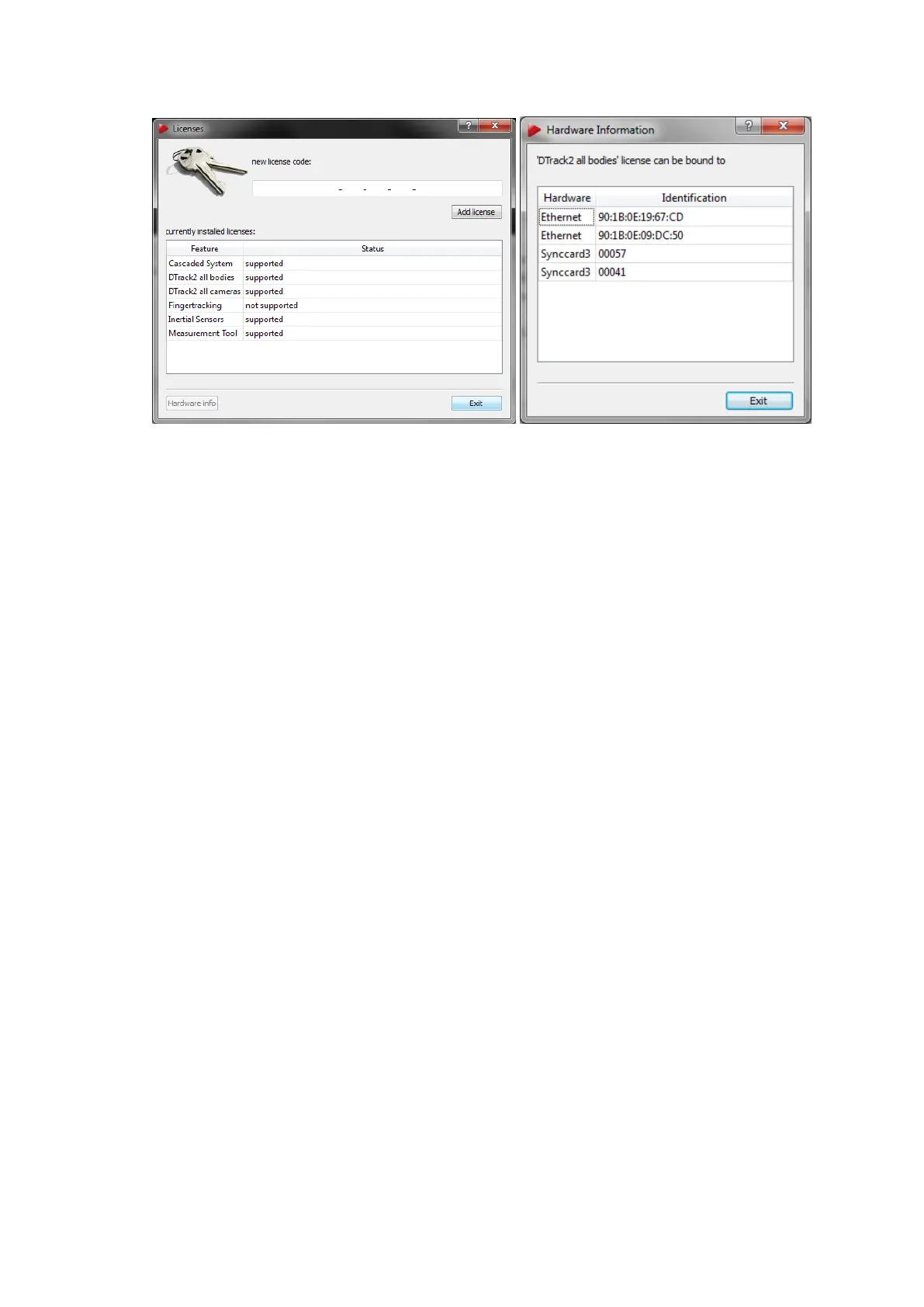
(a) Licenses overview (b) Hardware information
Figure 8.8: Managing the licenses
• Select the feature Measurement Tool .
• Click on Hardware Info.
• Contact ART and communicate your version of DTrack2 together with the serial
number of the synccard or the MAC address of the Ethernet port (=Identification) in
order to receive a valid license code.
• Exit the window Hardware Info and enter a valid license code in the field new license
code.
• Click on Add license.
The process is the same for other modules.
8.4.2 Configuration management
It is possible to create personalised configurations, e.g. with different targets or flash
settings. You can assign a user name and, if necessary, lock the settings by password-
protection. Press New to create a new personal configuration (see also figure 8.9 a on
page 143).
Assign a meaningful description (→ ’description’) and enter your user name (→ ’owner’)
(see figure 8.9 b on page 143). Unless the configuration is password protected, it may be
changed later on with Edit.
Your personal configuration is created using the settings / values of the currently active
configuration (→ ’clone current configuration’) or by applying default values (→ ’create
with default values’), respectively:
142



 To Next Page