8 DTrack2 frontend software
8.5 Menu Settings
Settings Shortcut
Cameras F7
Synccard
Inertial Sensor
ART Radio Info
Tracking
Body Administration F8
Output F9
Fingertracking
Flystick
Measurement Tool
Controller
Cascaded System
Table 8.7: Menu Settings
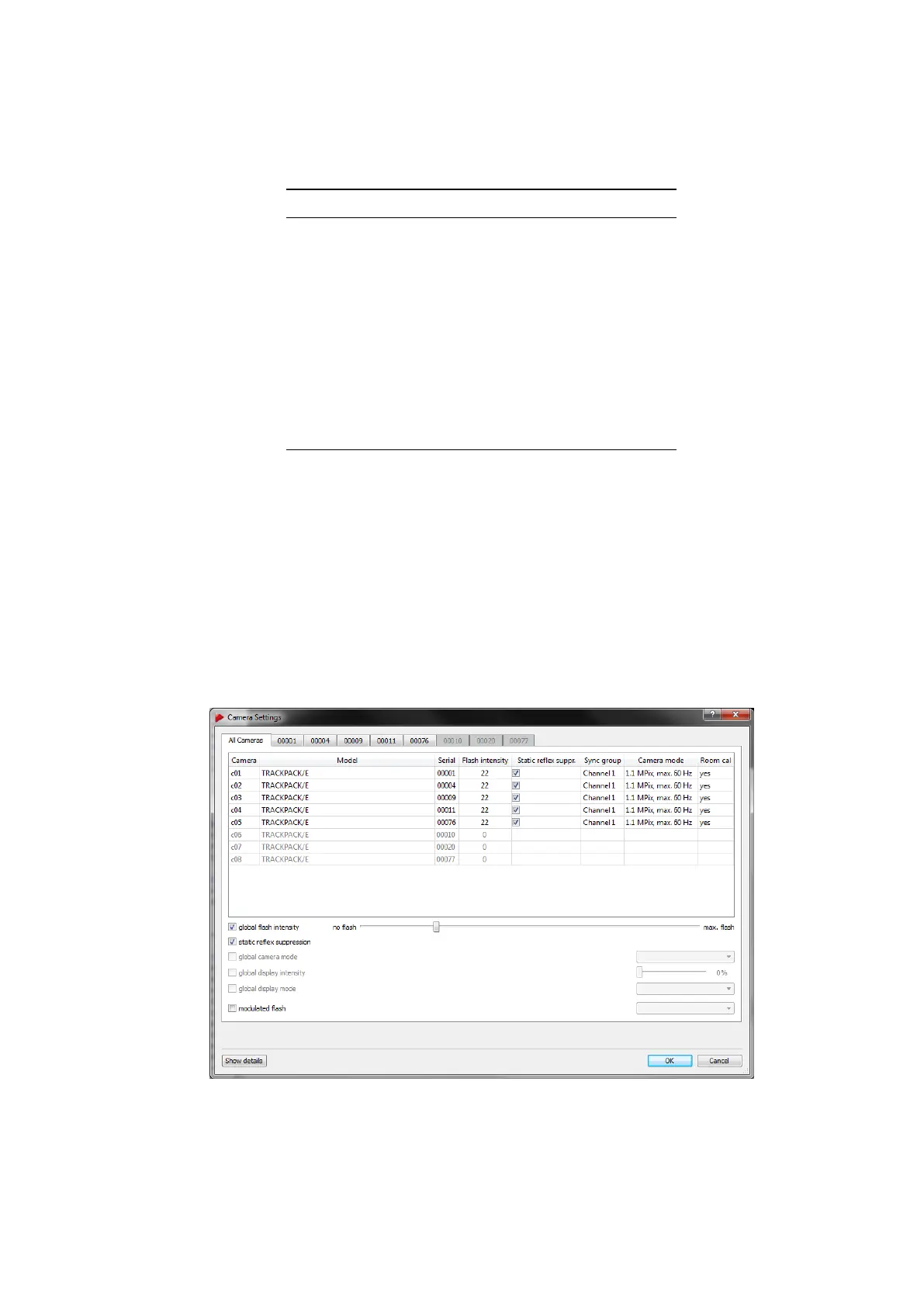
8.5.1 Cameras Settings
This dialogue (see figure 8.11 on page 146) shows a list of all cameras currently con-
nected to the system as well as all cameras that have been removed since the last valid
room calibration. It allows changes of all camera specific settings (e.g. flash intensity,
camera orientation, syncgroup assignment, etc.). Here you can also toggle modulated
flash in order to synchronize an active target.
Figure 8.11: Camera Settings - All Cameras Tab
146



 To Next Page