7 Hybrid tracking
4. An inertial sensor calibration needs to be applied to compensate drift from the iner-
tial sensor. Start by pressing the button Inertial Sensor Calibration. Please refer to
chapter 7.2.4 on page 117.
Repeat all steps for each hybrid target and finally set the pulse generating source that
drives the tracking frequency according to your application’s requirements. Please refer
to chapter 7.2.5 on page 119.
i
Wired hybrid targets for use with e.g. HMDs are not delivered pre-
calibrated, simply due to the fact that mechanical changes during as-
sembly on top of the customer’s gear would render any pre-calibration
useless.
7.2.1 Connecting the wired inertial sensor
This needs to be done initially - in case the sensor is already available please skip this
step.
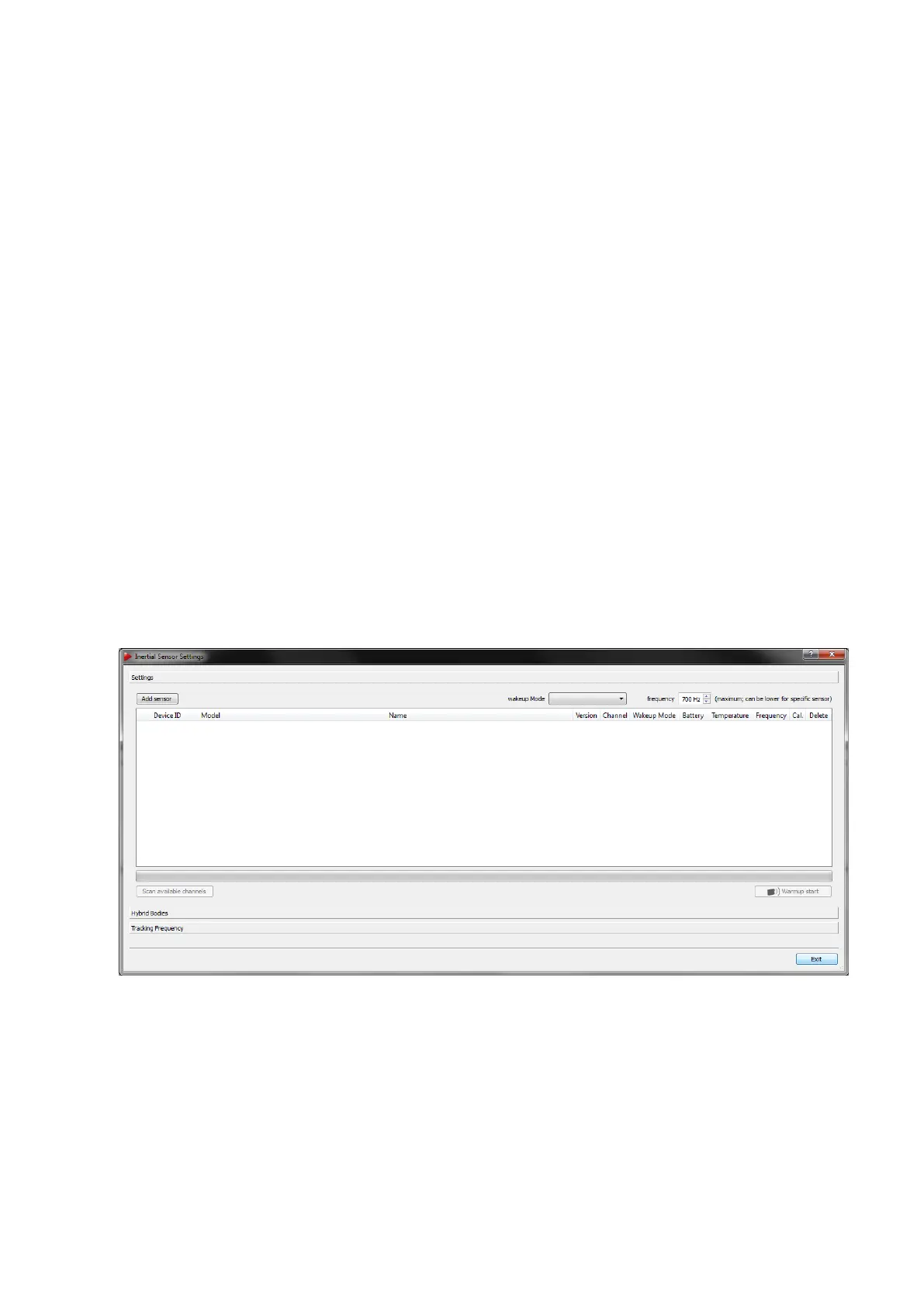
Within DTrack2 go to the menu Settings → Inertial Sensor and open the Settings sub-
dialogue (see figure 7.5 on page 112).
Z
Never attempt to connect 3-Space wired sensors / hybrid targets to a
personal computer or try to access the sensor using software provided
by the original manufacturer Yost Labs. This may result in irreversible
damage of the sensor.
Figure 7.5: Inertial Sensor Settings - No wired inertial sensor connected
7.2.1.1 Adding wired inertial sensor
Please ensure that the sensor has been connected to the ART Controller. Then press the
button Add sensor.
112



 To Next Page