Chapter 7
7.2 Wired hybrid targets
i
The residual specifies how well the rotational data from the inertial
sensor matches the optical tracking data. Thus it is a measure of the
accuracy of the hybrid body calibration. Values up to 1
◦
are ideal, while
anything less than 3
◦
is still acceptable.
i
The sensor delay specifies the latency of the inertial data compared to
real-time. This is sensor specific and dependent on the type of con-
nection (wired / wireless). Values up to 5 ms are ideal for HMD applica-
tions.
You can accept the calibration by pressing OK to return to the Hybrid Body Calibration.
Press Exit to return to the Hybrid Bodies sub-dialogue. Now, the sensor should show a
green tick in the column Calibration under selected bodies on the left side of the window.
Show details You can display the result of the hybrid body calibration as a rotation
matrix by pressing the button Show details.
7.2.4 Inertial Sensor Calibration
After successful calibration of all hybrid bodies, a drift correction for all inertial sensors
should be measured and applied. To this end, all sensors have to be warmed-up before-
hand. Please refer to chapter 7.2.4.1 on page 118 for more details.
To start the inertial sensor calibration, select Inertial Sensor Calibration from the sub-
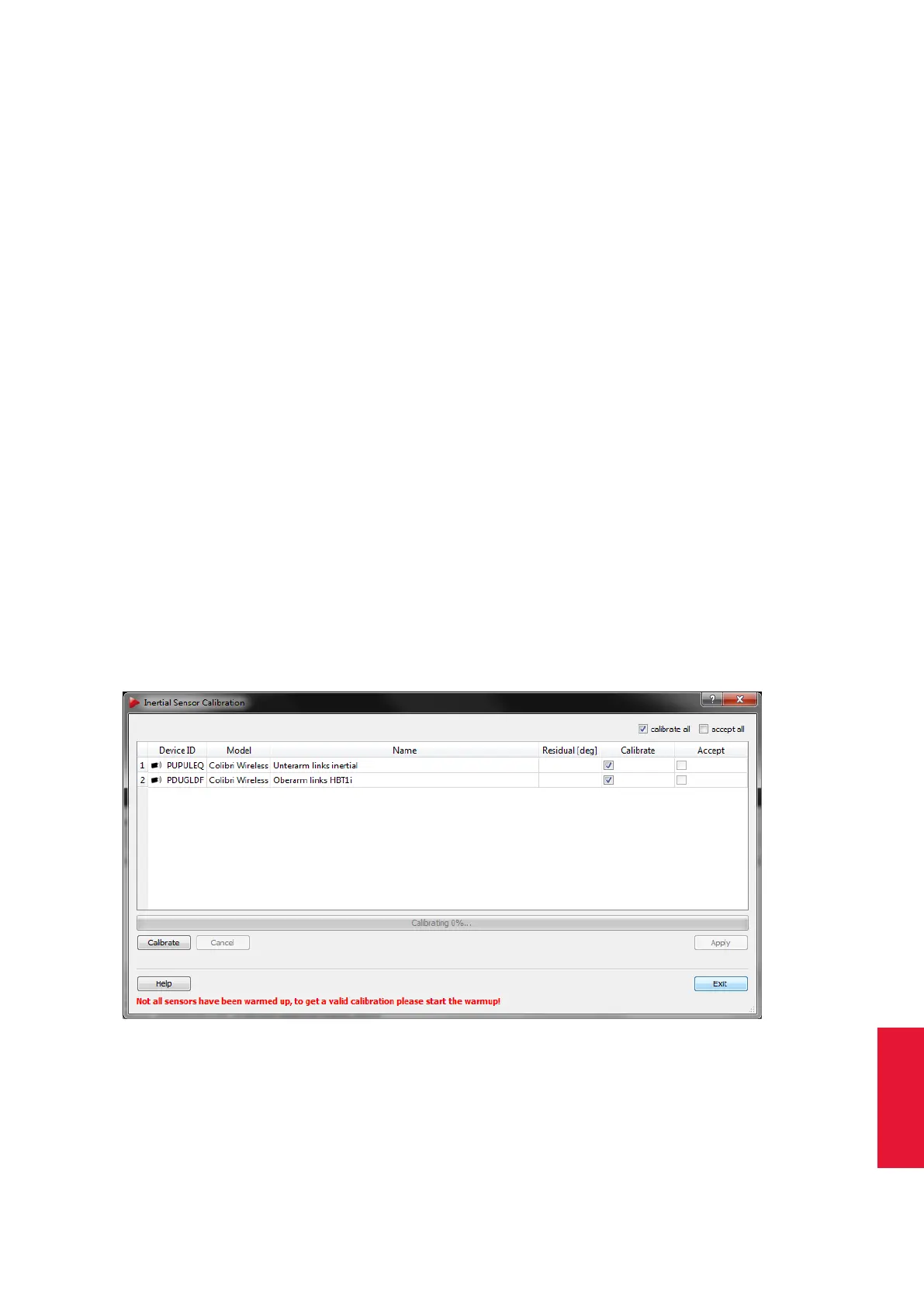
dialogue Hybrid bodies inside the dialogue Inertial Sensor Settings (see figure 7.8 on
114). The upcoming window shows a list of all available hybrid targets, i.e. bodies with
successful optical calibration and assigned inertial sensor (see figure 7.12 on page 117).
Figure 7.12: Inertial Sensor Calibration
Put the respective sensor inside the tracking volume on a level surface (pre-condition: a
successful Hybrid Body Calibration for each inertial sensor). Tick the checkboxes in the
column Calibrate of all sensors to be calibrated and press Calibrate. Do not move or
117



 To Next Page