Chapter 5
5.1 Installation of the ART Controller (DTrack2 since v2.10)
i
The power inlet is fuse-protected (2x4A, anti-surge type T) and features
a line filter for EMV protection.
In order to replace the main fuse of the ART Controller always unplug
the power cord. Two main fuses are existing since two power supplies
are installed. So the device is possibly still under power although a
fuse has blown.
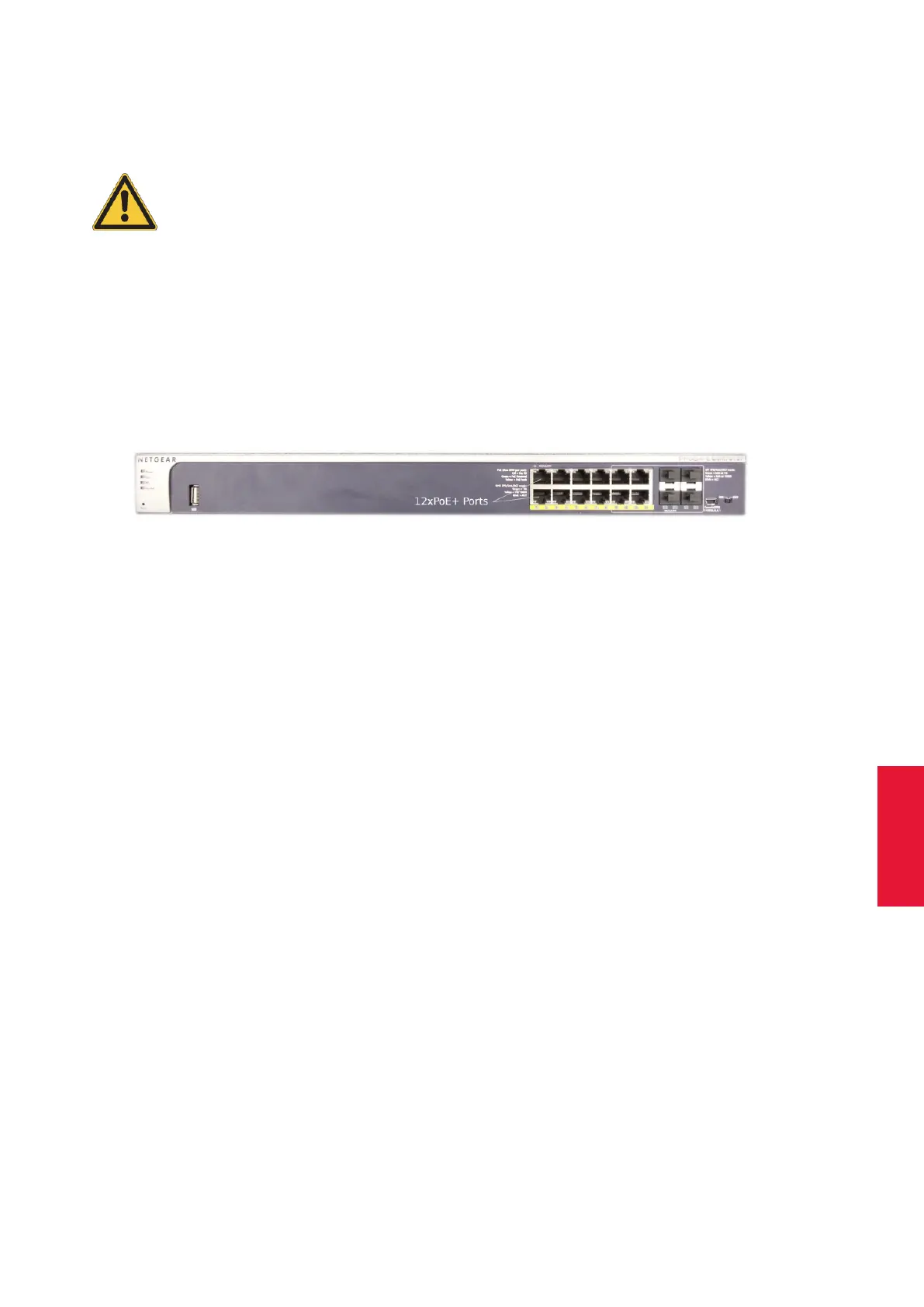
PoE+ switch for larger systems In larger systems (> 8 ARTTRACK5 and ARTTRACK5/C cam-
eras ONLY), please use switches authorized by ART (e.g. Netgear Prosafe GSM7212P
PoE+). It features 12 PoE+ Ports for connection to ARTTRACK5 and ARTTRACK5/C cam-
eras. Please use the accessible ports without protective caps only (see fig. 5.3 on page
57). To turn on the PoE+ switch, please connect it to mains.
Figure 5.3: ART PoE+ switch front view
Z
Please allow min. 3 minutes for booting prior to starting the ART Con-
troller !
5.1.2 Connecting cameras
Connection of ARTTRACK5 , ARTTRACK5/C or TRACKPACK/E cameras Mount the
cameras at the desired position before connecting the cables.
The ART Synccard3 is designed as a single cable solution and is therefore used both
for power and synchronization of the IR cameras. Therefore the ARTTRACK5 , ART-
TRACK5/C and TRACKPACK/E cameras have to be connected via twisted pair cables
(min. Cat.5, max. length 100 m) to the internal ART Synccard3 of the ART Controller
or to an external PoE+ switch for systems > 8 cameras (ONLY ARTTRACK5 and ART-
TRACK5/C ). The external PoE+ switch itself is then to be connected to any port on the
Synccard3.
Z
Do not connect TRACKPACK/E cameras via external PoE+ switches !
In case of mixed systems connect all TRACKPACK/E cameras directly
to the ART Controller.
i
The camera IP addresses are predefined - changes by the user are not
possible:
• IP address: 172.28.0.X
• subnet mask: 255.255.0.0
57



 To Next Page