8 DTrack2 frontend software
8.3.3.5 Measurement Tool
The Measurement Tool display is split into two parts:
1. position and orientation of the Measurement Tool ’s tip and the respective reference
body
2. position and orientation of the reference body
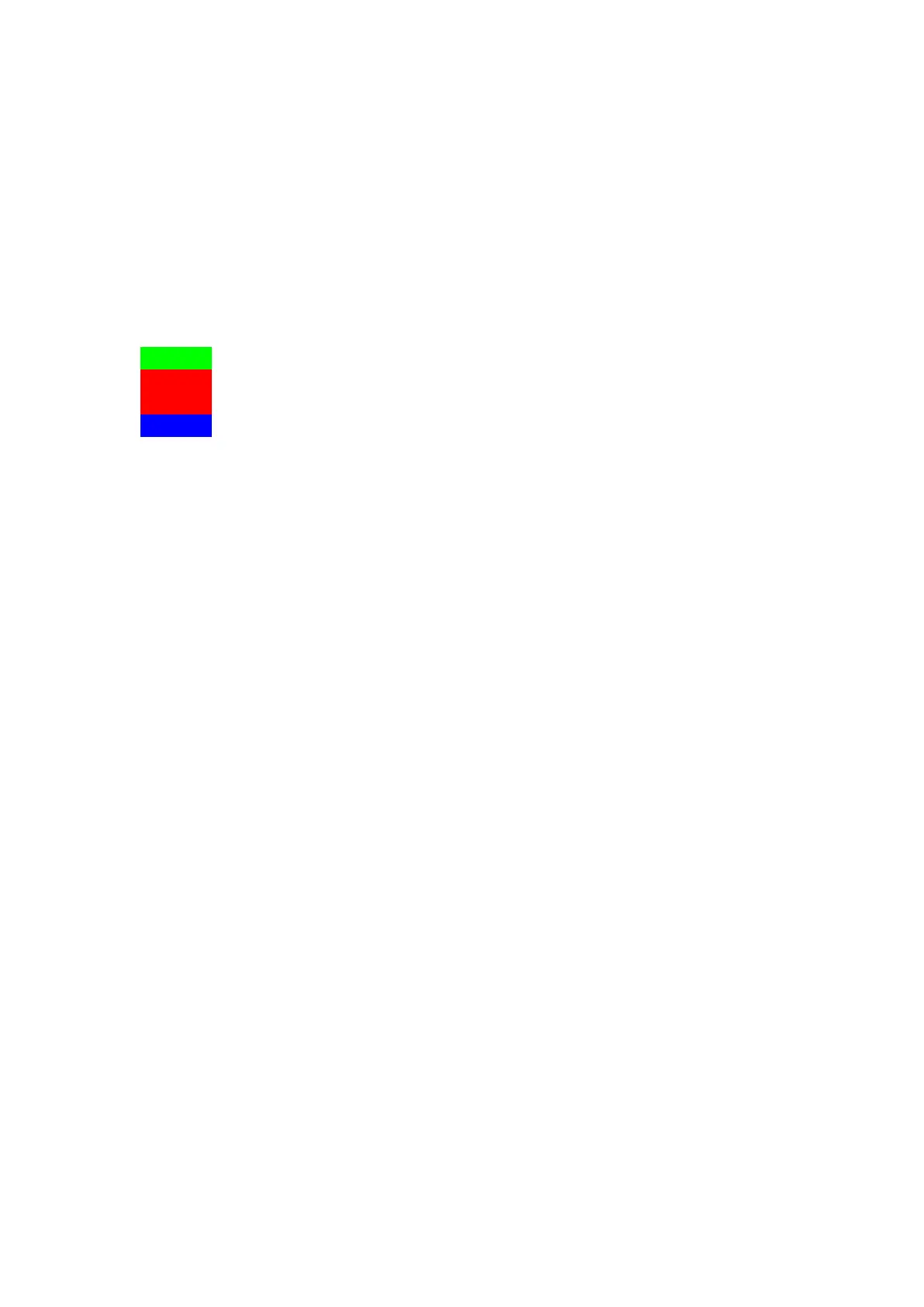
A simple colour code indicates the status of the Measurement Tool and the reference
body, respectively:
green ... tool is being tracked; tracking data is displayed
red ... tool is not being tracked (e.g. tip calibration is missing); instead
of tracking data dashes are displayed
blue ... measurement is being performed
white ... tool is not calibrated; columns are left blank
Z
A Measurement Tool with an assigned reference body can only be
tracked when the reference body is tracked as well.
8.3.3.6 Event display
The Event display presents the status of the tracking system. It offers feedback of the
operational state concerning errors or warnings. Furthermore, it informs the user about
successful room or body calibrations. Each entry is associated with a timestamp and
date.
140



 To Next Page