8 DTrack2 frontend software
Z
When exporting single or multiple configurations please assign mean-
ingful filenames (e.g. exporting date ’Standard 07122012’). Configura-
tions using the standard filename (e.g. "Standard") will be overwritten
!
8.4.2.2 Export System Information
The export function is intended for saving an information file (i.e. number and types of
camera, validity of room calibration, number and types of targets, current settings, event
display logs, etc.) in case you need to contact tech support at ART . Export opens a new
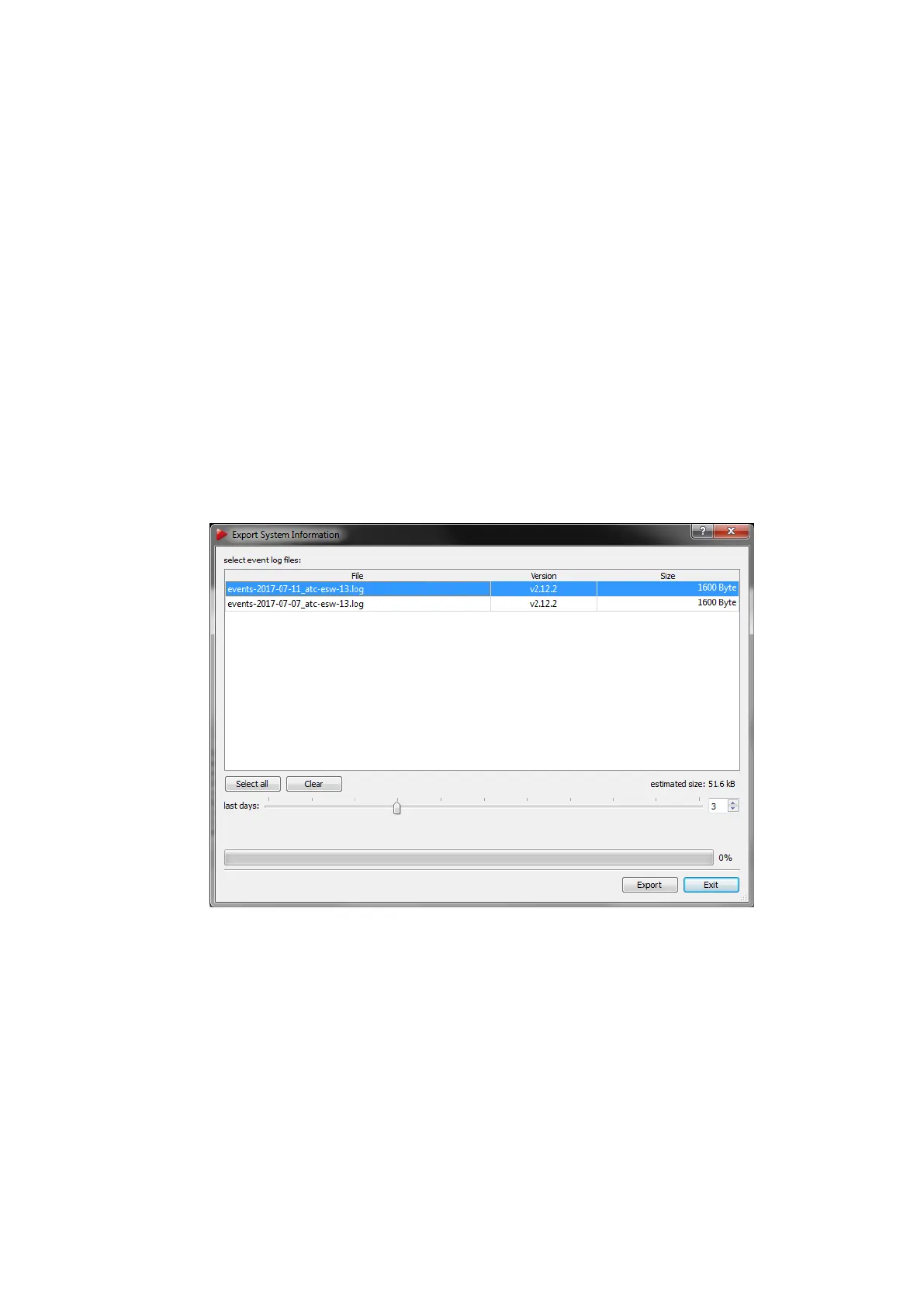
window (see figure 8.10 on page 144 where a list of all event logs from the past 30 days
is shown. Select the appropriate File by left-clicking or by moving the slider below the
table to the left or right respectively. You can also enter the number of last days manually.
Pressing Export saves the selected event logs together with a system information file in
(ASCII-)TXT format on any remote PC in your local network.
Figure 8.10: Export System Information
8.4.3 Start/Stop
Start/Stop measurement by pressing the button Start / Stop or by using the keyboard
shortcut ’M’.
144



 To Next Page