6 Interaction devices
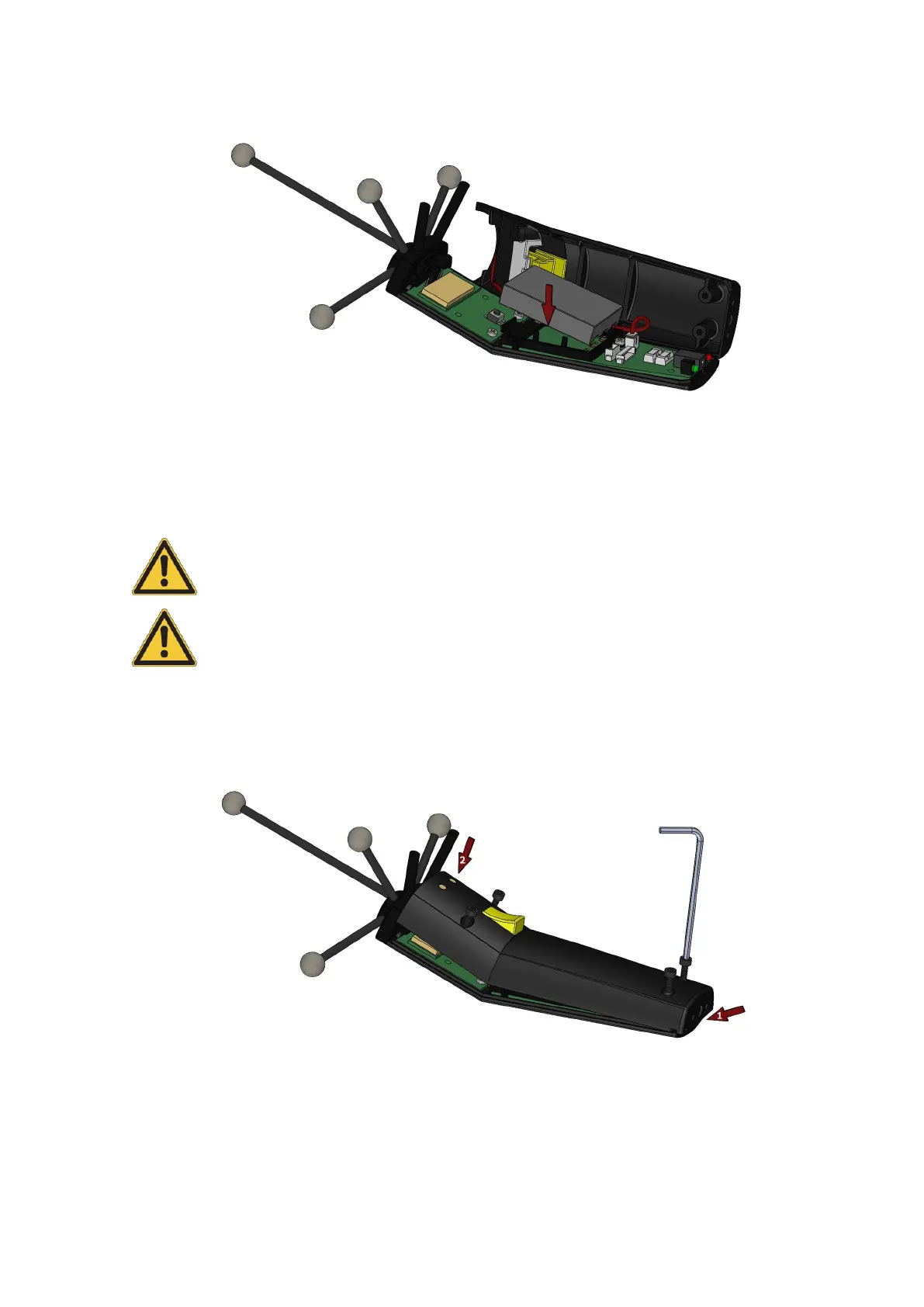
Figure 6.8: Insert new battery in Flystick3
Place the battery correctly within the cut-out.
Risk of explosion if battery is replaced by an incorrect type!
Dispose of used batteries according to governmental regulations.
Apply the back cover again and tighten the screws carefully.
Figure 6.9: Close the battery compartment of Flystick3
78



 To Next Page