Uni-Probe LB 490
BERTHOLD TECHNOLOGIES GmbH & Co. KG
6 – 565
Volume 6 3 Device-specific Menus
6
If the device icon has changed, you may view further information
on the current device status on the menu
DEVICE STATUS DIAG-
NOSIS
(see page 6–565).
3.1.5 SET ADDRESS
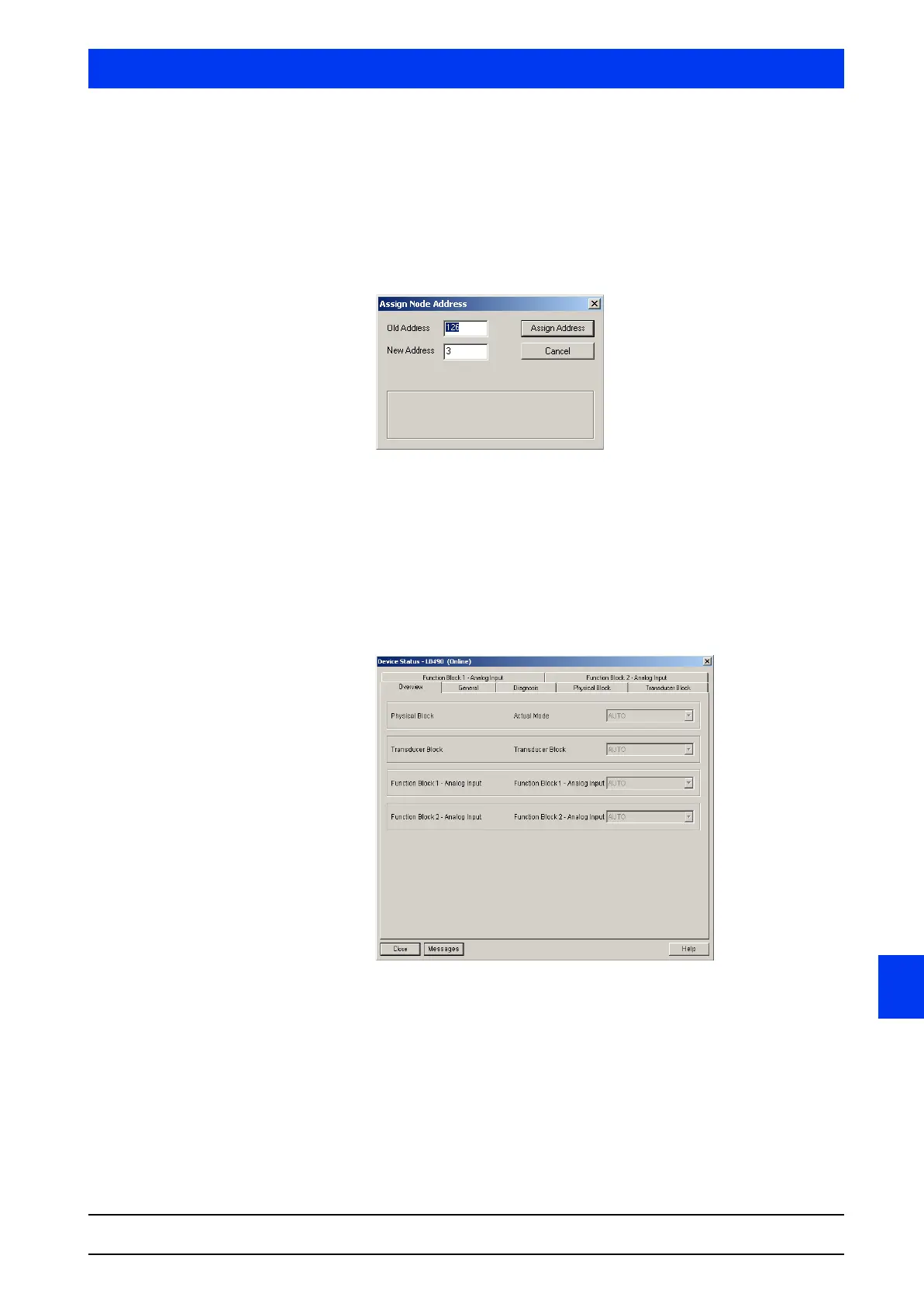
Use this menu item to assign a new address to the device.
Enter the old and the new address for the device and confirm
the entry by clicking on the
ASSIGN ADDRESS button.
3.1.6 DEVICE STATUS
This dialog box includes information on the device status and the
function blocks 1+2 (analog input). You can select the respective
block on the tabs FUNCTION BLOCK 1 - ANALOG INPUT and FUNC-
TION BLOCK 2 - ANALOG INPUT
.
Five submenus can be selected:
• Overview (page 6–566)
• General (page 6–566)
• Diagnosis (page 6–567)
• Physical Block (page 6–567)
• Transducer Block (page 6–568).



 To Next Page