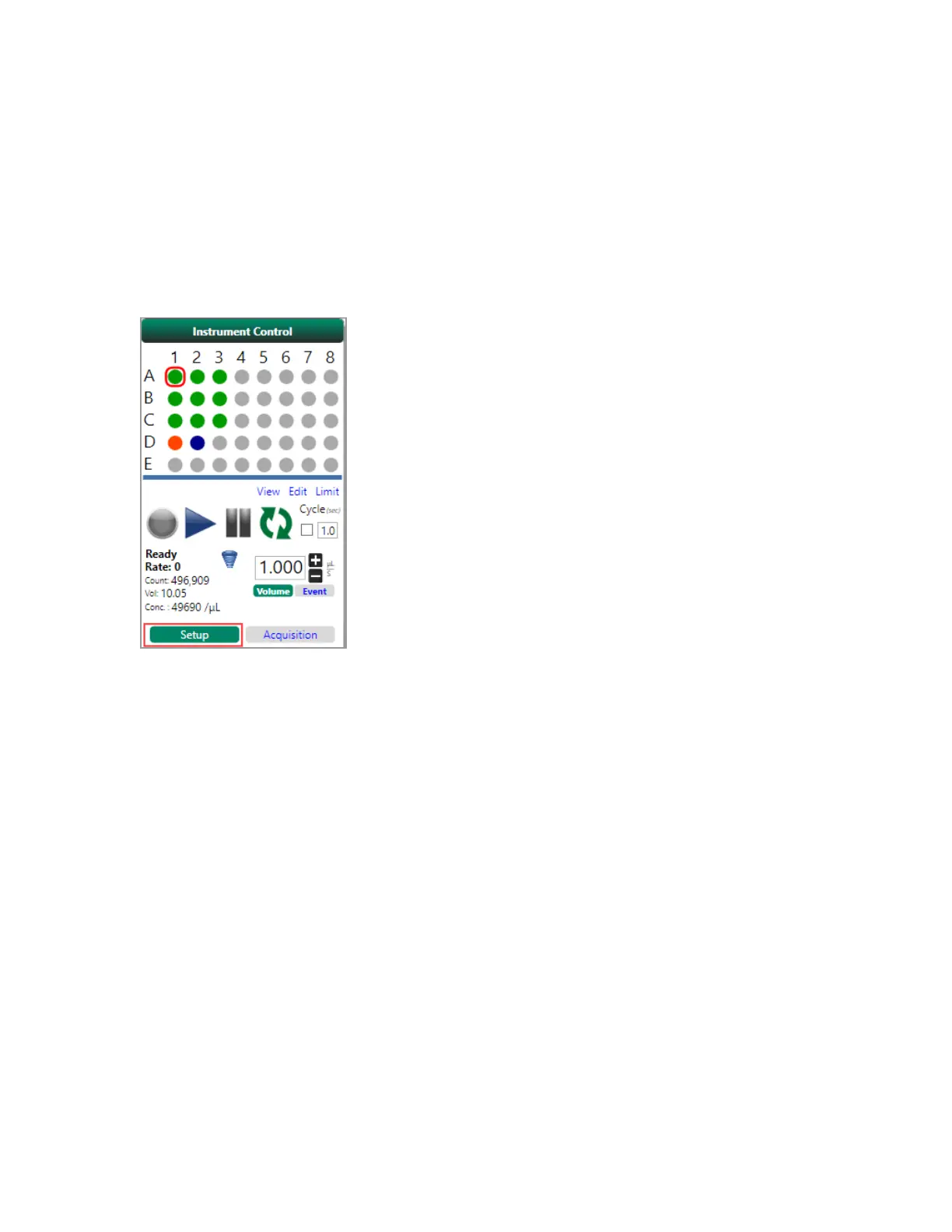
Acquisition Workspace
For information about PMT and trigger controls, see PMT Control Panel on page 85 and Configuring
Instrument Settings on page 257.
There are two modes for running samples: setup and acquisition.
Setup Mode
Setup mode has two primary uses:
1. You can use the tool in the toolbar to optimize settings and set compensation on a single-sample
basis. When you use Setup mode in this way, sampling does not stop until you manually stop the
run.
2. You can use the Record function to record data files from samples; sampling stops when the
preset limit is reached. This is useful if you need to acquire and save data from samples on a
single-tube basis. These data are saved to an FCSfile, which you can later open and review. You
can use the Record function for some or all of the samples in the experiment.
For more information, see Setup Mode Controls on page 276 and Acquiring Initial Sample in Setup
Mode on page 278.
User Guide | 91



 To Next Page