Touch Screen Basics | 93
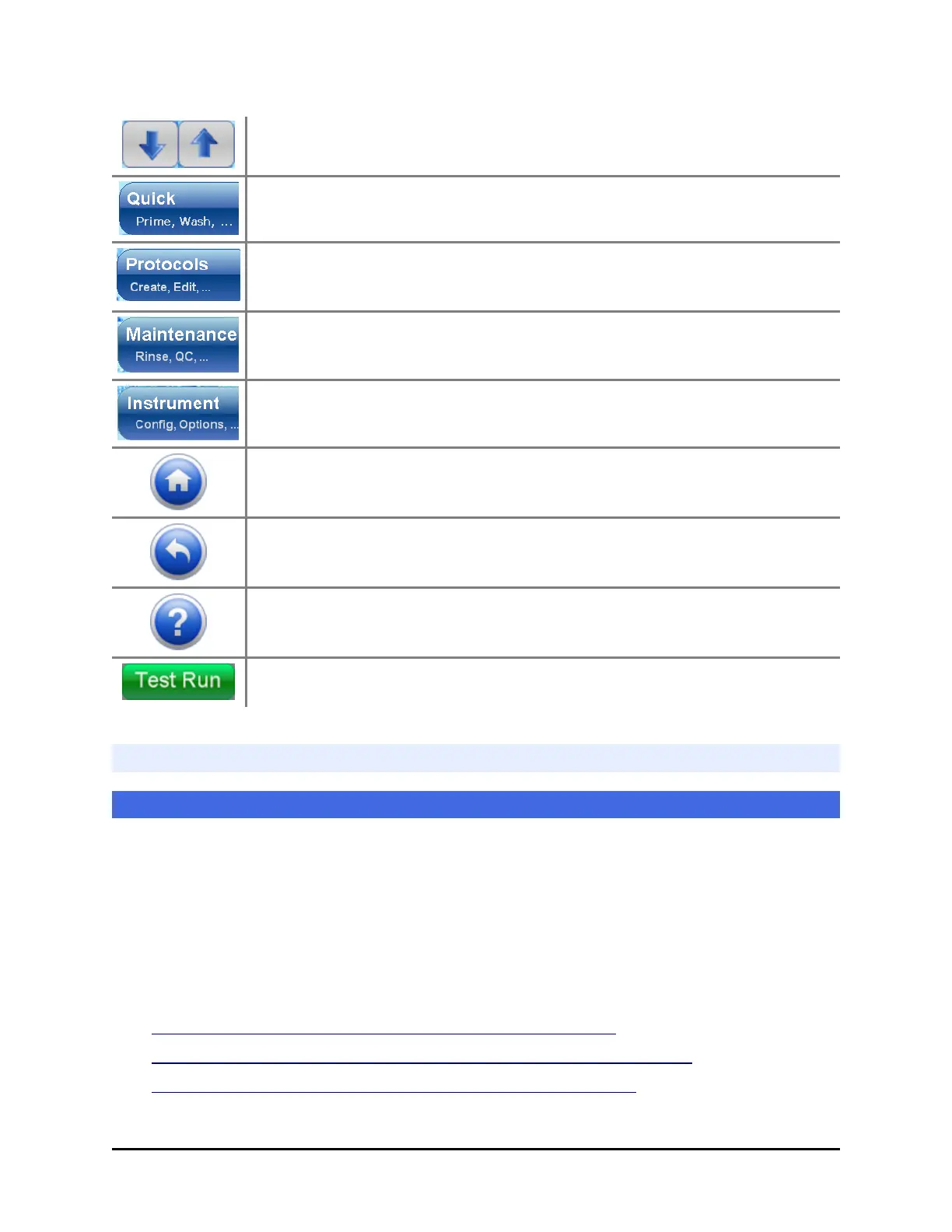
Scrolling: Press the down or up arrows to scroll a list with more items
than fit on the screen.
Quick access to prime the washer/dispenser, wash a plate, dispense to or
aspirate from a plate, depending on the devices installed.
To create and modify protocols.
To run maintenance and quality control protocols.
To change instrument settings, obtain protocols from a memory stick, etc.
Home: Press the home button to return to the Home screen at any time.
Previous: Press the previous button to go to the previous screen.
Help: To learn more about a screen, press its Help button.
Green buttons make the MultiFlo FX perform.
Quick Prime
At the Home screen select Quick>Device Prime
Priming removes air bubbles from the tubing, ensuring optimal performance. Fluid
is dispensed to the priming trough. You can use Quick Prime to comply with the
daily maintenance recommendations.
Quick Prime works best immediately prior to running a protocol to correct for
evaporation, i.e. to normalize the dispense tips and remove any air from the tubing.
Run a Maintenance protocol (multiple times, if necessary) when changing fluids to
more quickly and thoroughly flush the system.
l Recommended prime volumes for the Peri-pump on page 99
l Recommended prime volumes for the Syringe dispensers on page 101
l Recommended prime volumes for the Strip Washer on page 99
BioTek Instruments, Inc.



 To Next Page