Set up the Strip Washer | 41
Using the Touch screen Using the LHC
2. Touch the field to enable Waste
detection under Sensors Enabled.
3. Press the Home button.
Utilities.
2. Under Strip Washer, fill the
checkbox to enable Waste
Detection.
3. Click Send, and then, Exit.
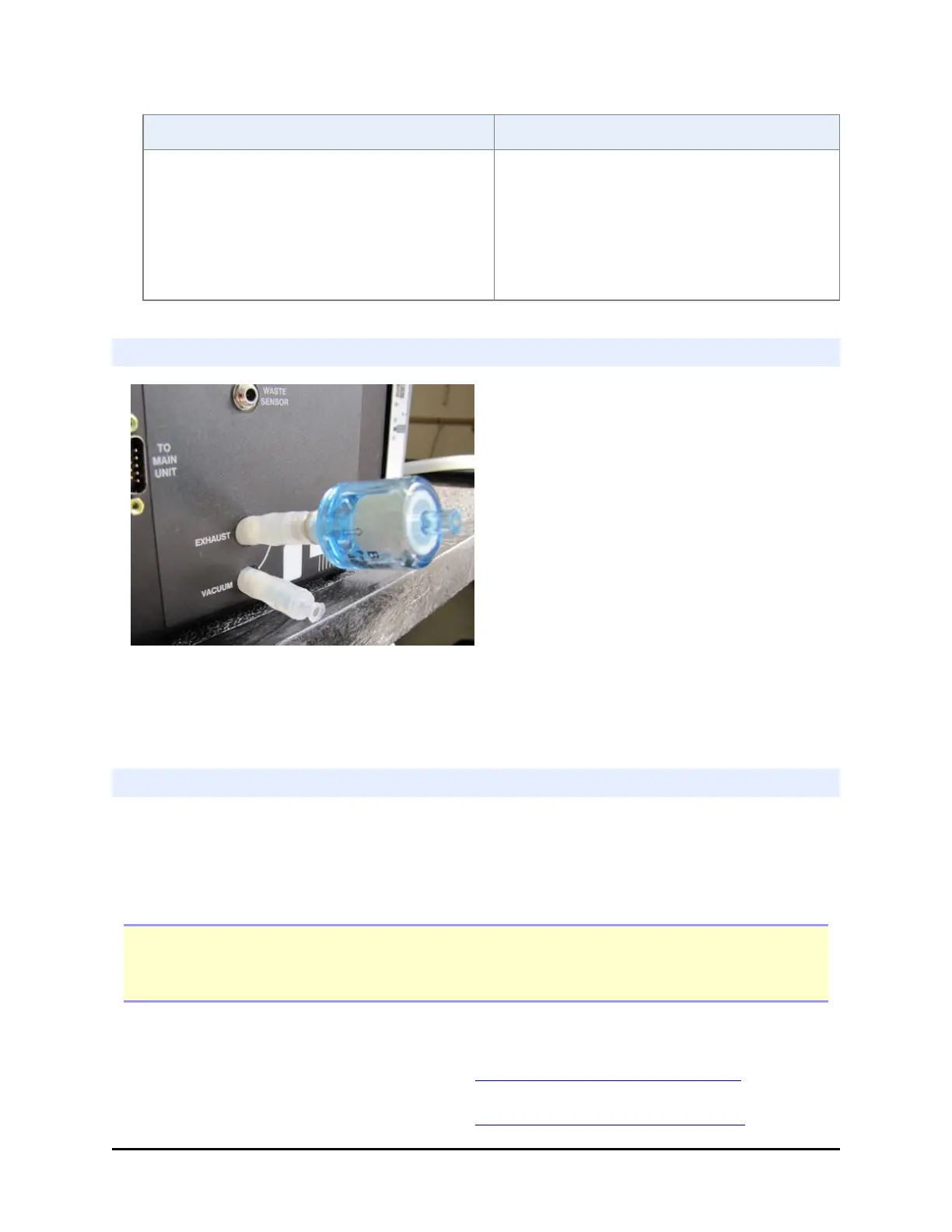
Install the muffler
Install the optional vacuum pump muffler (PN 4073009) to reduce noise during
operation: Connect the muffler's Luer fitting to the Exhaust port. Finger tighten,
only.
Install Washer Manifolds
The strip washer has two distinct manifolds: the dispense manifold resides on the
dispense arm, along with the Peri-pump cassette's Tip Holder and the dual Syringe
dispensers manifolds, if equipped. The aspirate manifold resides on its own
dedicated aspirate arm.
Important: Either the dual Syringe dispenser manifolds or the spacer block must be
installed on the dispense arm before the washer dispense manifold can be installed. And,
the washer dispense manifold must be installed before the aspirate manifold is installed.
1. Turn off the MultiFlo FX, if
necessary.
2. Connect the fluid supply tubing
to the dispense manifold.
Install the Fluid Supply on page 38
Install the Waste Bottle on page 39
BioTek Instruments, Inc.



 To Next Page