Peri-pump Dispense Step | 155
Peri-pump Dispense Step
Add a Peri-pump dispense step to the protocol:
LHC Touch screen
Click P-Dispense and define the parameters Select Add>P-Dispense and
define the parameters
If applicable, select which Peri-pump to use, Primary or Secondary.
If applicable, enable the RAD technology dispenser.
Define the Dispense Step
Dispense Volume: Enter the per well volume in microliters, up to 30,000/well. The
recommended values for each cassette type are:
o
1 µL cassette = 1 - 50 µL or 0.5 µL
o
5 µL cassette = 5 - 2500 µL
o
10 µL cassette = 10 - 3000 µL
Note: When using the RAD 8-to-1 bulk-dispensing cassette lower the dispense height to
ensure fluid hits the wells, i.e. select Advance Options and change the Z-axis.
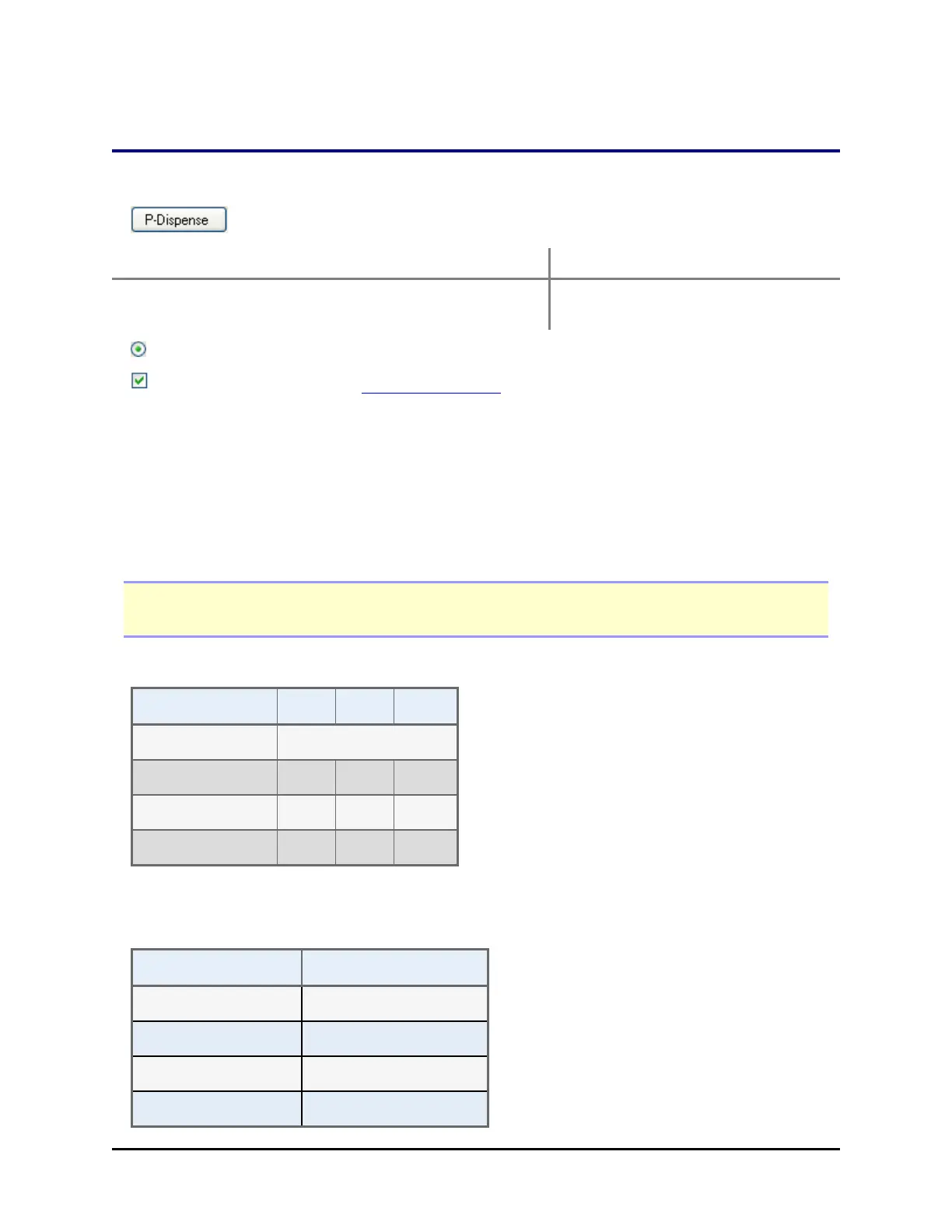
Select the Flow Rate
Cassette Type 1 μL 5 μL 10 μL
(μL/sec/tube)
Low 50 120 140
Medium 60 140 160
High 64 160 180
RAD technology: Single-channel cassette flow rates match the standard cassettes and the
8-to-1 cassette matches the 10 µL flow rates.
When dispensing 0.5 µL with the 1 µL cassette the average flow rate values are:
1 μL Cassette 0.5 μL Dispense
(μL/sec/tube)
Low 52
Medium 54
High 56
BioTek Instruments, Inc.



 To Next Page