Syringe Dispense Step | 165
Enable Pre-dispense to normalize the tips before dispensing. Enter the volume and
number of cycles.
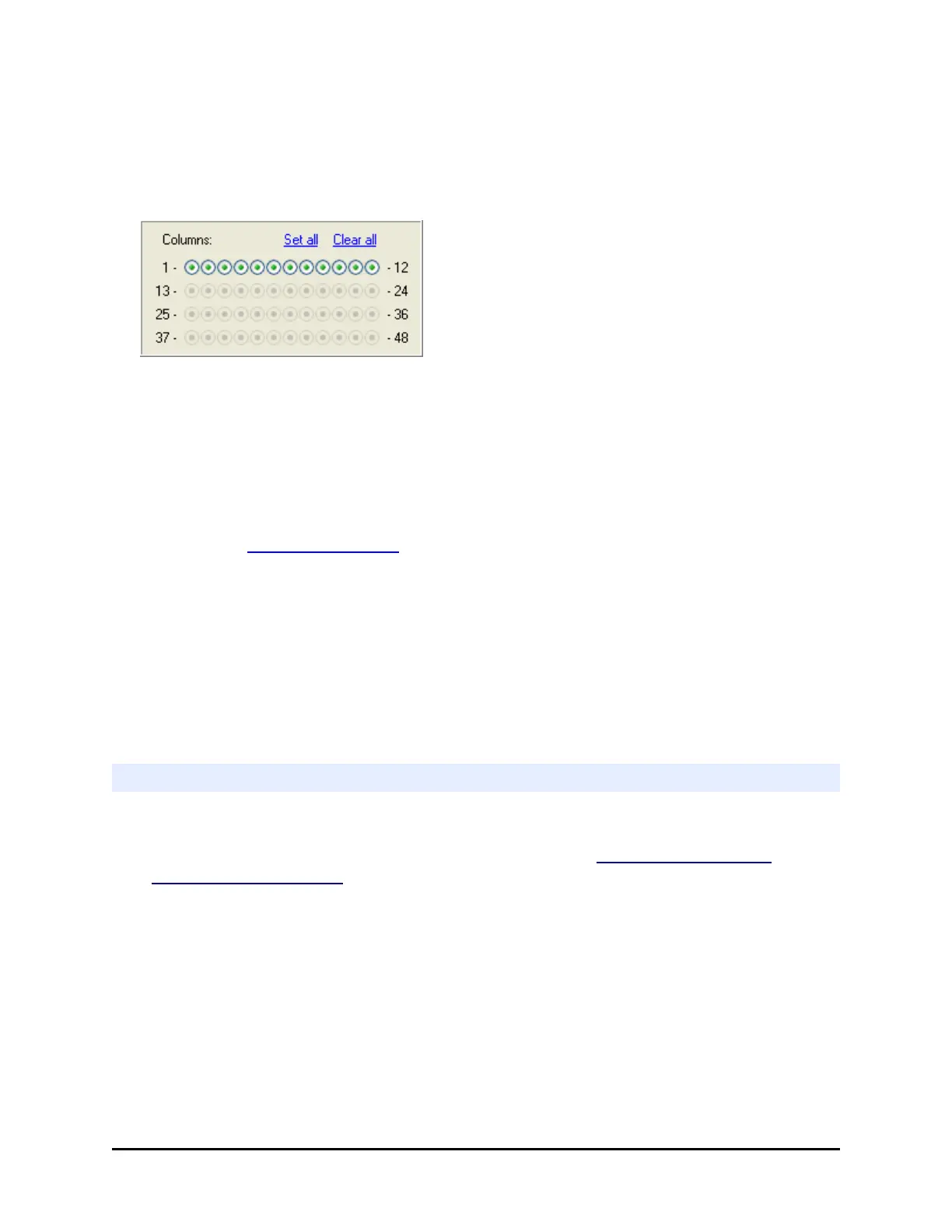
Select the Columns to dispense to (aka the Plate Map):
Each button represents a column.
Use the buttons and Set and Clear links: The buttons, which represent each
column, toggle on and off when selected. Toggle them on to dispense to the
column or off to skip the column.
l Each button represents a column.
l
The number of active column buttons reflects the specified Plate Type, which should
match the plate you are dispensing to.
l Learn about Processing Patterns for 384- and 1536-well plates.
Pump Delay
When dispensing highly viscous fluids, the tubing's check valves perform more slowly.
Delaying the syringe pump sufficiently to allow the specified amount of fluid to pass through
the check valves before being pumped into the syringe has been shown to improve dispense
accuracy.
Begin by setting the delay to 500 msec. Experiment with different settings to determine the
optimal value for your fluid.
Change the Syringe Dispenser Manifold
Changing the Syringe manifold requires two steps:
l Physically changing the Syringe dispenser manifold: See Install the Syringe
Dispenser Component on page 62.
l Updating the instrument's manifold setting; as described below.
After physically changing the manifold, perform these steps to tell the instrument
which manifold is installed.
1. LHC: Select Tools> Instrument Utilities> Syringe Dispenser
Touch screen: Select Instrument> Syringe> Manifold
BioTek Instruments, Inc.



 To Next Page