Define Instrument Settings | 75
LHC
Touch screen
drive into your computer and
select Import from a file. Lastly,
click Send.
6. Wait for the confirmation
message and verify the
Checksum displayed matches
the Checksum on the label. This
ensures the data was input
correctly.
l Click Retrieve at any time to
check the Checksum.
label. This ensures the data
was input correctly.
n Important: If the Checksum does not match there was a data input error and
dispense accuracy will be compromised. Redo the procedure, carefully
comparing the data points on the label to the values entered. When importing
data from the USB flash drive, confirm the serial number on the USB matches
the one on the Syringe unit.
Change the Syringe Dispenser Manifold
Changing the Syringe manifold requires two steps:
l Physically changing the Syringe dispenser manifold: See Install the Syringe
Dispenser Component on page 62.
l Updating the instrument's manifold setting; as described below.
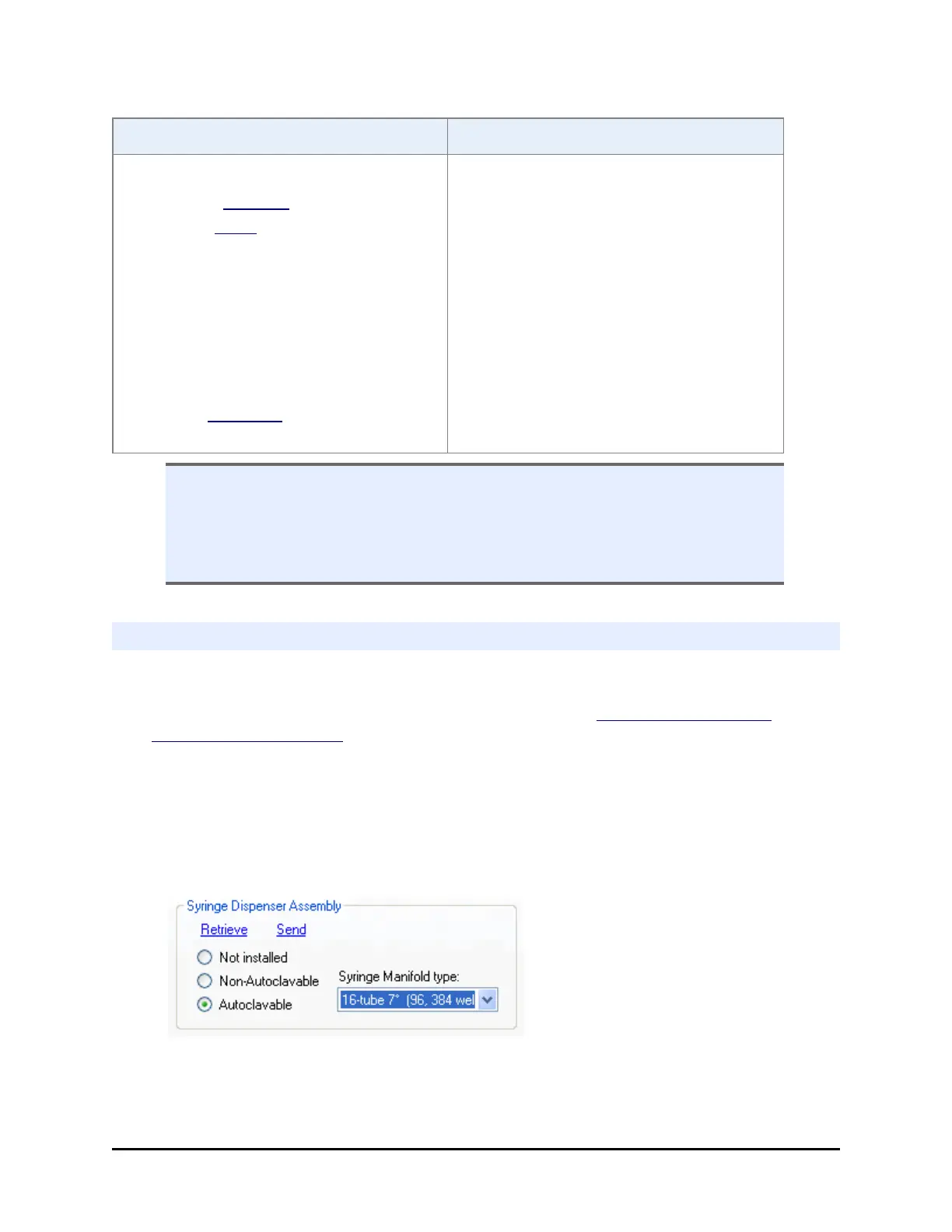
After physically changing the manifold, perform these steps to tell the instrument
which manifold is installed.
1. LHC: Select Tools> Instrument Utilities> Syringe Dispenser
Touch screen: Select Instrument> Syringe> Manifold
2. Choose the option that represents the installed manifold. Look at the top of the
manifold to identify its type, which is engraved on the top:
BioTek Instruments, Inc.



 To Next Page