4
4
4-88
4-88
Disassembly/Assembly > Document Exposure/Feeder System > Removing the Flatbed Motor Unit(D530) > Procedure
Disassembly/Assembly > Document Exposure/Feeder System > Removing the Flatbed Motor Unit(D530) > Procedure
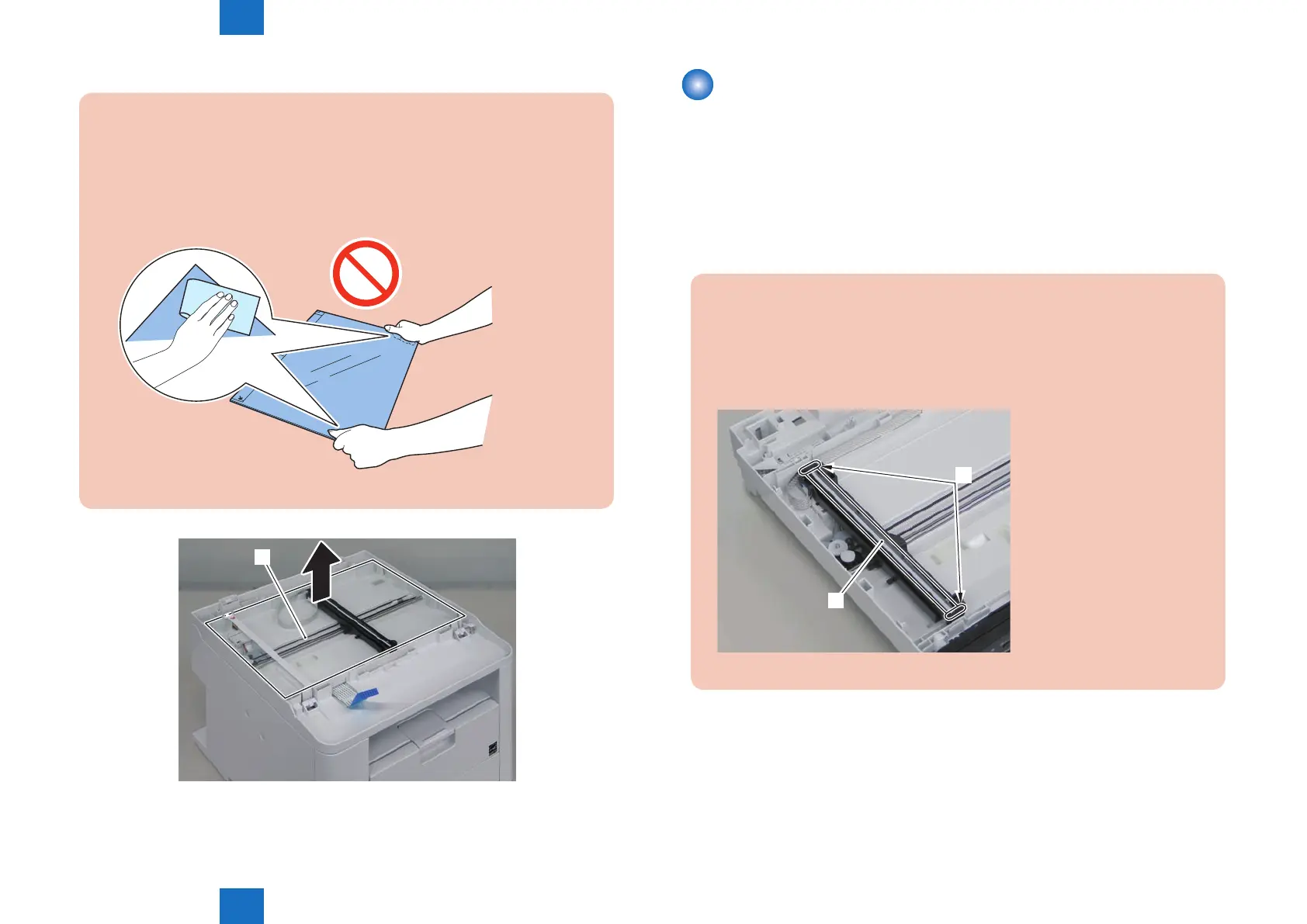
Caution.
Place the detached copyboard glass cover on a cloth etc. to avoid damaging the
bottom sheet.
When removing the copyboard glass, take care not to touch the glass surface.
If the surface becomes dirty, clean it with lens-cleaning paper.
[1]
F-4-211
Removing the Flatbed Motor Unit(D530)
■
Preparation
1) Remove the left cover.
2)Remove the copyboard cover .
3)Remove the control panel.
4)Remove the copyboard glass.
■
Procedure
Caution.
When assembling/disassembling the copyboard glass, take care not to lose the 2
CIS unit spacers [1].
When assembling/disassembling the copyboard glass, do not touch the copy reading
area [A] of the CIS unit.
[1]
[A]
1)Move the CIS unit[1].















 To Next Page