6
6
6-8
6-8
Troubleshooting > Log Collector > OutLine > Troubleshooting
Troubleshooting > Log Collector > OutLine > Troubleshooting
■
Troubleshooting
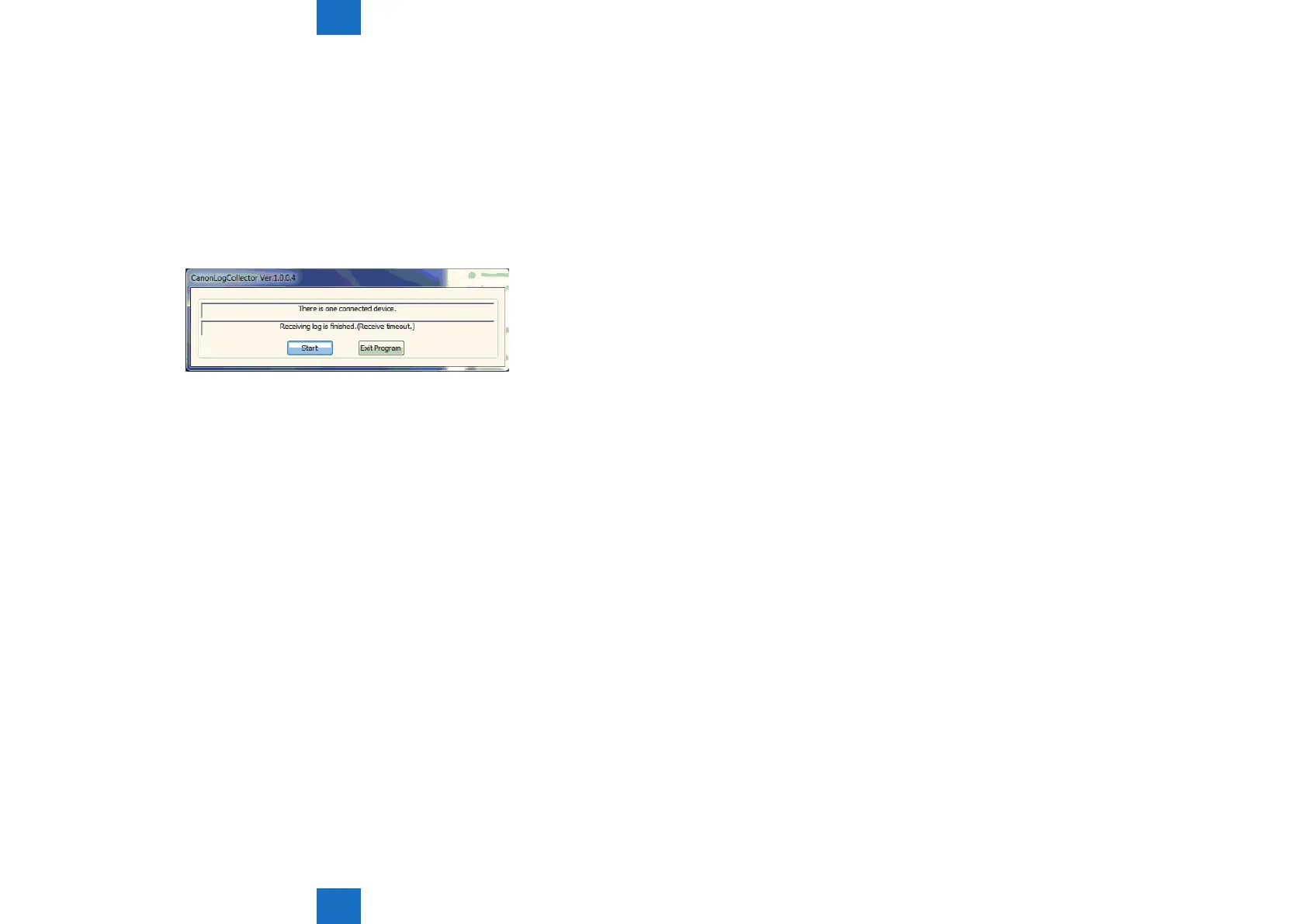
The log data is not properly sent from the host machine to the PC when "Receiving log
is nished. (Receivetimeout.)" was displayed after the [Start] button was pressed on the
CanonLogCollector screen. The size of the log le becomes approx. 1 KB. Collect the log
again after setting the USB connection properly. The capacity of the log properly collected
becomes 200 KB to 300 KB. Turn OFF and then ON the main power of the host machine
when the log cannot be collected even after the USBconnection has been properly set on the
PC.
F-6-16















 To Next Page