6
6
6-3
6-3
Troubleshooting > Troubleshooting Items > Image Faults > Smudged/Streaked
Troubleshooting > Troubleshooting Items > Image Faults > Smudged/Streaked
Troubleshooting Items
Image Faults
■
Smudged/Streaked
●
Bleeding (smear) occurs immediately after the power is turned on for
the rst time for the day
Description
There is sometimes a case where the difference of temperature between air and inside of the
machine causes moisture to occur on the toner immediately after the power is turned on for
the rst time for the day.
As a result, when the toner transferred on a sheet at the time of initial printing passes through
the xing assembly, moisture on the toner is vaporized into steam, causing breading (smear)
to occur.
Field Remedy
Prevent bleeding using the following user mode items.
Setting items Setting value Description Additional information
Adjustment/
Maintenance >
Special Processing
> Special Mode Z
Not used,Mode 1
through 4 (Factory
setting: Mode 2)
Make a setting to perform
thinning of printed image
data by processing of the
controller. When the value
set for the mode increases,
the amount of thinning
increases. (The image
density decreases.)
Printing time does not
increase because the
method of image processing
performed by the controller
is changed. This mode is
less effective than Mode B.
Adjustment/
Maintenance >
Special Processing
> Special Mode B
Not used,Mode 1
through 3 (Factory
setting: Not used)
Extend the initial rotation
period by processing of the
engine. When the value
set for the mode increases,
the initial rotation period is
extended.
The initial rotation period
in engine operation is
extended, and printing time
increases. The initial rotation
period for each mode is
shown below. Mode 1: 13
sec, Mode 2: 30 sec, Mode 3:
60 sec
T-6-1
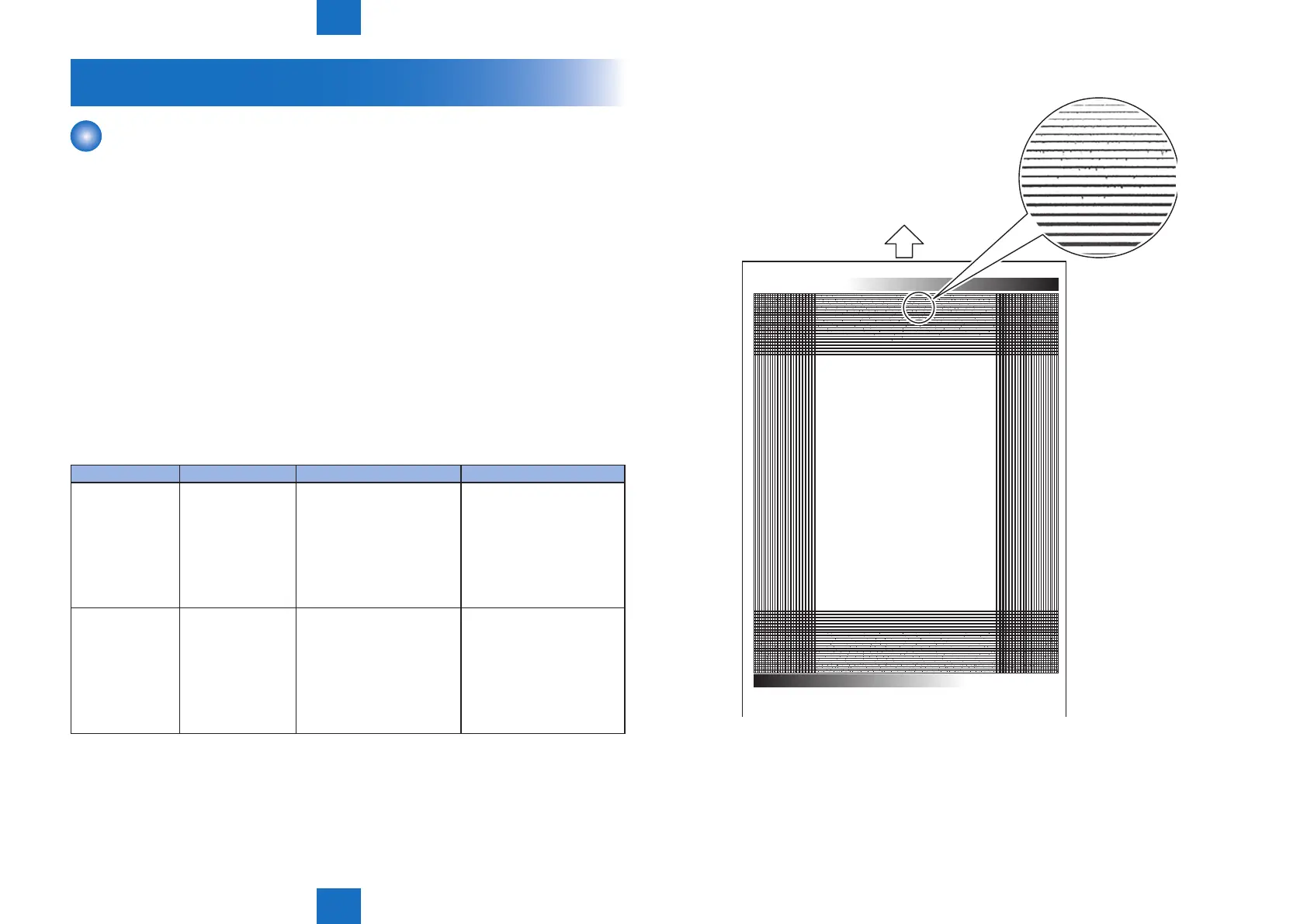
Image sample
F-6-2















 To Next Page