4
4
4-386
4-386
Disassembly/Assembly > Pickup And Feeding System > Removing the Pickup Solenoid (L418S/L410/L190) > Procedure
Disassembly/Assembly > Pickup And Feeding System > Removing the Pickup Solenoid (L418S/L410/L190) > Procedure
x2
[1]
[2]
F-4-1051
Removing the Pickup Solenoid (L418S/L410/L190)
■
Preparation
1) Remove the left cover
2)Remove the DADF unit and reader unit.
3)Remove the right cover
4)Remove the front cover unit.
5)Remove the upper cover.
6)Remove the duplex feed unit
7)Remove the main controller PCB
8)Remove the FAX NCU PCB
9)Remove the wireless LAN PCB
■
Procedure
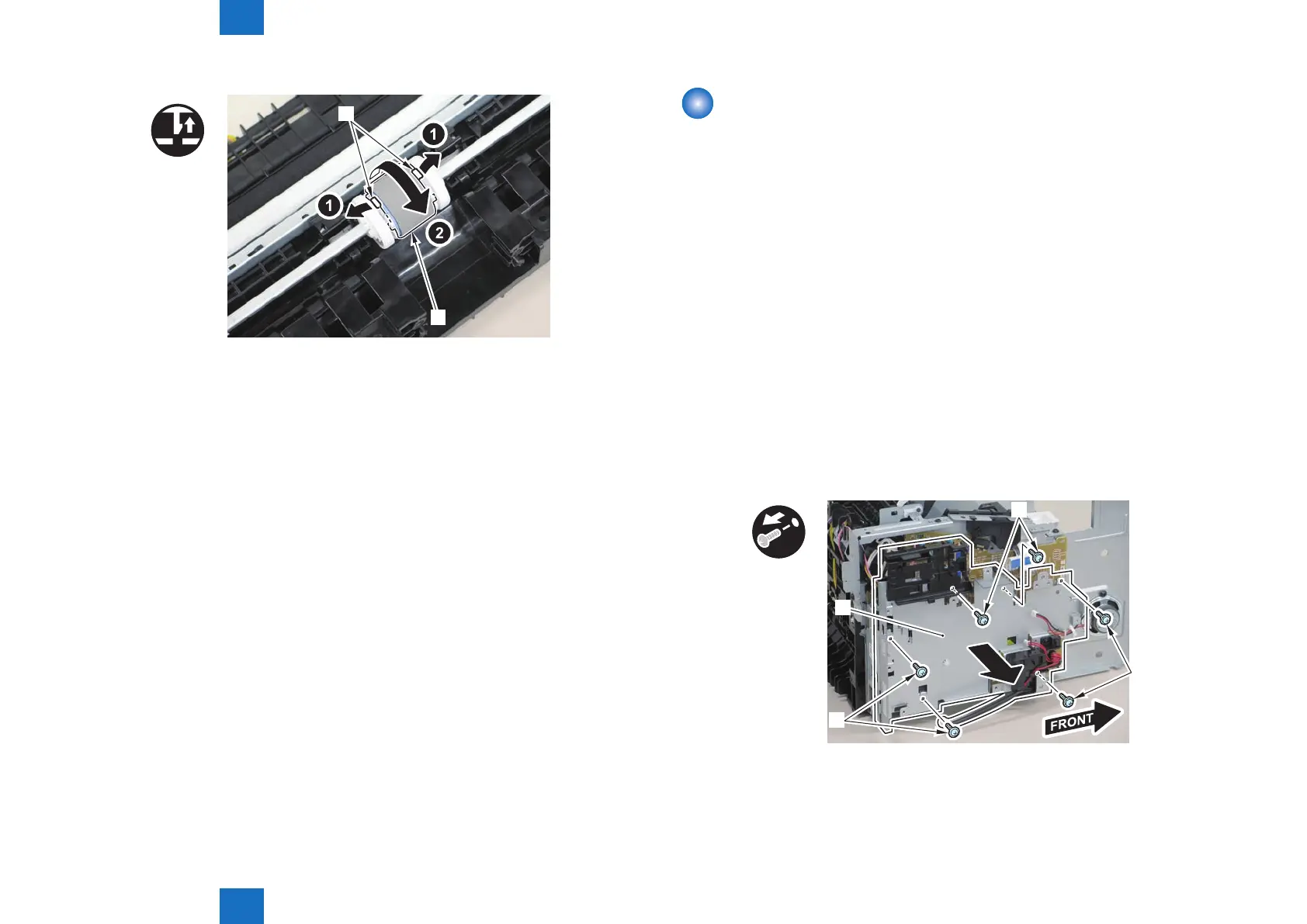
1)Remove the main controller mounting plate[1]
• 4 screws(with washer)[2]
• 2 screws(black TP)[3]
x6
[1]
[3]
[2]
[2]
F-4-1052















 To Next Page