8
8
8-2
8-2
Service Mode > Overview > Service Mode Menu
Service Mode > Overview > Service Mode Menu
Overview
Entering Service Mode.
Contact the sales company for the method to enter service mode.
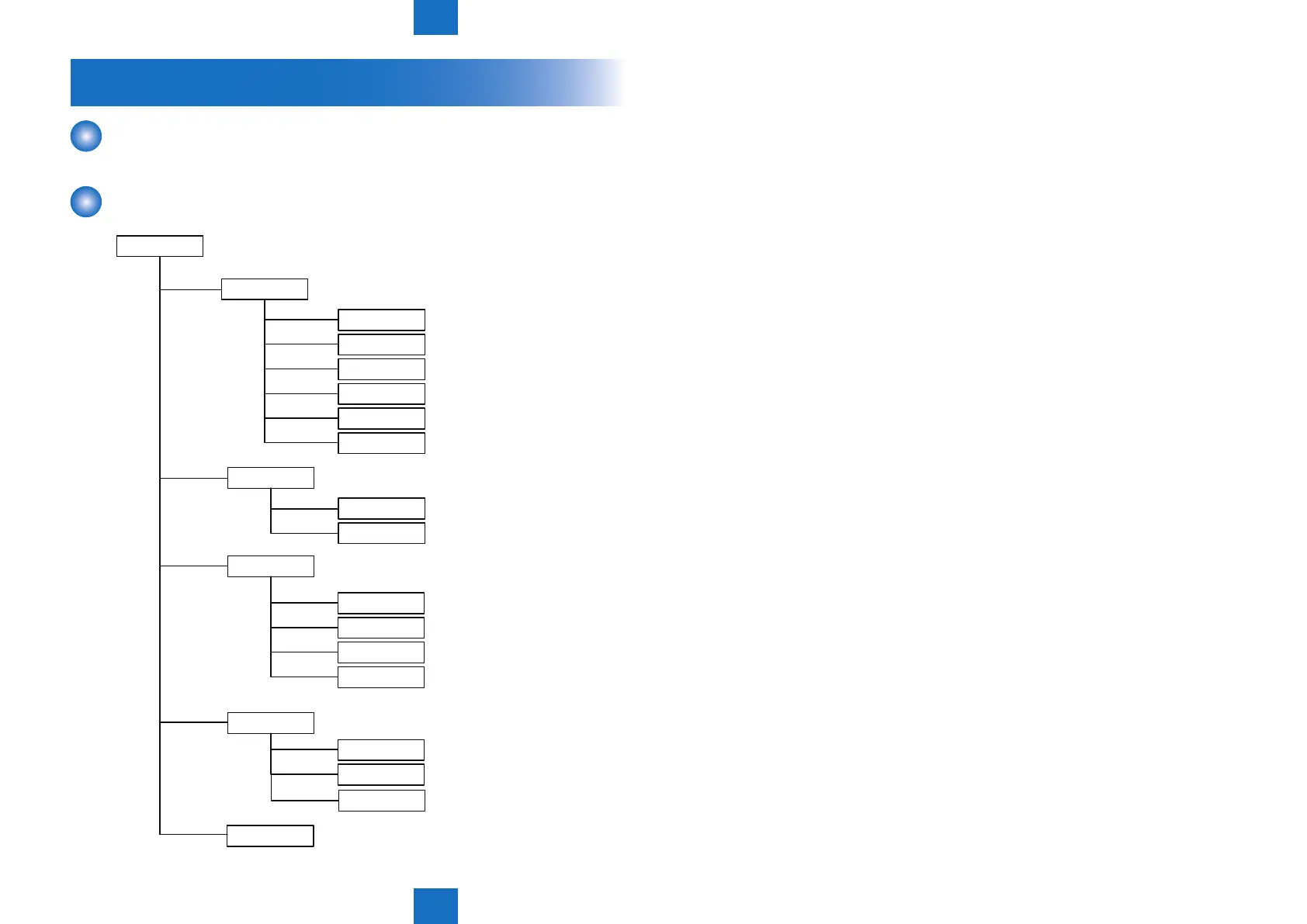
Service Mode Menu
Service mode
COPIER
FEEDER
FAX
TESTMODE
DISPLAY
I/O
ADJUST
FUNCTION
OPTION
COUNTER
SSSW
MENU
NUM
NCU
SYSTEM
SCAN
ADJUST
FUNCTION
Service mode for copier
State display mode
Adjustment mode
Operation / inspection mode
I/O display mode
Counter mode
Specification setting mode
Adjustment mode
Operation / inspection mode
ADF service mode
FAX service mode
Service mode for test print, operation check, etc.
Bit switch registration mode
Menu switch registration mode
Numeric parameter setting mode
NCU parameter setting mode
(Service adjustment is not available)
System test mode
Scan test mode
FAX test mode
Net work test mode
FAX
NET WORK
F-8-1















 To Next Page