4
4
4-359
4-359
Disassembly/Assembly > Pickup And Feeding System > Removing the Duplex Solenoid (D530) > Procedure
Disassembly/Assembly > Pickup And Feeding System > Removing the Duplex Solenoid (D530) > Procedure
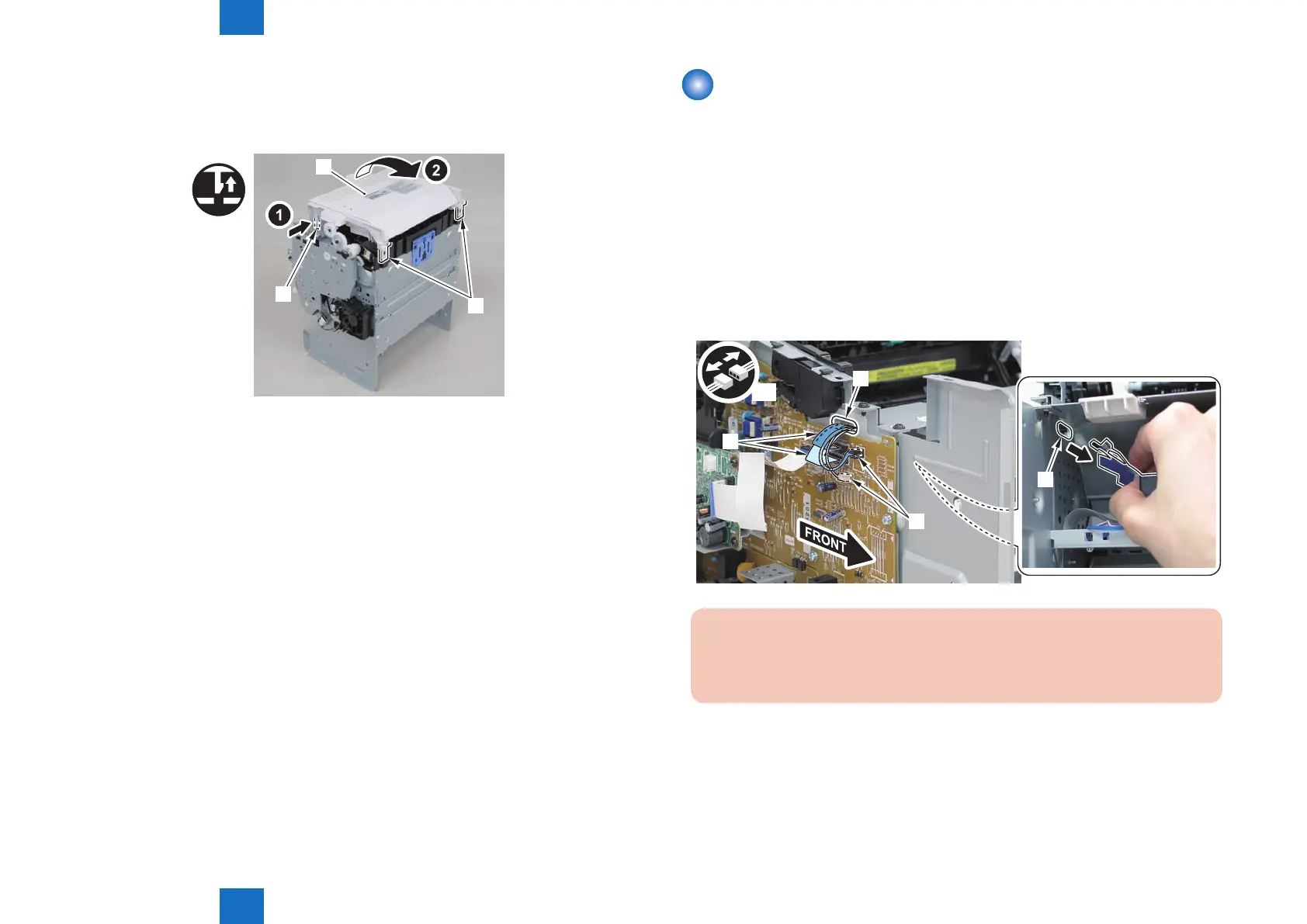
5)Remove the duplex feed unit[1].
• 1 claw[2]
• 2 hooks[3]
[1]
[3]
[2]
F-4-984
Removing the Duplex Solenoid (D530)
■
Preparation
1) Remove the left cover
2)Remove the copyboard cover and reader unit.
3)Remove the right cover
4)Remove the front cover unit.
5)Remove the upper cover.
■
Procedure
1) Remove the 2 connectors[1] and 2 at cables[2], and put them through the hole[A] of the
left side plate to the inside.
x4
[2]
[A]
[A]
[1]
Caution:
When removing the scanner cover, be sure to disconnect the at cable in advance
to prevent damage to the cable
F-4-985















 To Next Page