2
2
2-66
2-66
Technology > MEAP > Enhanced System Application Management > Procedure Changing Login Services
Technology > MEAP > Enhanced System Application Management > Procedure Changing Login Services
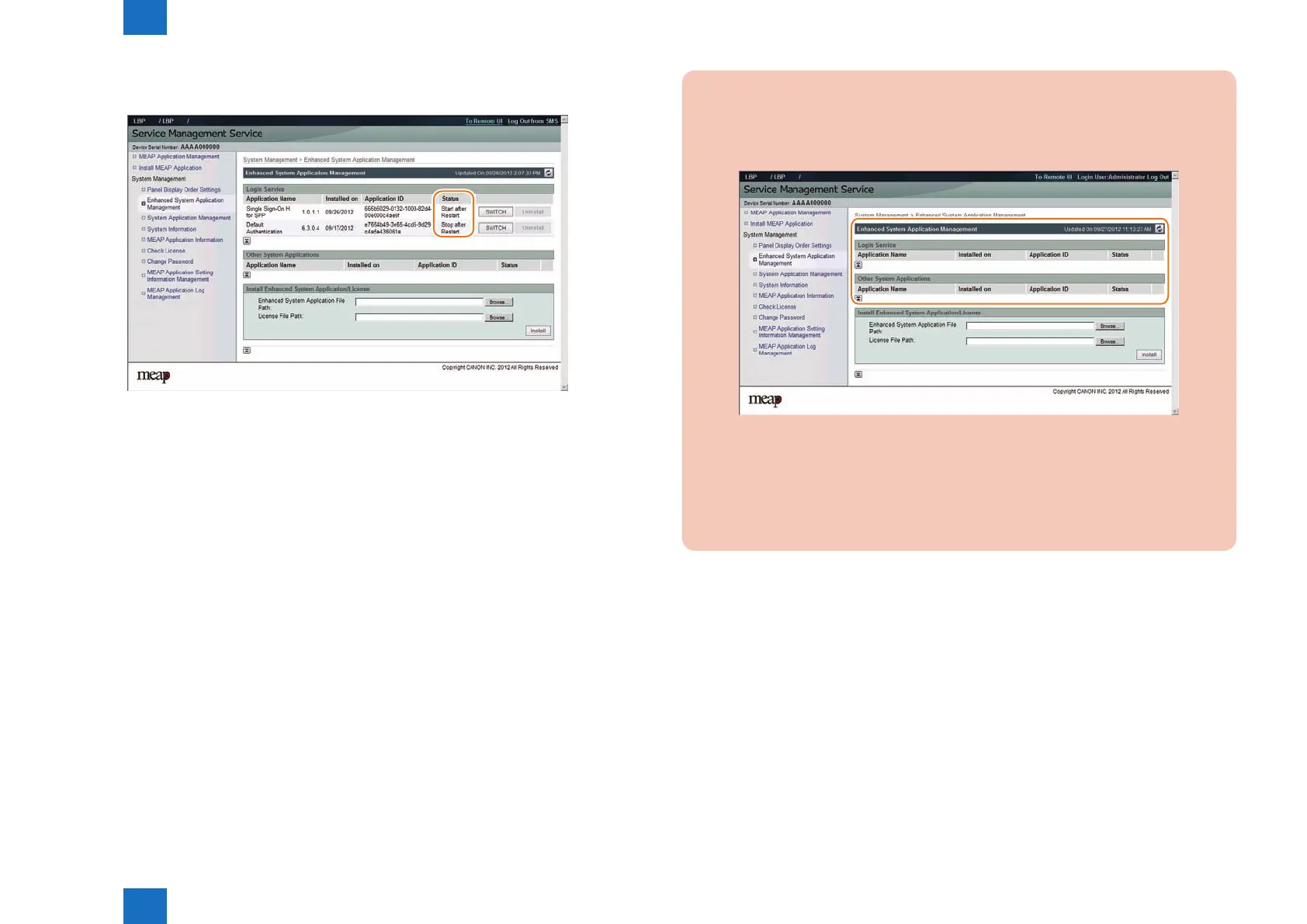
3) Check that the status of the selected login service application has changed to [ Start after
Restart ]. Then, log out of SMS and restart the device.
F-2-135
CAUTION:
In case that the login method to a device is set to SSO-H, if you log in SMS with RLS
authentication, no selection is displayed although it is the screen to change the login
method.
This is the specication to prevent the inconsistent setting which enables to stop SMS
Installer Service (Password Authentication) by changing the login method to Default
Authentication.
When you want to change the login method to a device, log in the SMS with the
password authentication.
F-2-136














 To Next Page