3
3
3-60
3-60
Disassembly/Assembly > Image Formation System > Removing the Transfer Roller
Disassembly/Assembly > Image Formation System > Removing the Transfer Roller
Image Formation System
Layout drawing
[1]
[2]
Key No. Name Reference
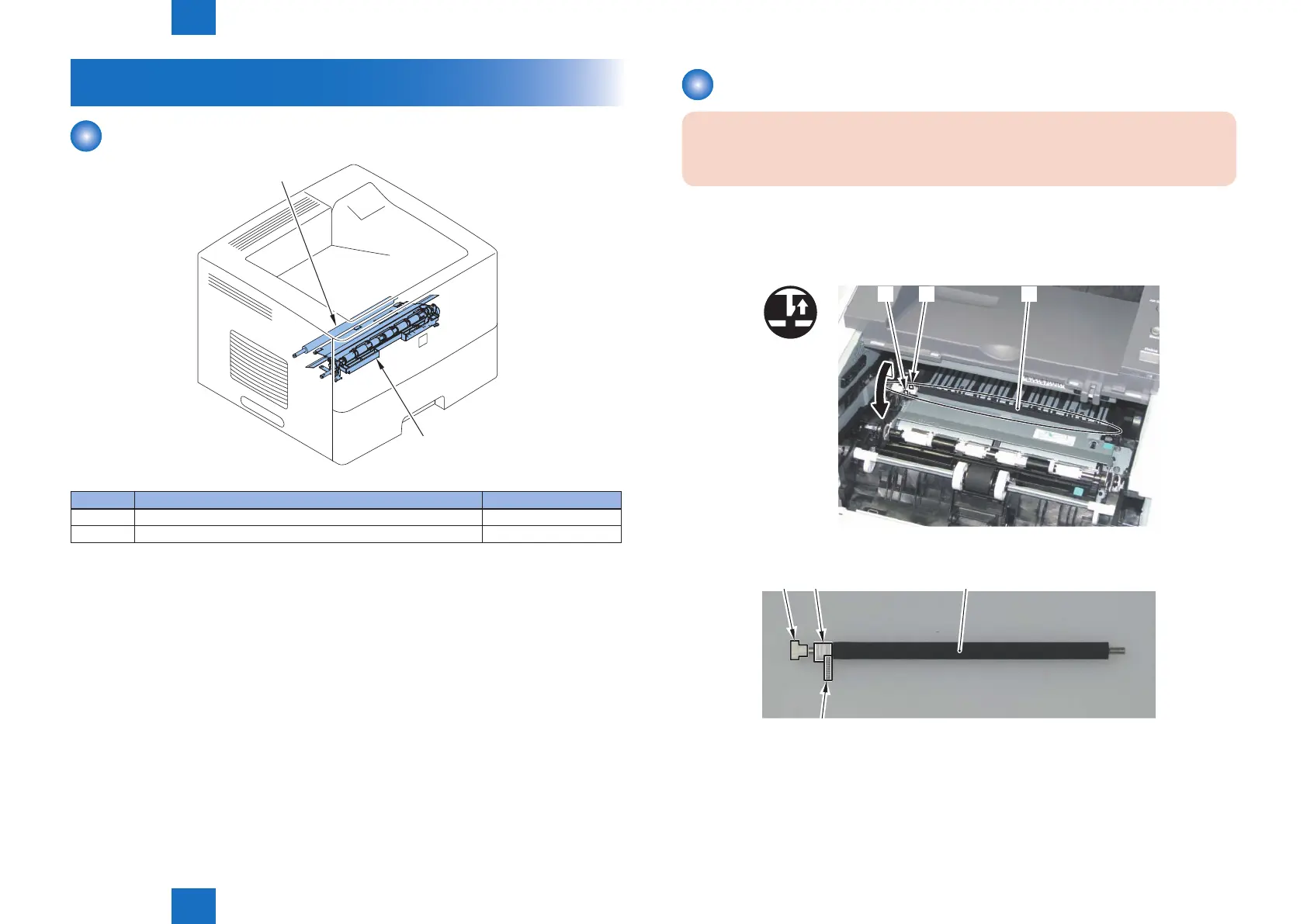
[1] Transfer Roller (Refer to page 3-60)
[2] Registration Unit (Refer to page 3-61)
F-3-125
T-3-27
Removing the Transfer Roller
CAUTION:
Be sure not to touch the surface of the Roller.
1) Open the Front Cover Unit.
2) Remove the Transfer Roller Unit [1].
• 2 Claws [2]
x2
[1][2][2]
3) Remove the gear [2], bushing [3], and spring [4] from the Transfer Roller Unit [1].
[4]
F-3-126
F-3-127














 To Next Page