5
5
5-4
5-4
Troubleshooting > Corrective Actions > Image Defects > Dirt on front
Troubleshooting > Corrective Actions > Image Defects > Dirt on front
■
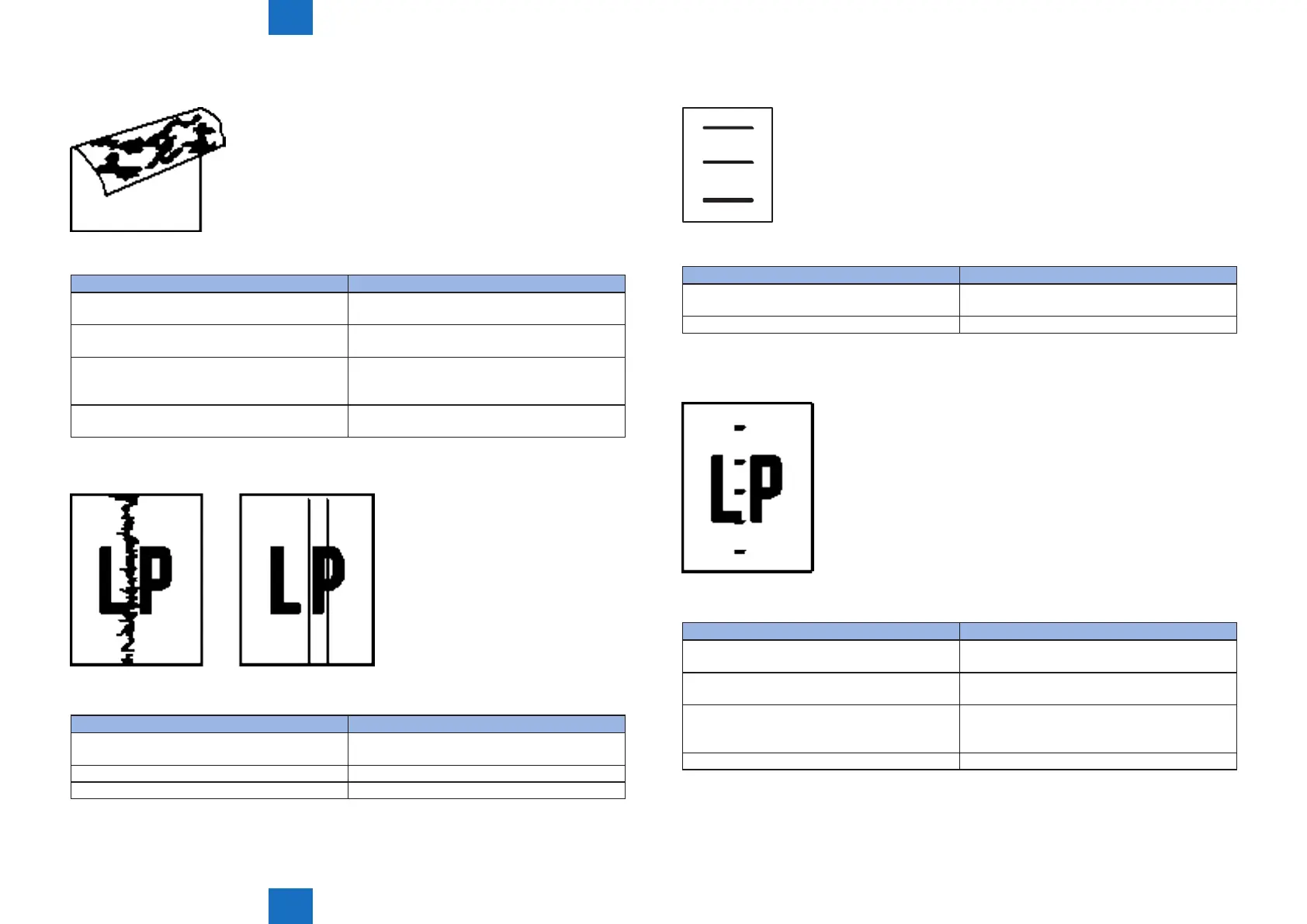
Dirt on back
The back of page is dirty
Cause Solution
1) The print media is dirty Replace the print media to new one. Advice the
customer on how to store the print media.
2) Dirt on leading edge of image (cassette pickup
roller)
Clean the cassette pickup roller. If the dirt does
not come off, replace the roller.
3) Repetitive dirt (registration roller, transfer roller
or pressure roller)
See "Repetitive image defects ruler" to identify
the dirty roller. Clean the dirty roller. If the dirt
does not come off, replace the roller.
4) The media feed belt, media feed guide or xing
inlet guide is dirty
Clean the dirty parts.
■
Vertical lines
Vertical line appears in image
Cause Solution
1) Scratches on the circumference of the
photosensitive drum
Replace the cartridge.
2) The xing inlet guide is dirty Clean the xing inlet guide.
3) Scratches on the xing lm Replace the xing unit.
F-5-6
T-5-6
F-5-7
T-5-7
■
Horizontal lines
Horizontal line appears in image
Cause Solution
1) Horizontal scratches on the photosensitive
drum
Replace the cartridge.
2) The xing lm is dirty, deformed or worn Replace the xing unit.
■
Dirt on front
The front of page is dirty.
Cause Solution
1) The print media is dirty Replace the print media to new one. Advice the
customer on how to store the print media.
2) Dirt on leading edge of image (Multi-purpose
tray pickup roller)
Clean the Multi-purpose tray pickup roller. If the
dirt does not come off, replace the roller.
3) Repetitive dirt (Registration roller, xing lm
unit or cartridge)
See "Repetitive image defects ruler" to identify
the dirty roller. Clean the dirty part. If the dirt does
not come off, replace the part.
4) The delivery roller is dirty Clean the delivery roller.
F-5-8
T-5-8
F-5-9
T-5-9














 To Next Page