5
5
5-36
5-36
Troubleshooting > Updater > Preparation > Setting Sales Company’s HQ
Troubleshooting > Updater > Preparation > Setting Sales Company’s HQ
Preparation
■
Overview of Preparation
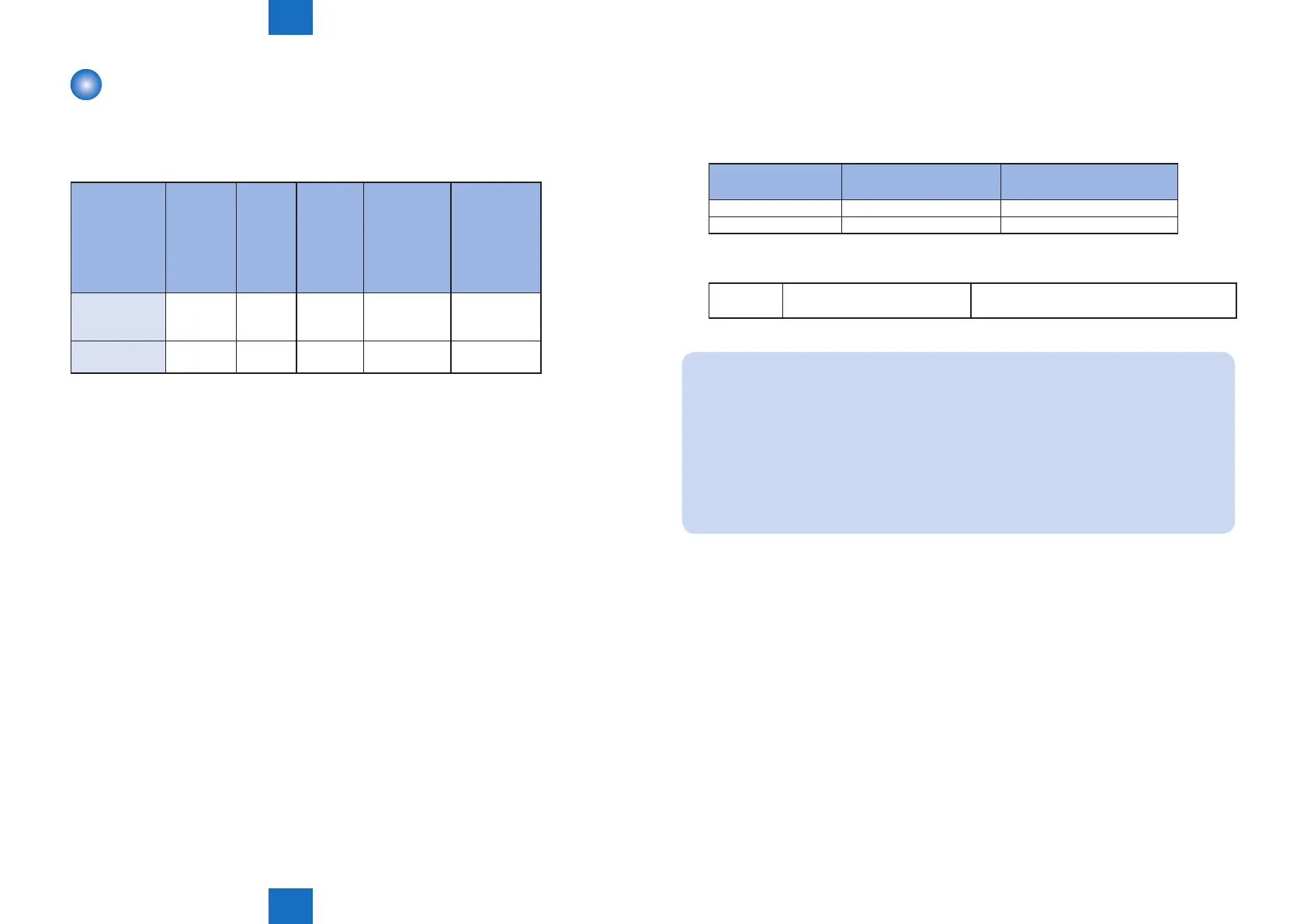
The following should be prepared before using Updater.
• For updating of rmware
Installation
Method
Setting
Sales
Company’s
HQ
Network
Settings
Enabling
UGW Link
Enabling
[Update
Firmware]
Button of User
Mode
Enabling
[Manual
Update]
Button of
User Mode
(Remote UI)
UGW-linked
Download and
Update
Yes Yes Yes - -
UGW-linked
Download
Yes Yes Yes - -
T-5-50
■
Setting Sales Company’s HQ
When using devices input in the markets listed below, the default setting of Sales Company’s
HQ should be changed before obtaining rmware distributed from CDS. Unless the setting is
changed properly, the desired rmware may not be able to be selected.
Market
Default Setting of Sales
Company's HQ
Setting of Sales Company's
HQ after Change
Canada US CA
Latin America US LA
Go to the following screen to change the setting of Sales Company's HQ.
Service
Technician
Setting of Device Service Mode SERVICE MODE > FUNCTION GR. > MEAP >
CDS-CTL
NOTE:
The list below shows the setting of Sales Company’s HQ for CDS-CTS by market.
Check and adhere to the appropriate setting for your market.
<List of Sales Company’s HQ and the settings for CDS-CTL>
Japan = JP China = CN
USA = US Hong Kong = HK
Singapore = SG Australia = AU
Europe = NL Canada = CA
Korea = KR Latin America= LA
T-5-51














 To Next Page