5
5
5-69
5-69
Troubleshooting > Debug log > Collecting Sublog > Collecting log
Troubleshooting > Debug log > Collecting Sublog > Collecting log
■
Generating the log
Generation of the log starts as soon as the Sublog Board is installed.
For example, when collecting the log of error, take the following steps immediately after the
error occurred.
If the log is not swiftly collected, it is possible for the log written on the schedule to overwrite
the target behavior log.
■
Collecting log
When setting LOG TO USBMEM in service mode, log is transferred to the USB memory
device connected to the machine.
Log is transferred to the USB memory device connected to the machine in the following
procedure.
1) Turn ON the power while pressing down the "<-" , "OK" and "Online" simultaneously.
2) Scroll to the right and left to display "LOG TO USBMEM". Press the "↓" button to write to the
USB memory device.
BOOTROM XX.XX →/↓
UPDATE:LANC →/↓
UPDATE:USB →/↓
LOG TO USBMEM →/↓
DL-T DATA WRITE
Do not turn the main
power OFF.
3) When the machine is restarted and "Printing is possible" is displayed after writing is
complete, remove the USB memory device.
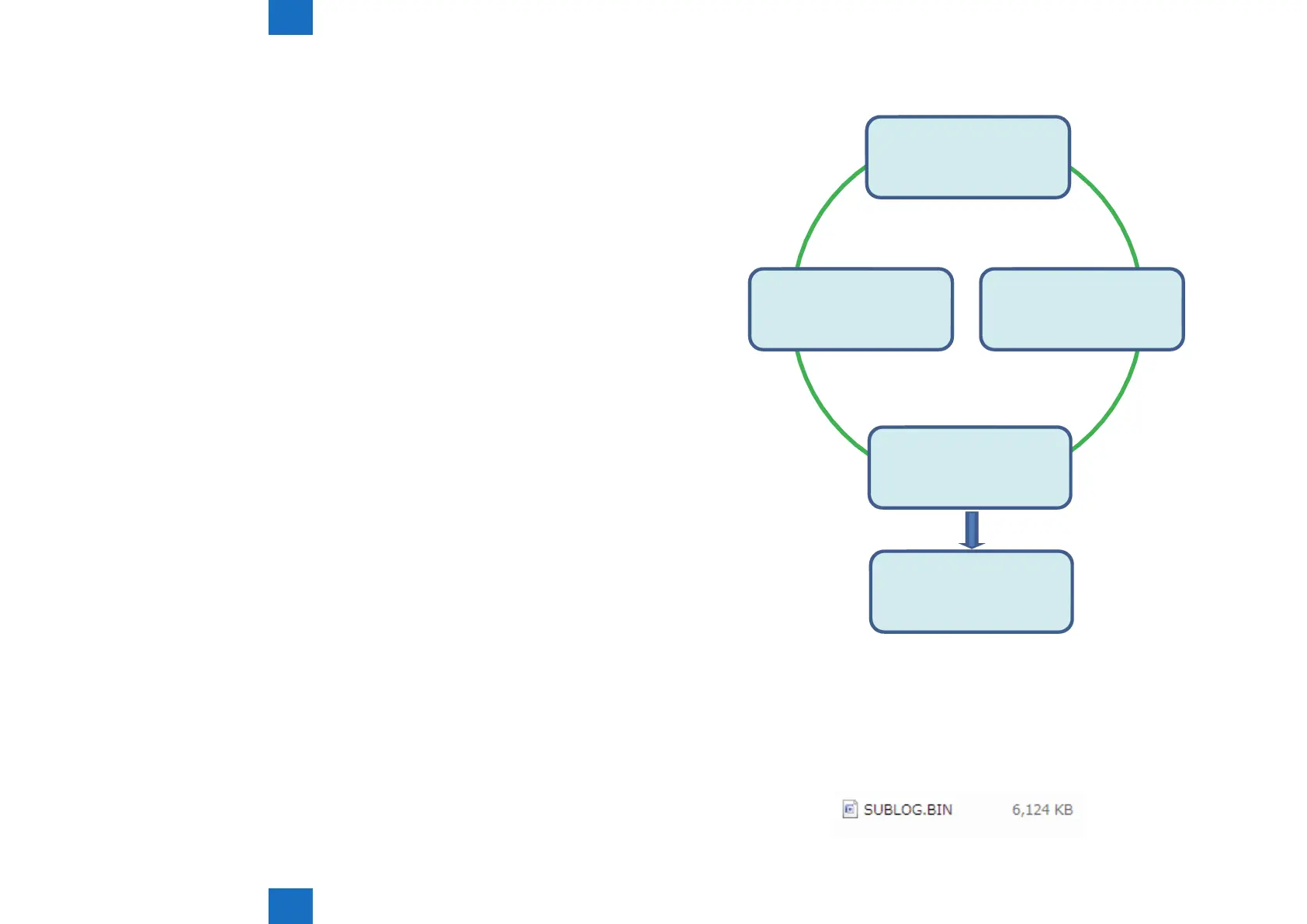
4) A sublog le named SUBLOG. BIN is output under /LOG_TMP of the USB memory device.
Collect SUBLOG.BIN and send it to the department in charge of quality at the sales
company.
F-5-85
F-5-86














 To Next Page