2
2
2-74
2-74
Technology > MEAP > Setting the method to login to SMS > Initial Display Languages of SMS
Technology > MEAP > Setting the method to login to SMS > Initial Display Languages of SMS
CAUTION:
In case that the login method to a device is set to SSO-H, if you log in SMS with RLS
authentication, no selection is displayed although it is the screen to change the login
method.
This is the specication to prevent the inconsistent setting which enables to stop SMS
Installer Service (Password Authentication) by changing the login method to Default
Authentication.
When you want to change the login method to a device, log in the SMS with the
password authentication.
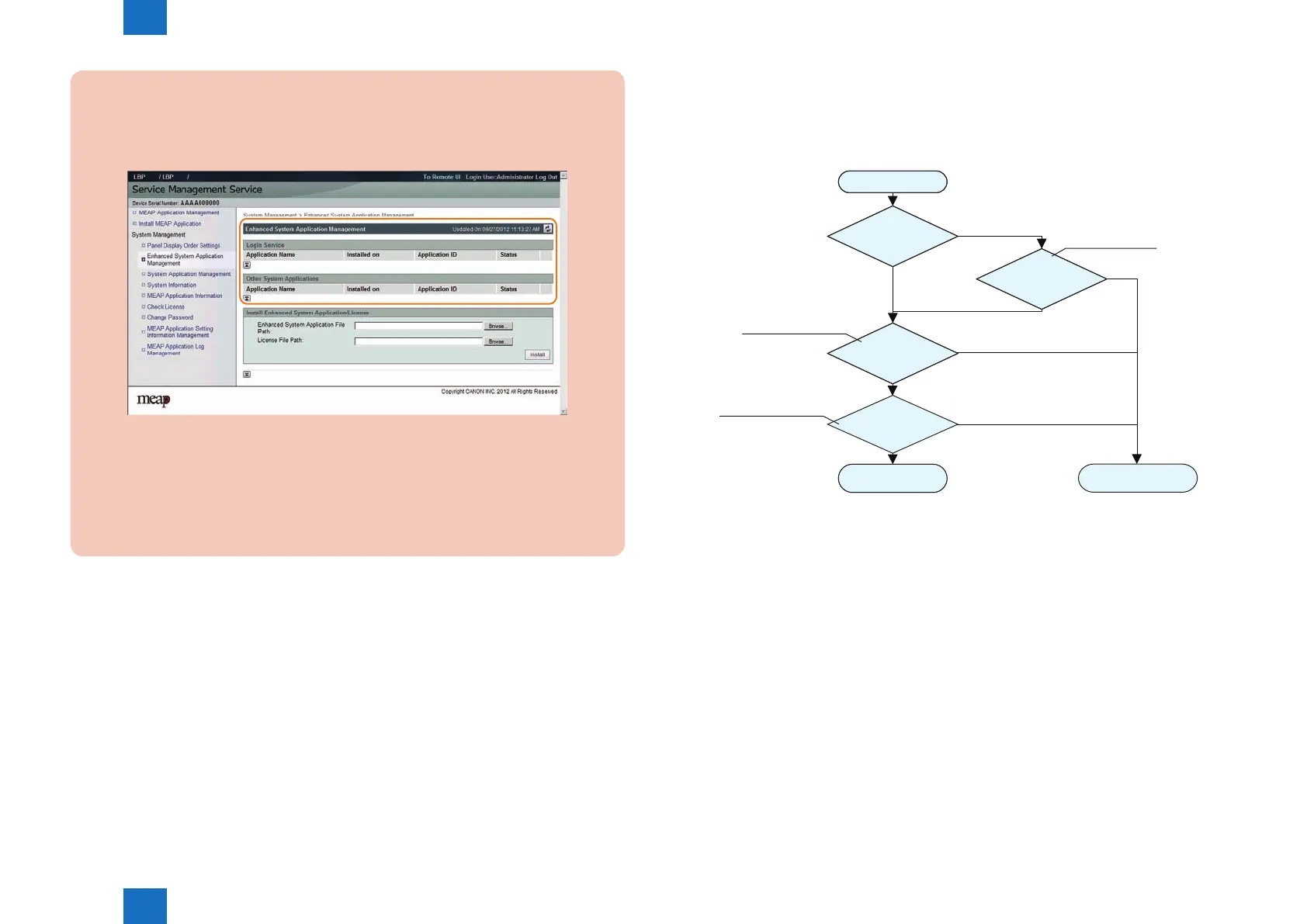
F-2-161
■
Initial Display Languages of SMS
SMS supports English and Japanese. Display language can be changed with selecting by the
drop down list on a login page.
The initial display language at the time of accessing SMS depends on the setting.
Start
Logged in by RLS
authentication.
Remote UI display
setup language
Language
priority setting of a
browser
Display setting
of a device
Display in English.
Display in the
language configured.
English or Japanese
No
Refer to the setting of a language
displaying in registration/initial
setting [Additional Function].
Refer to the setting of the
Accept-Language header,
which a browser sends out.
Yes
English or Japanese
English or Japanese
Except English or Japanese
Except English or Japanese
Except English or Japanese
Refer to the value of
portalLang stored in
Cookie.
●
When accessing by SMS Installer Service (Password Authentication)
It is referred in order of the language priority (setting of the Accept-Language header which a
browser sends out) and the display-language setting in the "user mode". When the language
setup is other than English or Japanese, it is displayed in English.
●
When accessing by SMS Installer Service (Remote Login Service
Authentication).
Initial display language is set by the language setting (value of portalLang storing in Cookie)
selected by the remote UI screen. When the setting is other than English or Japanese,
Selection of display language is performed in a similar way with the SMS Installer Service
(Password Authentication) mentioned above.
F-2-162














 To Next Page