5
5
5-5
5-5
Troubleshooting > Corrective Actions > Image Defects > Loose toner
Troubleshooting > Corrective Actions > Image Defects > Loose toner
■
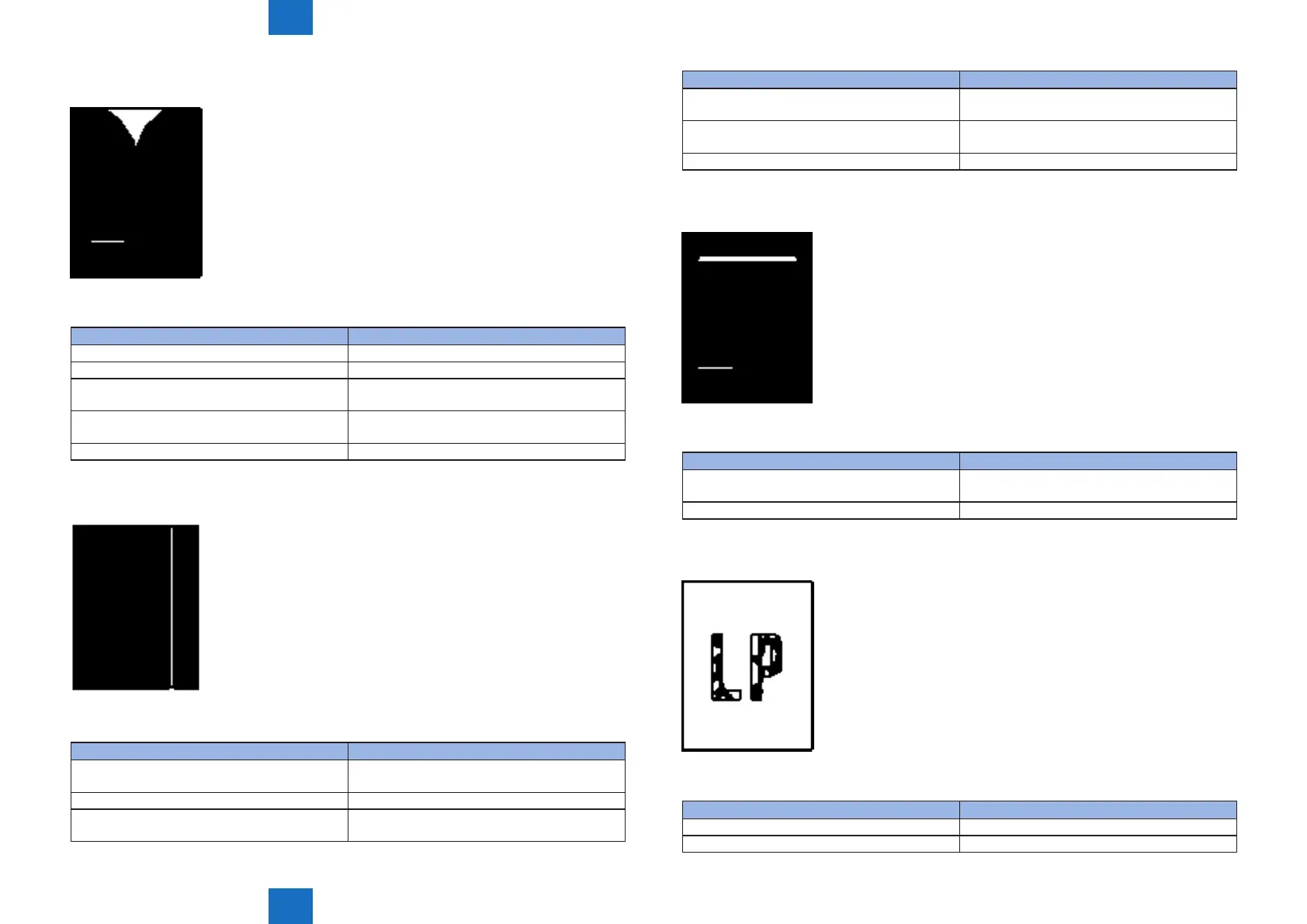
Dropouts
Dropout appears in image
Cause Solution
1) The transfer roller is dirty or deformed Replace the transfer roller.
2) Poor high-voltage contact with the cartridge Clean the contact if dirty.
3) The photosensitive drum, primary charging
roller, developing roller is defective
Replace the cartridge.
4) Scratches or foreign substance on the xing
lm
Replace the xing unit.
5) The high-voltage power supply is defective Replace the high-voltage power supply unit.
■
Vertical white lines
Vertical white line appears in image
Cause Solution
1) Scratches on the circumference of the
photosensitive drum
Replace the cartridge.
2) The developing roller is defective Replace the cartridge.
3) Foreign substance adheres to the laser beam
window of the printer or cartridge
Remove foreign substance from the laser beam
window.
F-5-10
T-5-10
F-5-11
Cause Solution
4) Foreign substance adheres to the xing inlet
guide or the guide is dirty
Clean the xing inlet guide.
5) Scratches or foreign substance on the xing
lm
Replace the xing unit.
6) The mirror in the laser scanner unit is dirty Replace the laser scanner unit.
■
Horizontal white lines
Horizontal white line appears in image
Cause Solution
1) Horizontal scratches on the photosensitive
drum
Replace the cartridge.
2) The xing lm is defective Replace the xing unit.
■
Loose toner
Toner image is not fully xed on the media
Cause Solution
1) The pressure roller is dirty Execute a “pressure roller cleaning”
2) The xing lm or the pressure roller is defective Replace the xing unit.
T-5-11
F-5-12
T-5-12
F-5-13
T-5-13














 To Next Page