2
2
2-71
2-71
Technology > MEAP > Setting the method to login to SMS > Outline
Technology > MEAP > Setting the method to login to SMS > Outline
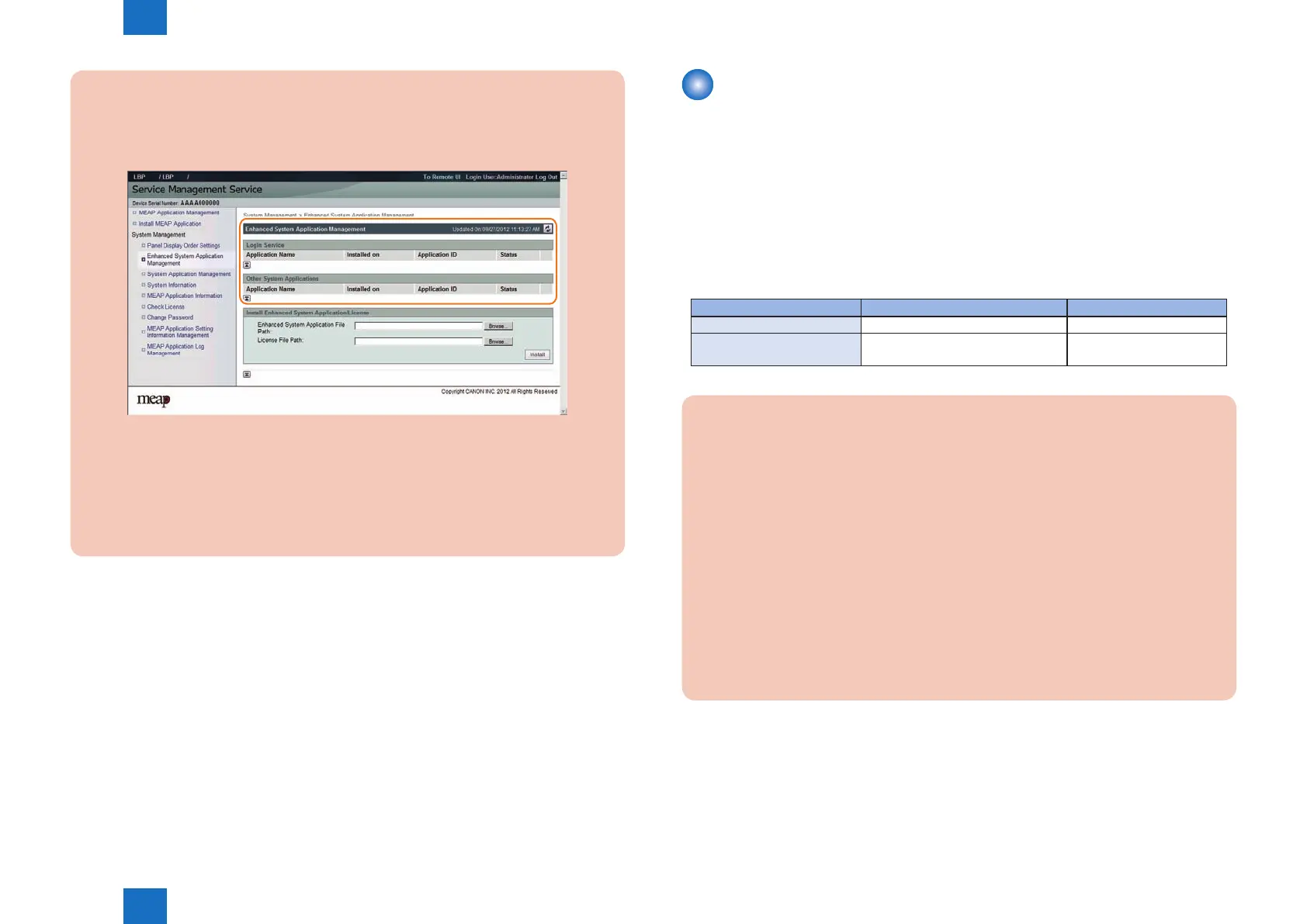
CAUTION:
In case that the login method to a device is set to SSO-H, if you log in SMS with RLS
authentication, no selection is displayed although it is the screen to change the login
method.
This is the specication to prevent the inconsistent setting which enables to stop SMS
Installer Service (Password Authentication) by changing the login method to Default
Authentication.
When you want to change the login method to a device, log in the SMS with the
password authentication.
F-2-152
Setting the method to login to SMS
■
Outline
The method to log into SMS can be specied by one of the following methods.
• If you want to change the password authentication settings: Use RLS authentication to
log in, and change the settings.
• If you want to change the RLS authentication settings: Use password authentication to
log in, and change the settings.
The following table shows the start/stop combinations of the two login methods.
Combination of Login Methods
Start RLS Authentication Stop RLS Authentication
Start Password Authentication Login available with either method Login available only with
Stop Password Authentication Login available only with RLS
Authentication
Setting unavailable
CAUTION:
If only login via RLS is programmed, login may be disabled for the following reasons.
• Authentication server is down
• Network problem, no communication with authentication server
In the event of either of these cases, try the following.
1. If local device authentication is active, try logging in with local device authentication.
2. If only server authentication is active, launch in MEAP safe mode from the device
service mode.
After launching in MEAP safe mode, the Default Authentication will become active, and
you will be able to login to SMS with password authentication. After logging into SMS,
set the password authentication login to ON (active) and restore the device from MEAP
safe mode to normal mode. Until the problem blocking authentication is resolved, log
into SMS with password authentication.














 To Next Page