5
5
5-2
5-2
Troubleshooting > Corrective Actions > Image Defects > Dark print
Troubleshooting > Corrective Actions > Image Defects > Dark print
Corrective Actions
Image Defects
■
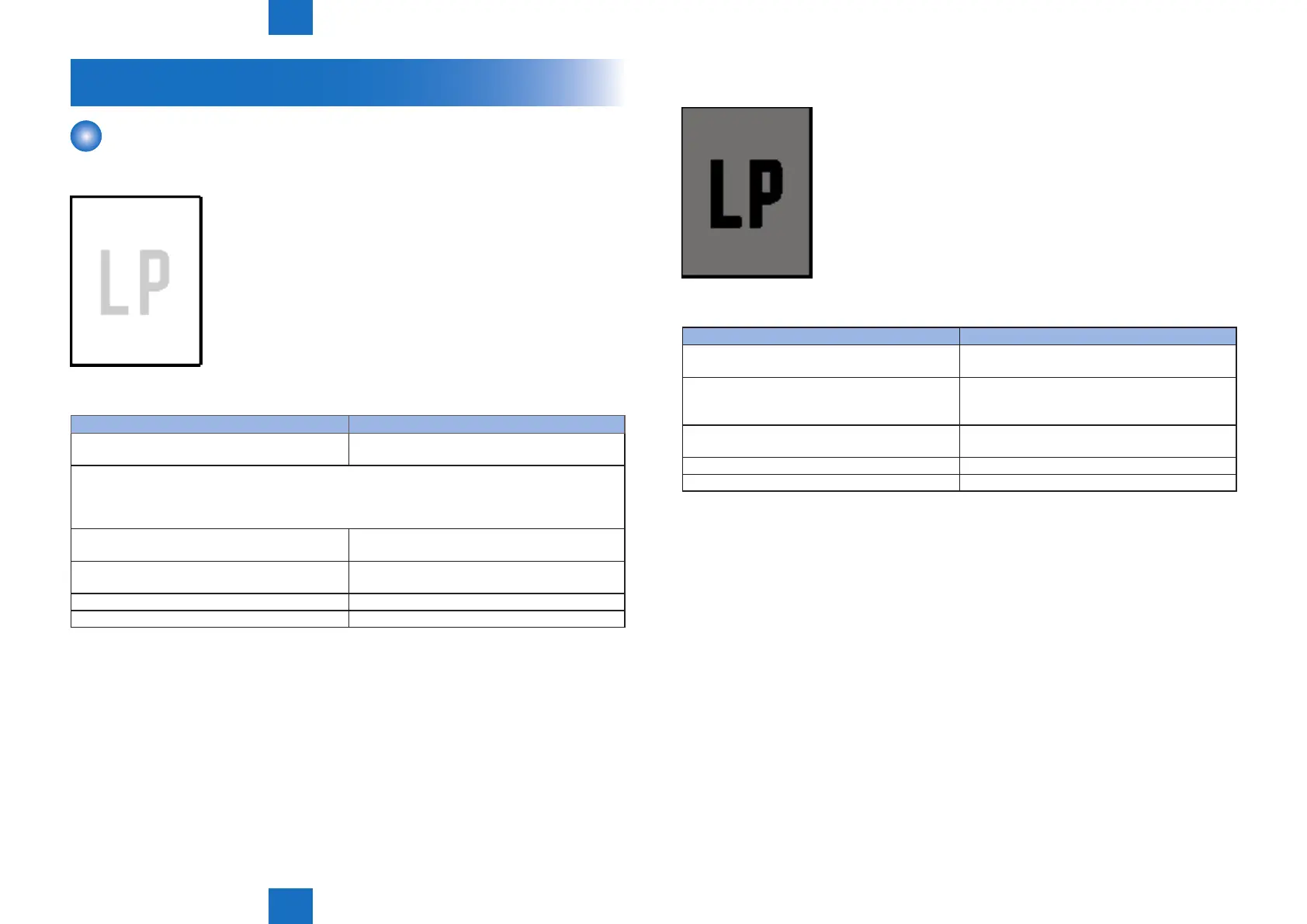
Light print
Image is light in entire page
Cause Solution
1) Print density is not adjusted properly Adjust the print density by operating the external
device.
Open the cartridge door during a print operation and remove the cartridge. Open the photosensitive
drum shield of the cartridge to check the toner image on the drum surface. If the toner image is not
fully transferred to the media, go to step 2. If the toner on the photosensitive drum is faint, go to step
5. Do not open the drum shied for longer than 10 seconds.
2) The transfer roller is deformed or has
deteriorated
Replace the transfer roller.
3) Poor contact exists between the transfer roller
and its shaft
Clean the contact if dirty.
4) The high-voltage power supply is defective Replace the engine controller unit.
5) The laser scanner unit is defective Replace the laser scanner unit.
F-5-1
T-5-1
■
Dark print
Image is obviously dark
Cause Solution
1) Print density is not adjusted properly Adjust the print density by operating the external
device.
2) Poor drum grounding contact with the cartridge Clean a contact point of the Cartridge.
Clean a contact point of the main body.
Replace the Cartridge.
3) Poor primary charging bias contact with the
cartridge
Clean the contact if dirty.
4) The laser scanner unit is defective Replace the laser scanner unit.
5) The high-voltage power supply is defective Replace the engine controller unit.
F-5-2
T-5-2














 To Next Page