5
5
5-48
5-48
Troubleshooting > Updater > FAQ > FAQ on General Matters of Updater
Troubleshooting > Updater > FAQ > FAQ on General Matters of Updater
■
FAQ on General Matters of Updater
No.1
Q: What preparation is needed in each installation method?
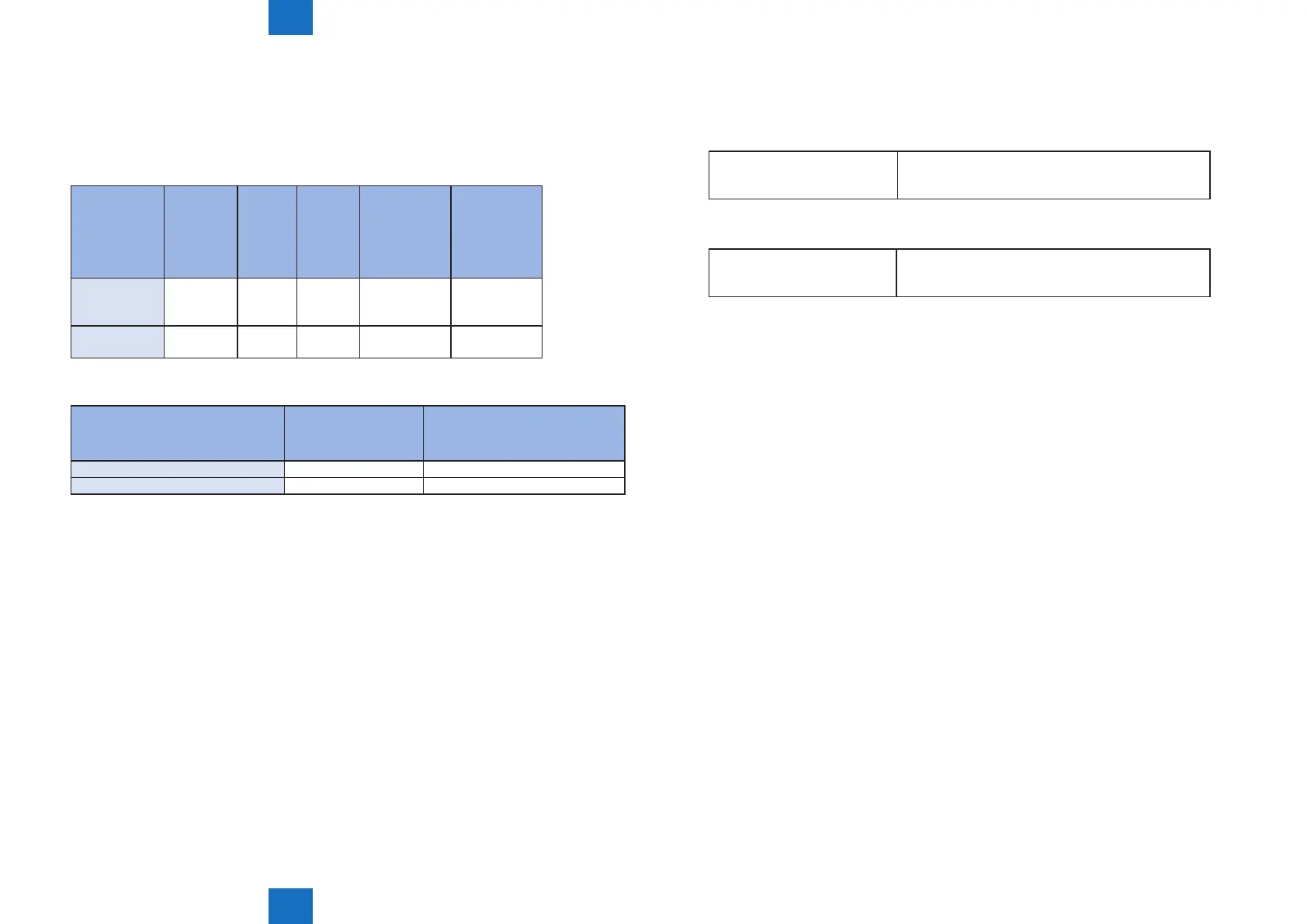
A: See the table below for preparation required in each installation method.
• For updating rmware
Installation
Method
Setting
Sales
Company’s
HQ
Network
Settings
Enabling
UGW
Link
Enabling
[Update
Firmware]
Button of User
Mode
Enabling
[Manual
Update] Button
of User Mode
(Remote UI)
UGW-linked
Download and
Update
Yes Yes Yes - -
UGW-linked
Download
Yes Yes Yes - -
• For install Application
Installation Method Network Settings
Enabling [Install Application/
Options] Button of User Mode
(Remote UI)
LMS-linked Installation Yes -
LMS-linked installation via Remote UI Yes Yes
T-5-54
T-5-55
No.2
Q: How can operations using Updater be masked on the users' side?
A: Be sure to perform the following from the service mode.
• Masking Firmware Installation
Setting Device Service Mode SERVICE MODE >FUNCTION GR. >MEAP >CDS-
FIRM
(On -> Off)
• Masking Application Installation
Setting Device Service Mode SERVICE MODE >FUNCTION GR.>MEAP >CDS-
MEAP
(On -> Off)
No.3
Q: Can the communication be cancelled during the communication test?
A: No. During the communication test, there is no “Cancel” button.














 To Next Page