1
1
1-13
1-13
Product Description > Using The Machine > Setup Menu (LBP3560/6750dn) > Std Network Menu
Product Description > Using The Machine > Setup Menu (LBP3560/6750dn) > Std Network Menu
■
Std Network Menu
NOTE:
• After changing the settings for this item, cycle the power of the printer or perform a hard
reset to make the settings effective.
• This item is displayed only when all the following conditions are fullled.
[Network] in [Interface Connection] is set to [On].
If [Primary Network Setting] is set to [Standard Network], specify the setting for [Primary
Network Setting] in the [Extension Card] page in the Remote UI or [Extension Card] on
the control panel.
• This option is displayed only when [Network] in [Interface Connection] is set to [On].
• Bold values in the table indicate the default settings.
• The setting items or setting values with "*" may not be displayed depending on the
availability of the optional accessories and other settings.
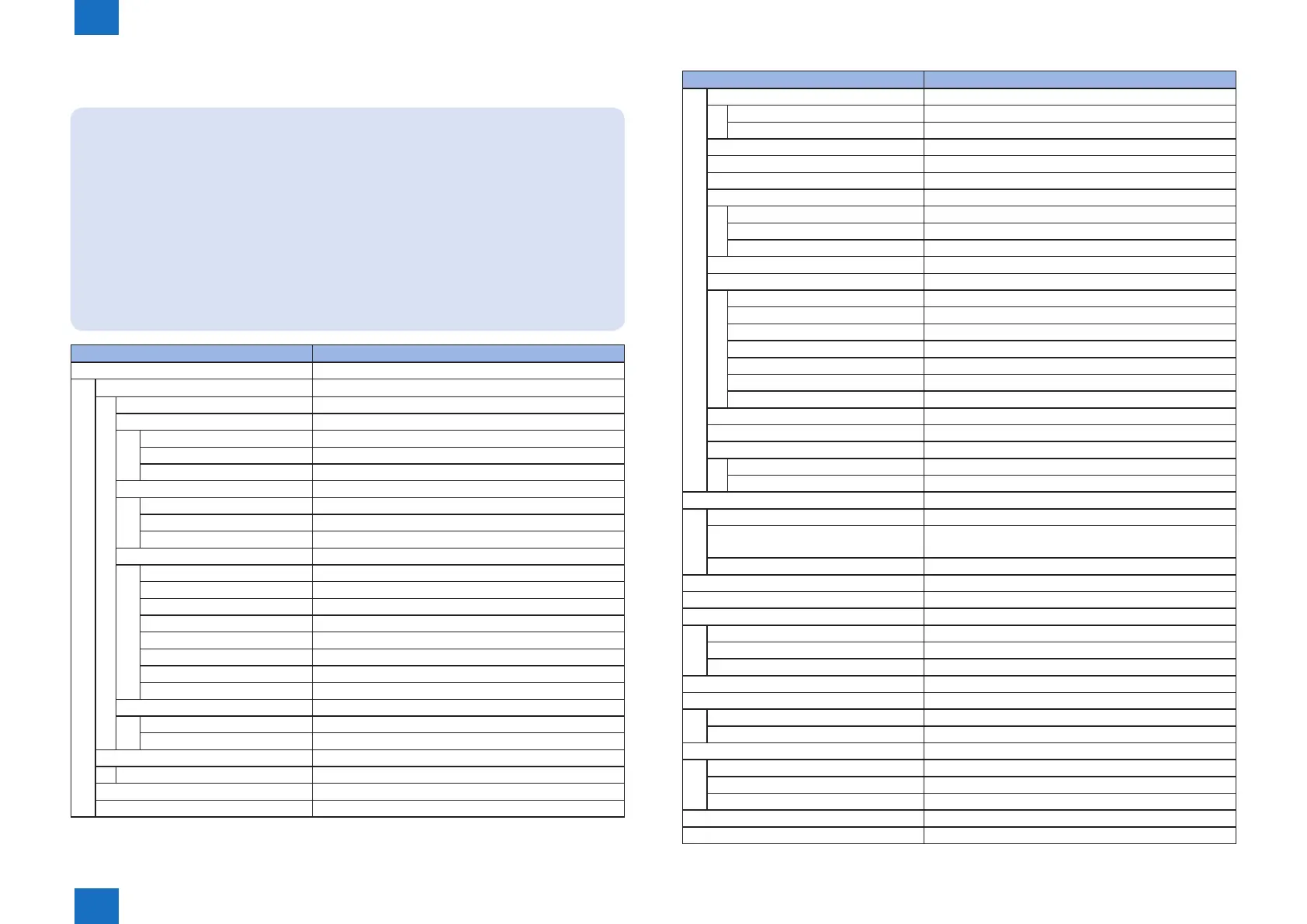
Setting Item Setting Value
[TCP/IP Settings]
[IP v.4 Settings]
[IP Mode] [Auto], [Manual]
[Protocol]*
[Use DHCP] [Off], [On]
[Use BOOTP] [Off], [On]
[Use RARP] [Off], [On]
[IP Address Settings]:
[IP Address] 0.0.0.0
[Subnet Mask] 0.0.0.0
[Gateway Address] 0.0.0.0
[IP Address Range]:
[Reject Receive/Print [Off], [On]
[Reject Address Set.]* Reject IP Address 1 to 8
[Permit Receive/Print] [Off], [On]
[Permit Address Set.]* Permit IP Address 1 to 8
[Reject Set/Browse]] [Off], [On]
[Reject Address Set.]* Reject IP Address 1 to 8
[Permit Set/Browse] [Off], [On]
[Permit Address Set.]* Permit IP Address 1 to 8
[DNS]:
[Primary Address] 0.0.0.0
[Secondary Address] 0.0.0.0
[IP v.6 Settings]
[IP v.6] [Off], [On]
[WINS Resolution] [Off], [On]
[ARP/PING] [Off], [On]
Setting Item Setting Value
[FTP]
[FTP Print] [Off], [On]
[FTP Settings] [Off], [On]
[LPD Print] [Off], [On]
[RAW Print] [Off], [On]
[IPP Print] [Off], [On]
[WSD]
[WSD Print] [Off], [On]
[WSD Browsing]* [Off], [On]
[Multicast Discovery] [Off], [On]
[HTTP] [Off], [On]
[Proxy Settings]*
[Proxy] [Off], [On]
[Server Address]* -
[Port Number]* 0 to 80 to 99999
[Same Domain]* [Use Proxy], [Do Not Use Proxy]
[Proxy Authentication]* [Off], [On]
[User Name]* -
[Password]* -
[SNTP] [Off], [On]
[Response] [Off], [On]
[MAC Address Settings]
[Permit Receive [Off], [On]
[Permit Address Set.]* [Permit MAC Add. 1] to [Permit MAC Add. 50]
[NetWare Settings]
[NetWare] [Off], [On]
[Frame Type]* [Auto Detect], [Ethernet II], [Ethernet 802.2], [Ethernet
802.3], [Ethernet SNAP]
[Print Service] [Bindery PServer], [RPrinter], [NDS PServer], [NPrinter]
[AppleTalk] [Off], [On]
[SNMP v.1] [Off], [On]
[SNMP v.3 Settings]
[SNMP v.3] [Off], [On]
[User Settings 1] to [User Settings 5]* [Authent. Password]
[Encryption Password] [Encryption Password]
[Start Wait Time]* 0 to 300 seconds
[Remote UI Settings]
[Remote UI] [Off], [On]
[SSL]* [Off], [On]*
[Ethernet Driver]*
[Auto Detect] [Off], [On]
[Communication Mode]*] [Half Duplex], [Full Duplex]
[Ethernet Type]* [10 Base-T], [100 Base-TX]
[MAC Address]* (Display only)
[Initialize Network] -
T-1-17














 To Next Page