2
2
2-43
2-43
Technology > MEAP > Installing an MEAP Application > Outline
Technology > MEAP > Installing an MEAP Application > Outline
●
If [ Key and Certicate Settings ] is not set
If [ Key and Certicate Settings ] is not set correctly, you cannot access the URL for SMS
(https://<devices's IP address>:8443/sms/). In this case, you can use the following procedure
to solve the problem.
1) Go to http://<device's IP address>:8000/sms/, and check to see that "HTTP 500 Internal
Server Error" appears.
2) If the message is displayed, see the procedure described in "Key Pair and Server
Certicate when Using Encrypted SSL Communication" in this manual to deal with the
problem.
Note:
As for SMS, by setting the key to be used, encrypted SSL communication is always
executed regardless of the following setting: (Settings/Registration) > [Management
Settings] > [License/Other] > [MEAP Settings] > [Use SSL] > ON/OFF.
●
How to deal with a message "Certicate Error" appearing during
access
If "Certicate Error" appears when you access SMS from a browser, refer to the procedure
described in " Installing a server certicate (reference information) " in this manual to deal
with the problem.
Installing an MEAP Application
■
Outline
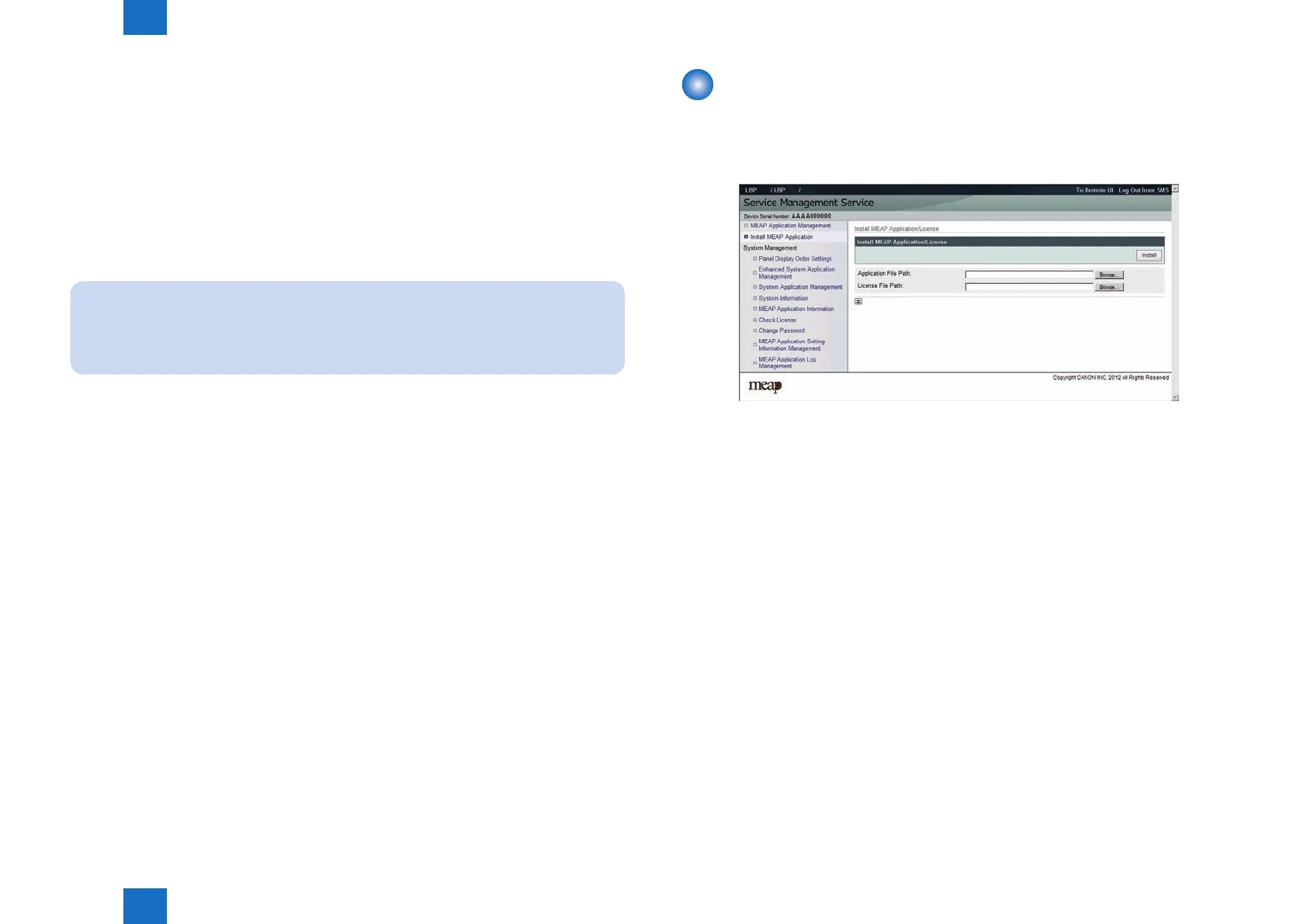
From the MEAP application installation screen, you can install the MEAP application as well
as the license le.
Before installing the MEAP application, be sure to check the following items.
●
Device compatibility with the MEAP application
To nd out whether the device is compatible with the MEAP application, check the devices
supported by the MEAP application. Depending on the application, the device's rmware may
require version upgrade.
●
Resources availability (remaining amount)
The necessary resources (free storage space and free memory available) must be secured
for an MEAP application to run; otherwise, you cannot install the MEAP application.
To check the resource information, see "Device's resources," on p. 2-46. in this manual.
F-2-77














 To Next Page