2
2
2-40
2-40
Technology > MEAP > Preparation for Using SMS > How to Check the Serial Number
Technology > MEAP > Preparation for Using SMS > How to Check the Serial Number
Note:
If PS Print Server Unit is connected, do not specify port 8080.
If port 8080 is specied, the RUI of the device where the MEAP authentication
application is running cannot be displayed. (Port 8080 is reserved to allow the PS Print
Server Unit to redirect to the iR device.)
3) Restart the device if the port number is set.
■
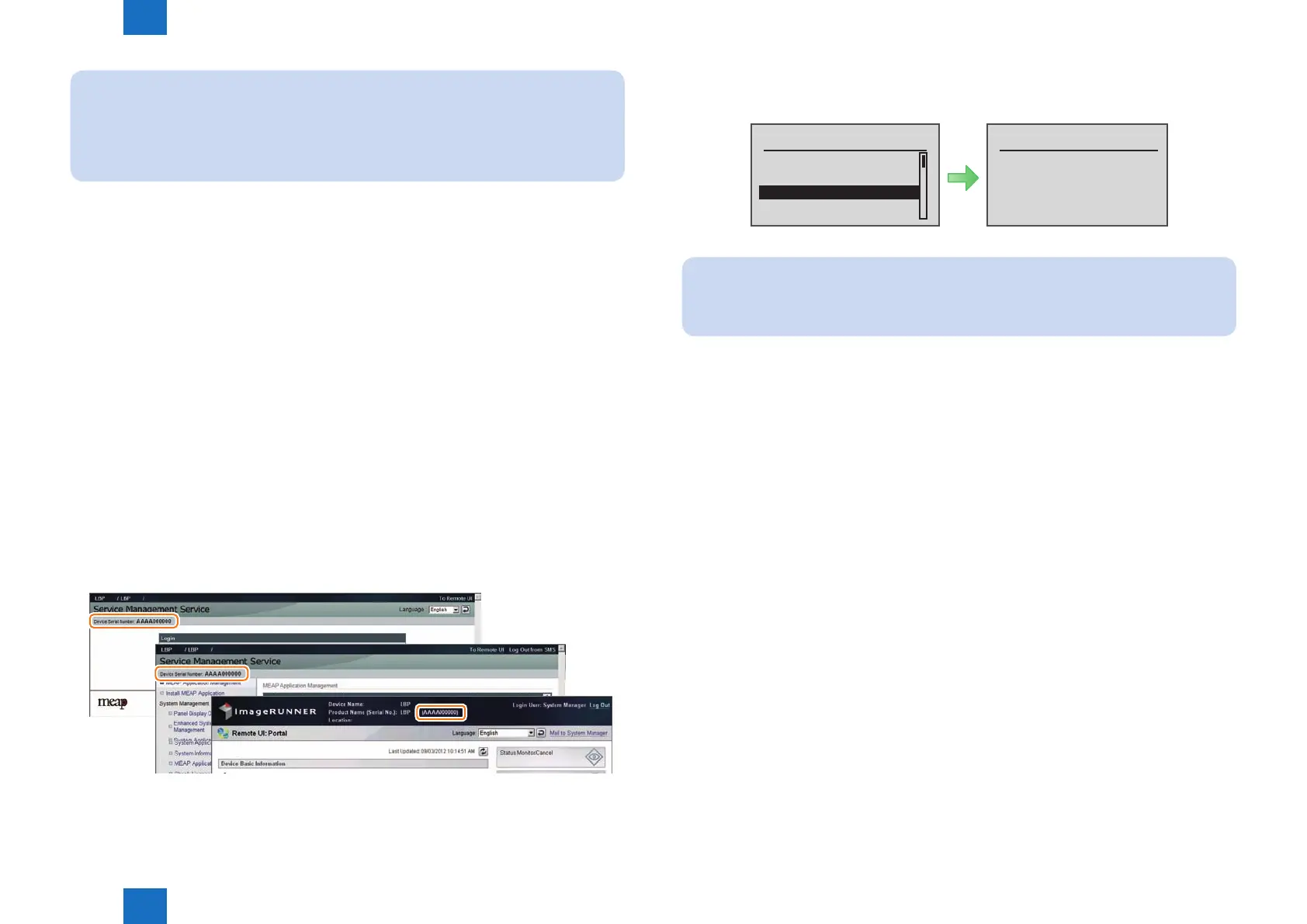
How to Check the Serial Number
When performing MEAP device support, the serial number of the device is necessary in some
cases.
Examples of where the serial number is necessary
• When initializing SMS login password (obtaining a switch license)
• When obtaining a MEAP application license from LMS
• When obtaining a transfer license of MEAP application
• When obtaining a special license for reinstalling MEAP application
If a problem occurs in the MEAP device and you want to contact the support department of
the sales company, you need to provide the serial number. Perform the following procedure to
get the serial number.
●
Checking from the PC browser
The serial number of the device is displayed on the SMS login screen, SMS screen, and
remote UI portal screen.
F-2-71
●
Checking from the device's Control Panel
From [ Utility Menu ], select [ Serial Number ].
Serial NumberUtility Menu
Counter Report
Print MEAP Sys. Info
Serial Number
Consumables
ABCD000123
Note:
While MFPs of iR and iR-ADV series have 8-digit serial numbers, this machine (SFP)
has a 10-digit serial number.
F-2-72














 To Next Page