5
5
5-23
5-23
Troubleshooting > Version Up > Preparation > Before Downloading the System Software
Troubleshooting > Version Up > Preparation > Before Downloading the System Software
Version Up
Overview
■
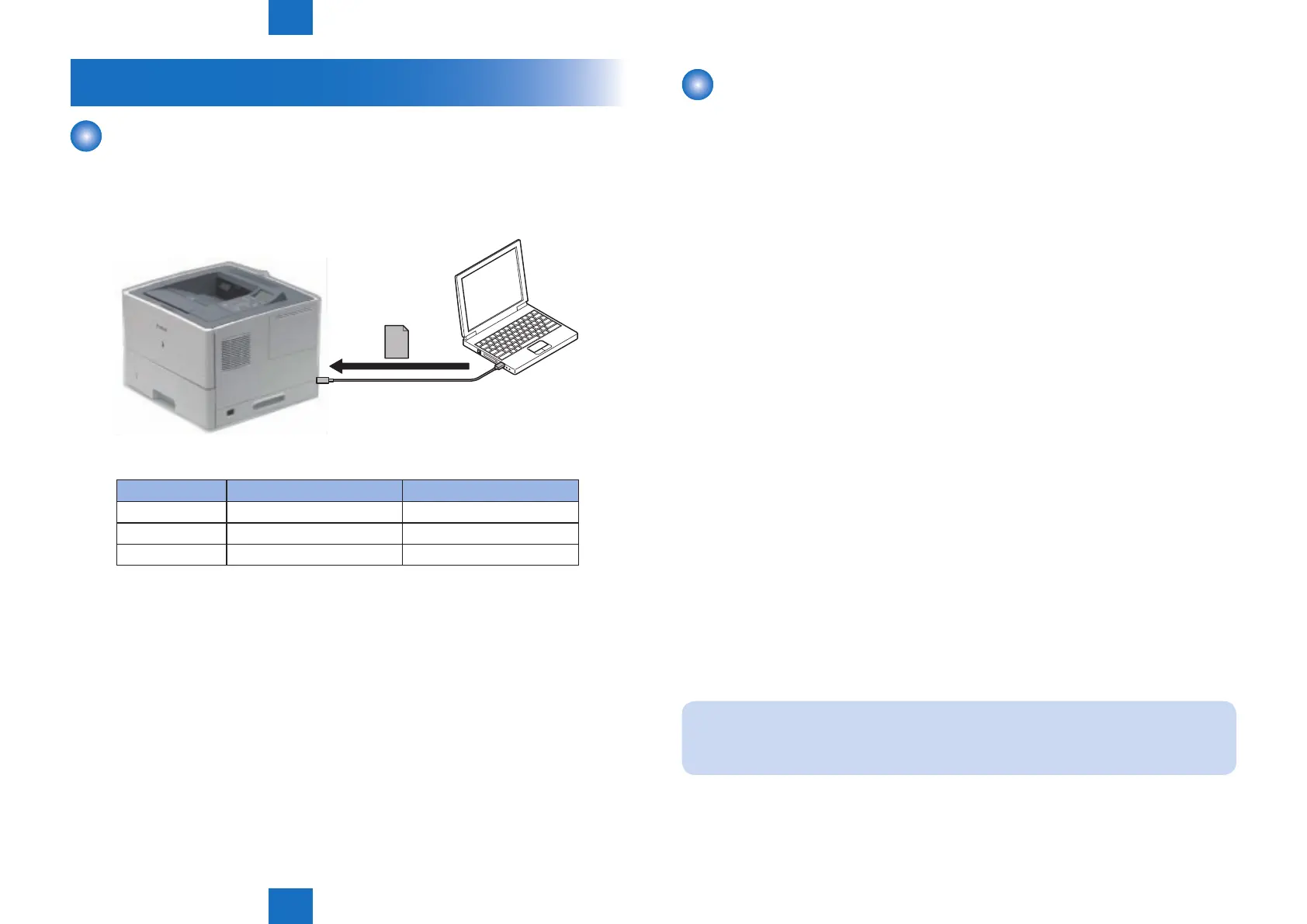
Overview of Upgrading
Upgrading is performed by downloading rmware from a personal computer (hereinafter
called PC) to this machine using a user support tool (hereinafter called UST).
PC
USB Cable
Firmware
Firmware Conguration
Firmware Function Storage area
BOOTROM Startup of the main controller Main controller PCB
BOOTABLE Overall control Main controller PCB
DCON Control of the printer Engine controller PCB
A number of rmware may be less than the above depending on the UST version.
F-5-30
T-5-32
Preparation
■
Necessary System Environment
• OS (Any of the following)
• Microsoft Windows 2000 Server/Professional
• Microsoft Windows XP Professional/Home Edition*
• Microsoft Windows Server 2003*
• Microsoft Windows Vista*
• Microsoft Windows 7*
* : 32-bit processor version only
• PC
• The OS listed above operates.
• Memory (RAM): 32MB or greater
• Hard disk: 100MB or greater
• Display: Resolution 640 x 480 pixel or greater, 256-color or greater
• Equipped with USB port
• UST le* of this machine
* : Download the le from a system CD or website. (It differs depending on the sale
scompany.)
• USB cable (USB1.1/2.0)
■
Before Downloading the System Software
1) Start up the PC.
2) Connect the host machine and the PC with a USB cable.
3) Turn on the host machine, and place it in the standby status.
4) Start the UST, so that the mode is changed to the download mode automatically.
NOTE :
Once the machine enters the upgrading mode, normal operation cannot be performed
until upgrading is completed. To discontinue upgrading, turn the power OFF/ON.














 To Next Page