5
5
5-25
5-25
Troubleshooting > Version Up > Downloading the System Software > Downloading the System
Troubleshooting > Version Up > Downloading the System Software > Downloading the System
NOTE :
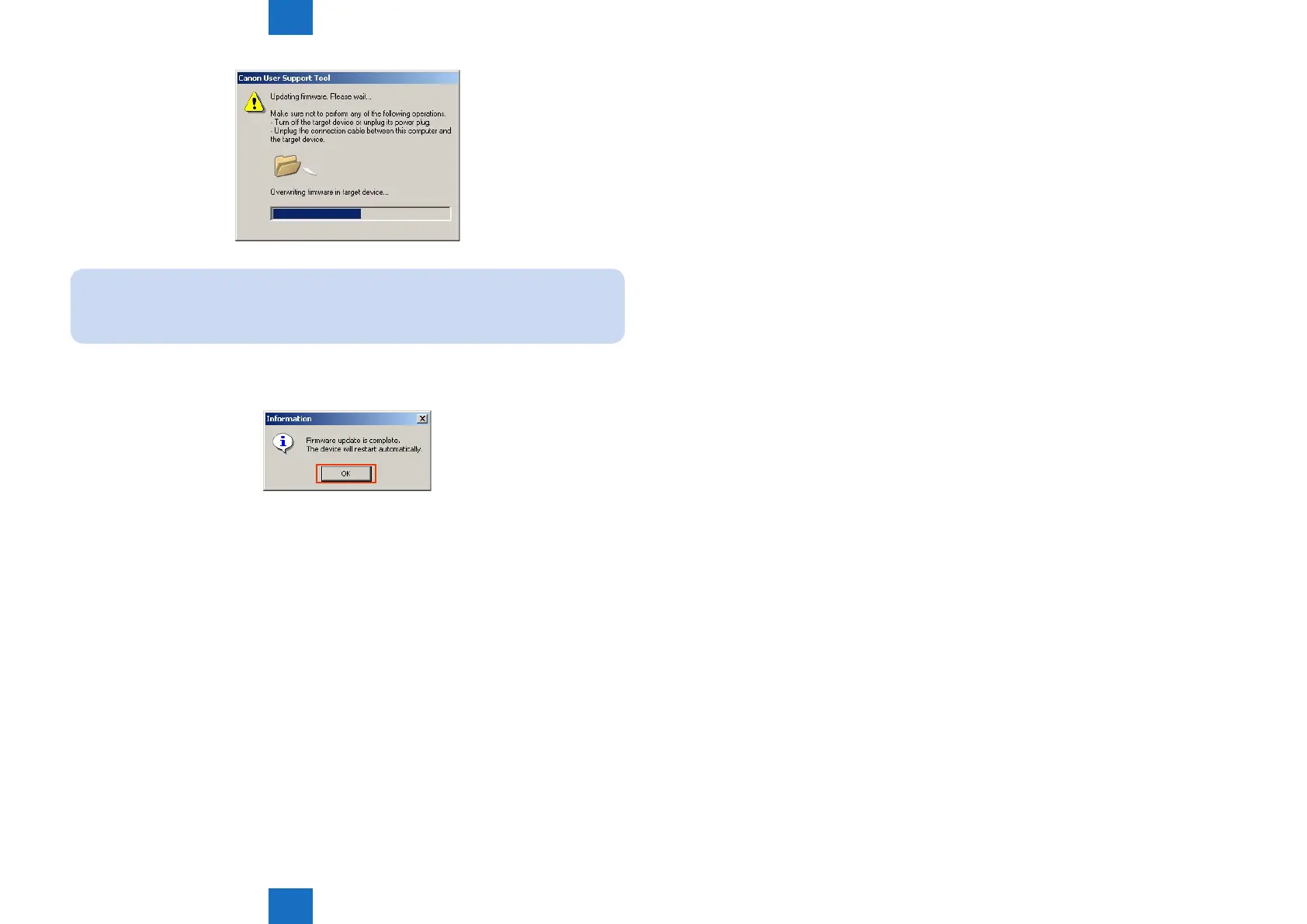
"DOWNLOADING XX%" and "UPDATING XX%" are displayed in the display of the host
machine during downloading. (XX shows the progress degree.)
7) When downloading is completed, click the "OK" button.
The host machine automatically restarts up.
8) Perform common status print via the user mode, and make sure that the rmware version
matches the information written down in Procedure 2).
Utility > Common status print
F-5-37
F-5-38














 To Next Page