CDM-625A Advanced Satellite Modem MN-CDM625A
Updating Firmware Revision 4
4–13
7) Reboot the CDM-625A. You may perform a ‘soft reboot’ or a ‘hard reboot’ as follows:
• Using the CDM-625A HTTP Interface ‘Admin| Reboot’ page, click [Reboot Now]. Both
the web page and the modem front panel will display “Rebooting, Please
wait...”
• From CDM-625A rear panel, turn off or otherwise disconnect, and then turn
on/reconnect the power source to execute reboot of the modem.
The system reboot is complete once the modem front panel displays the top-level “splash”
screen:
Comtech CDM625A Advanced Satellite Modem
PktP, VFEC-2 present Ver1.4.1
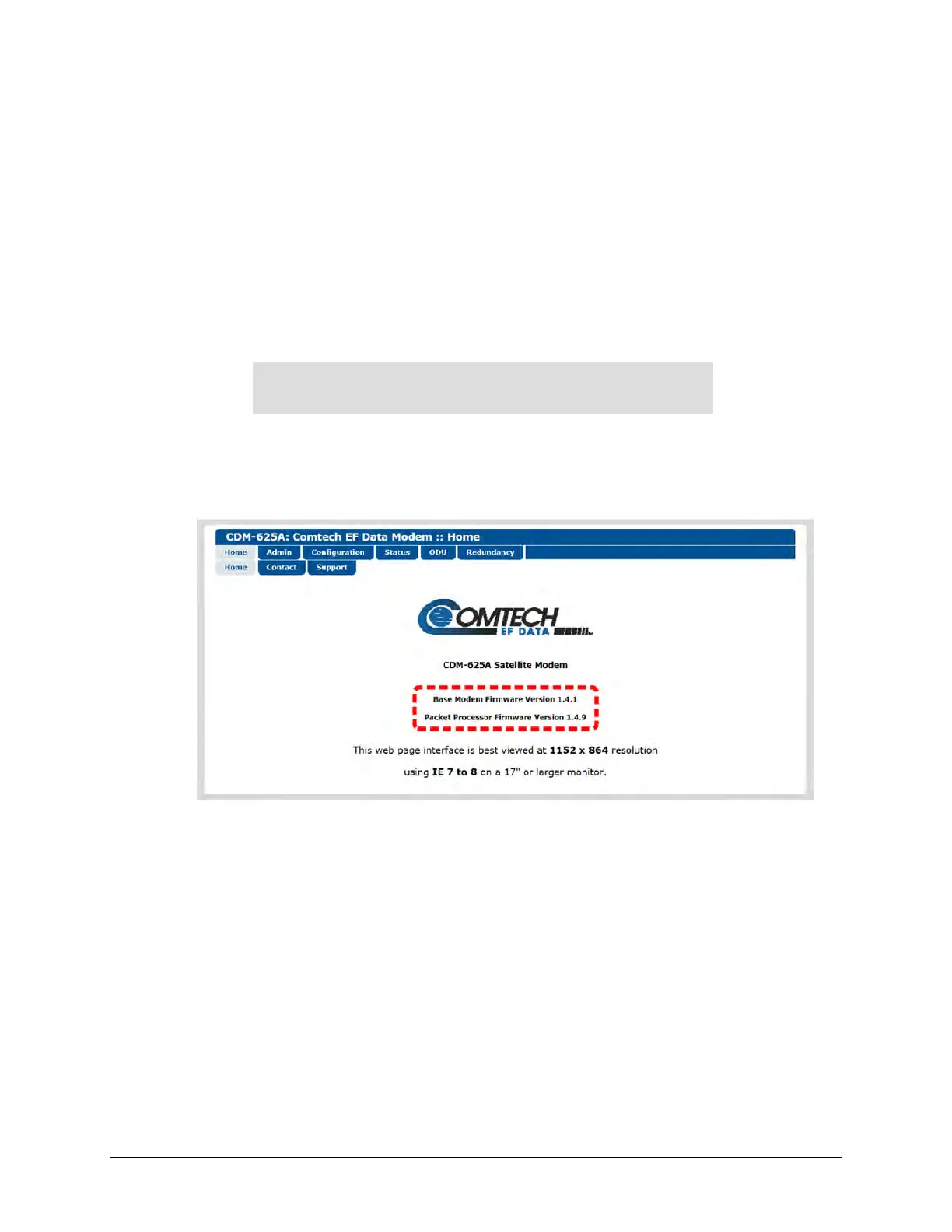
You will need to log in to a new Web session at this time. The CDM-625A HTTP Interface
‘Home’ page will serve to verify that the new firmware version is active, as shown in this
example:
The CDM-625A is now operating with its latest firmware. The firmware update process is now
complete.



 To Next Page