CDM-625A Advanced Satellite Modem MN-CDM625A
Appendix M Revision 4
M–26
M.13.3 Field Upgrade Procedure
CAUTION
– Obey precautions for handling electrostatic-sensitive devices.
This procedure differs if your CDM-625A is already equipped with the Optional IP Packet Processor. Make sure to follow all
steps carefully and note this exception to the procedure when performing your upgrades.
Turn off the CDM-625A and disconnect the modem’s power
cord from its power source.
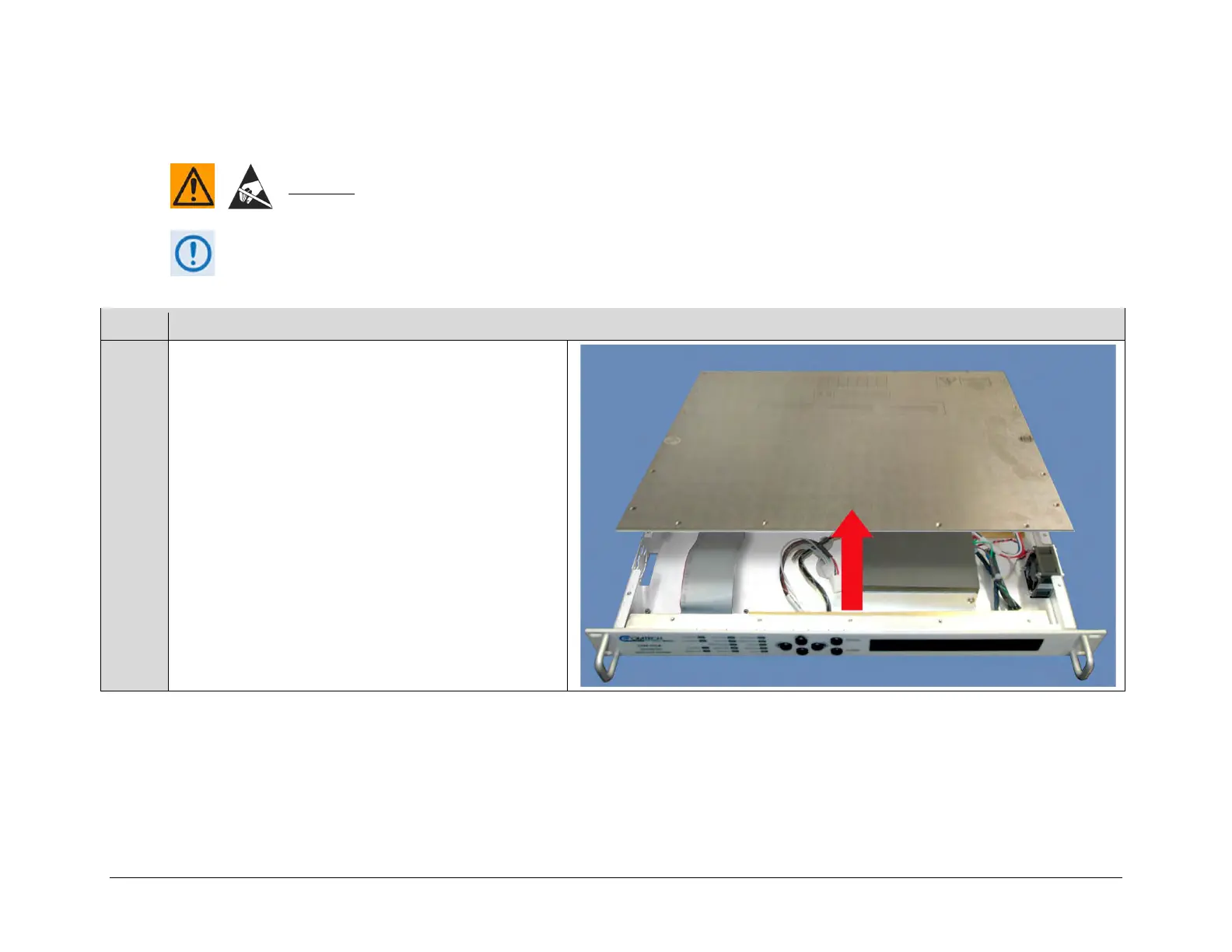
Next, use the screwdriver to remove the top cover mounting
hardware. Remove the cover from the CDM-625A chassis.
IMPORTANT: Be sure to retain the top cover mounting
hardware for cover re-installation once you have installed
the VersaFEC-2 Field Upgrade Kit.
If present, remove the fan hole cover plate and mounting
hardware and discard.



 To Next Page