IMS.OM.002949.DRM Page 225 of 310 Version 1.4
Doremi Labs
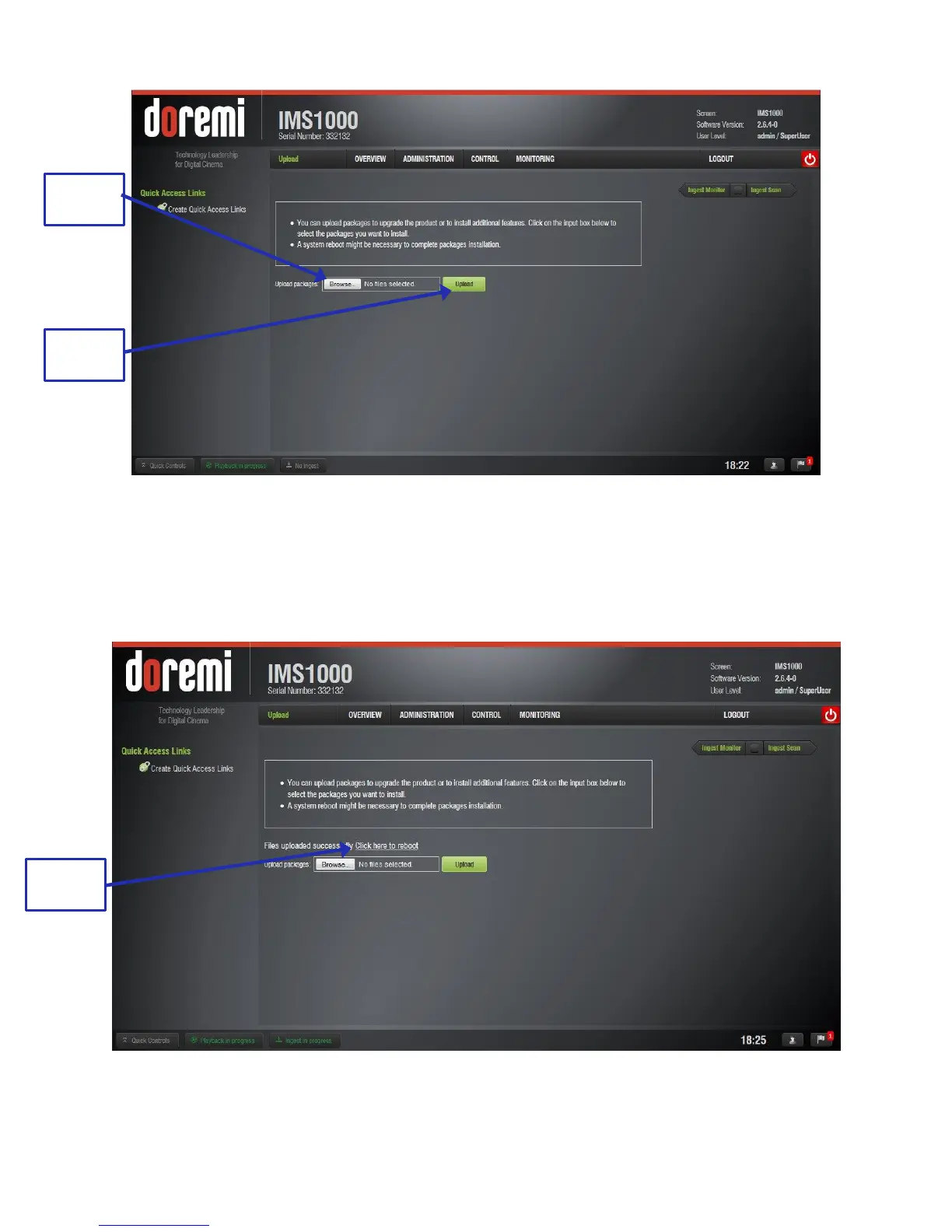
Figure 277: Ingest Upload
Click the Browse button to locate the package to ingest (Figure 277).
Click the Upload button when you have selected the file (Figure 277).
When the file has been uploaded, you may be prompted to reboot the unit. Click the
Reboot button (Figure 278).
Figure 278: Upload Reboot



 To Next Page