IMS.OM.002949.DRM Page 51 of 310 Version 1.4
Doremi Labs
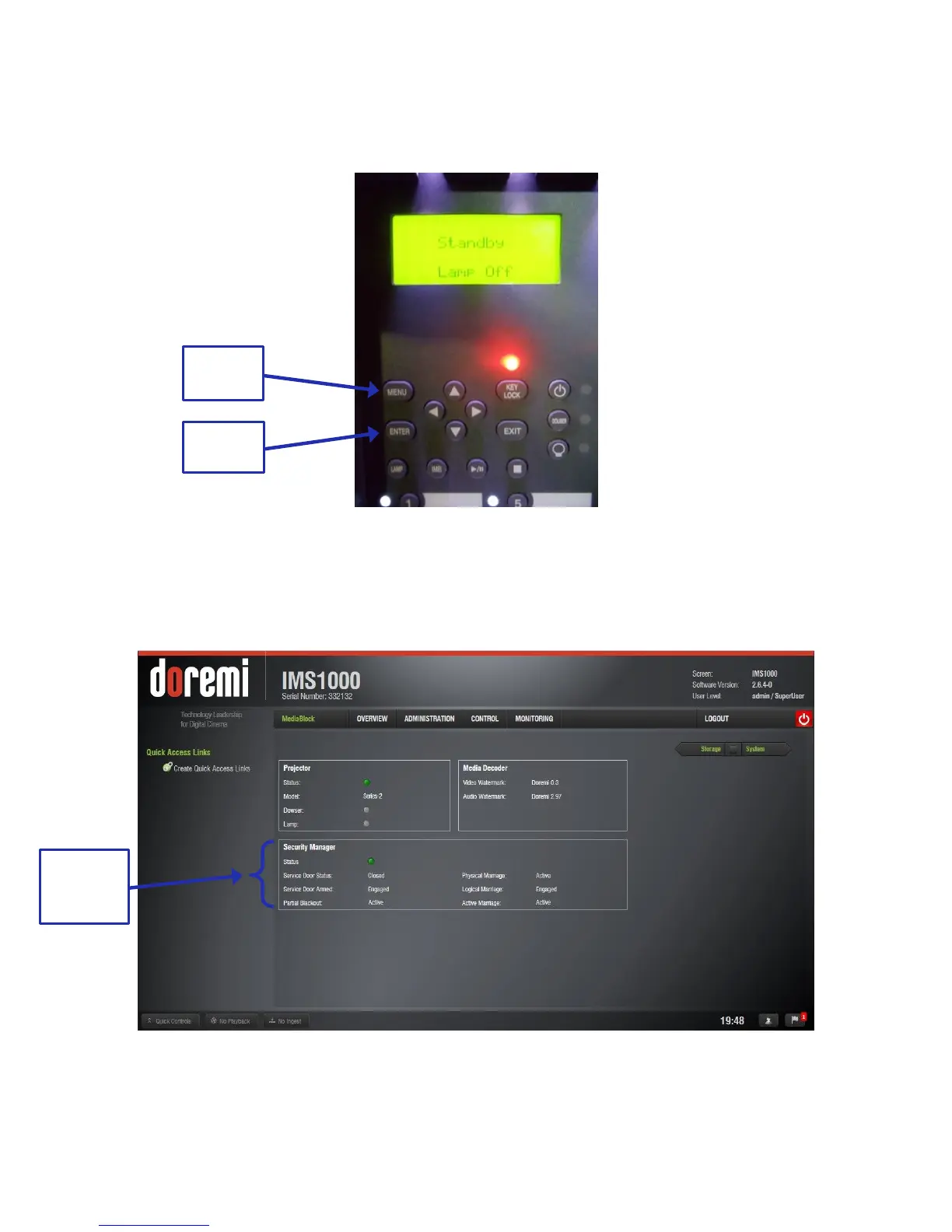
To arm the service door, push and hold the Menu button on the projector (Figure 40).
Enter the appropriate password and click Enter on the projector. Contact your
administrator for the password (Figure 40).
Figure 40: Projector Menu
To ensure that the marriage was completed correctly, on the IMS1000 GUI, go to Monitoring →
Diagnostics → Media Block. The Security Manager section should appear as it does below
(Figure 41):
Figure 41: Security Manager Section
Marriage has now been completed.



 To Next Page