IMS.OM.002949.DRM Page 78 of 310 Version 1.4
Doremi Labs
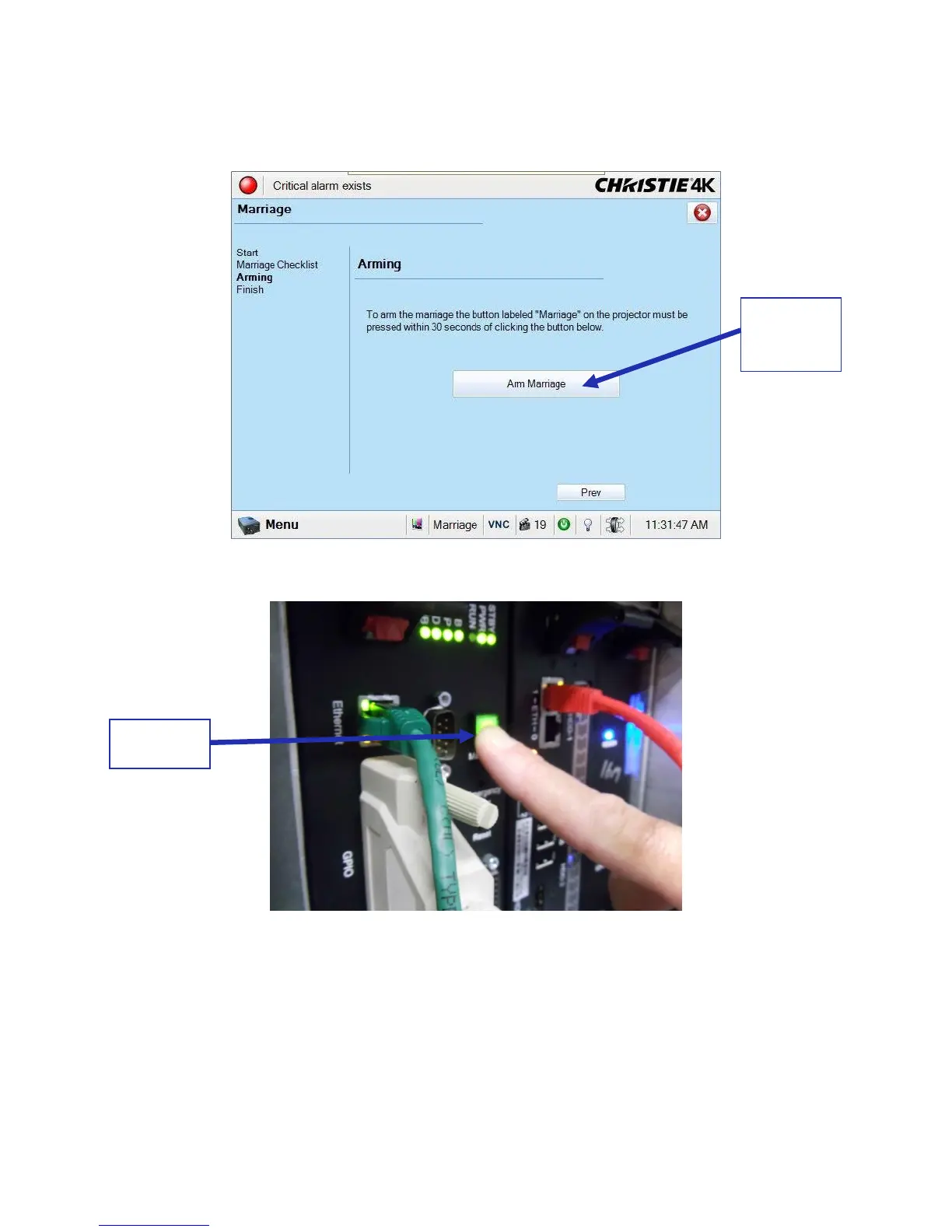
The Arm Marriage window will appear. When the Arm Marriage button is pressed, the
user has 30 seconds to press the Marriage button on the projector, which should now be
green (Figure 87 and Figure 88).
Figure 87: Arm Marriage Window
Figure 88: Marriage Button on Projector
Once the marriage is complete, the light on the projector will turn green (Figure 89).



 To Next Page