IMS.OM.002949.DRM Page 79 of 310 Version 1.4
Doremi Labs
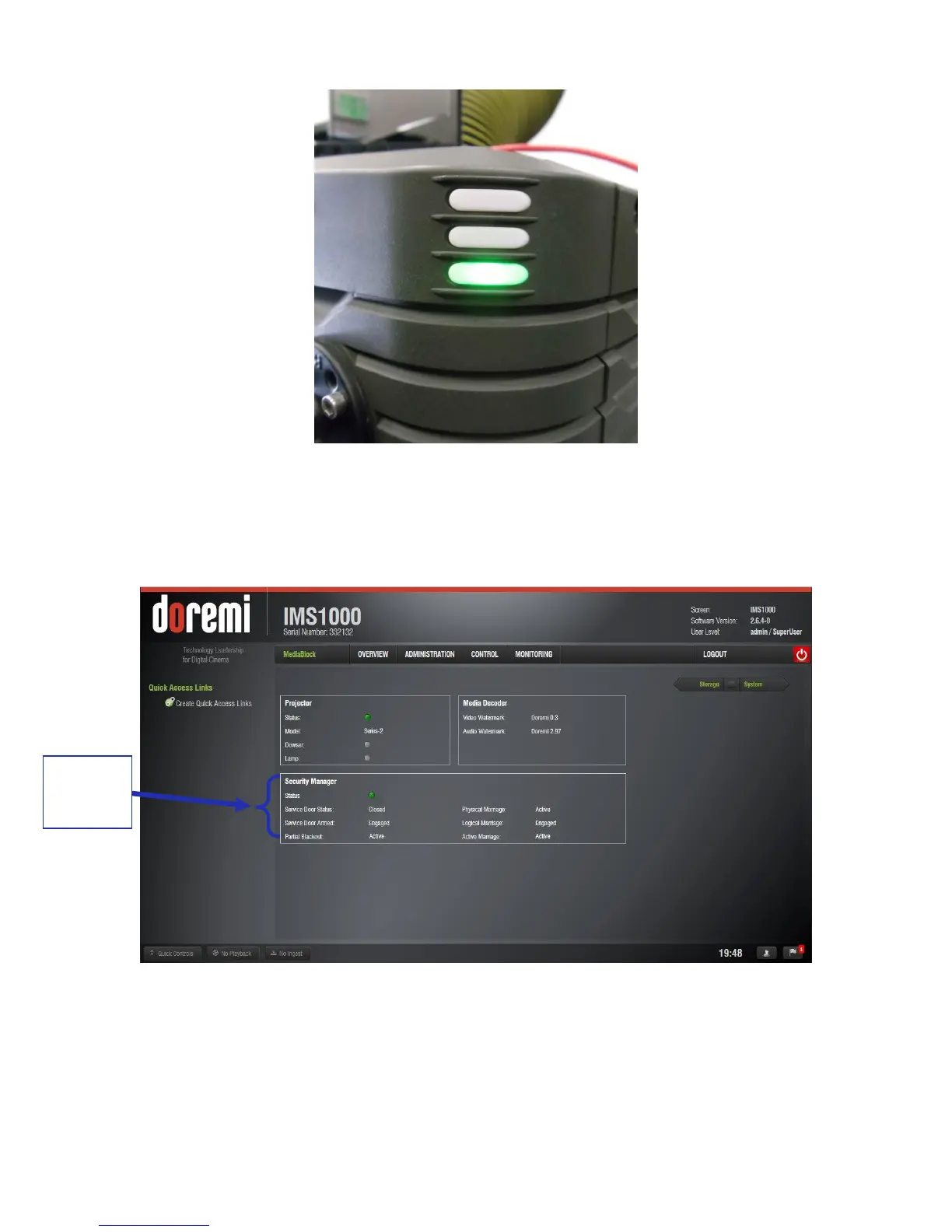
Figure 89: Green Projector Light
To ensure that the marriage was completed correctly, on the IMS1000 GUI, go to Monitoring →
Diagnostics → Media Block. The Security Manager section should appear as it does below
(Figure 90):
Figure 90: Security Manager Section
Marriage is now complete.



 To Next Page