8. Vector Chart Material
8-9
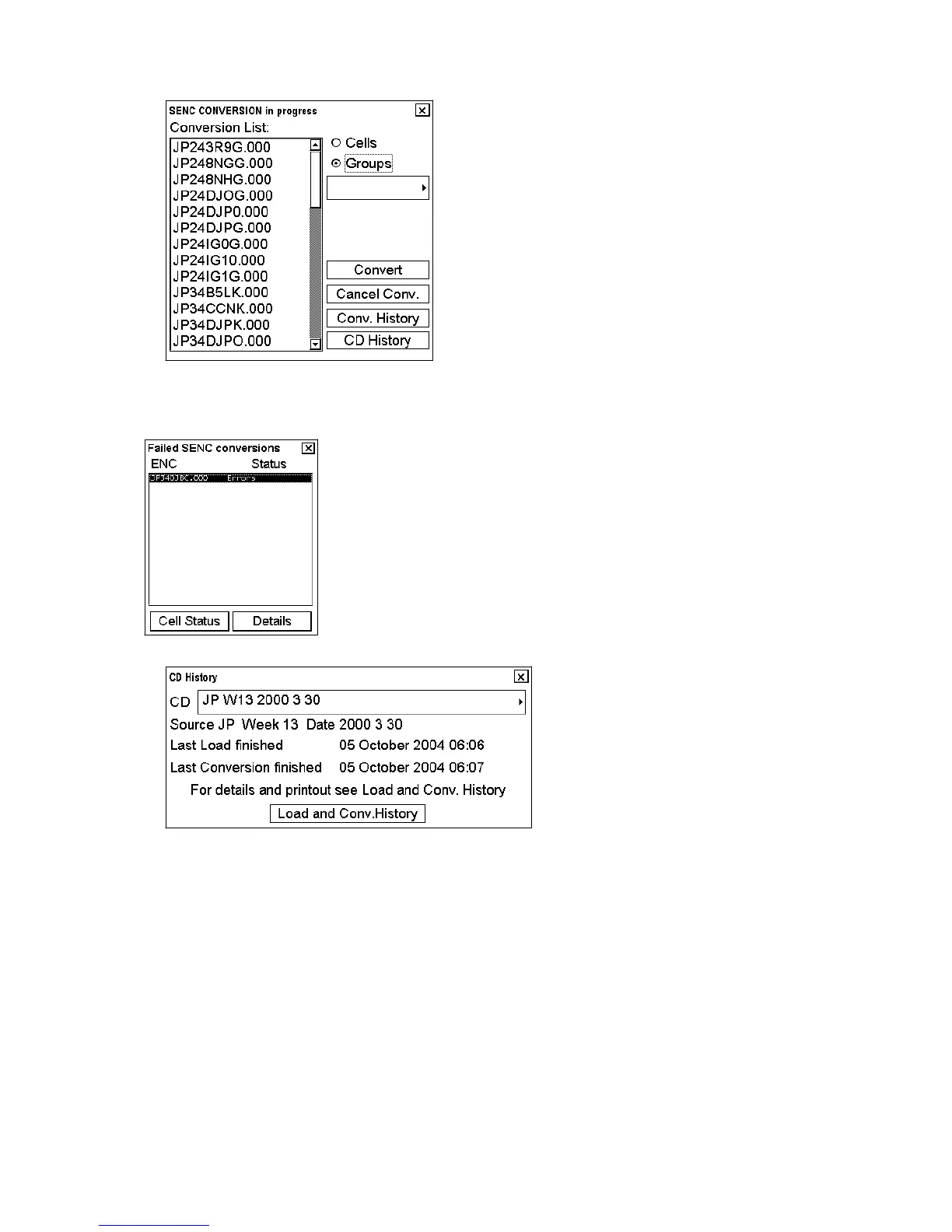
7. Charts are loaded then automatically converted to SENC format, showing the SENC Conversion window.
If an error is detected during conversion from ENC to SENC, the following window appears. To find the reason,
click the Details button. Note that a chart and/or its update(s) in the conversion list are taken for use after conversion
of all charts and updates are completed.
8. When conversion is completed, the following window appears.



 To Next Page