8. Vector Chart Material
8-87
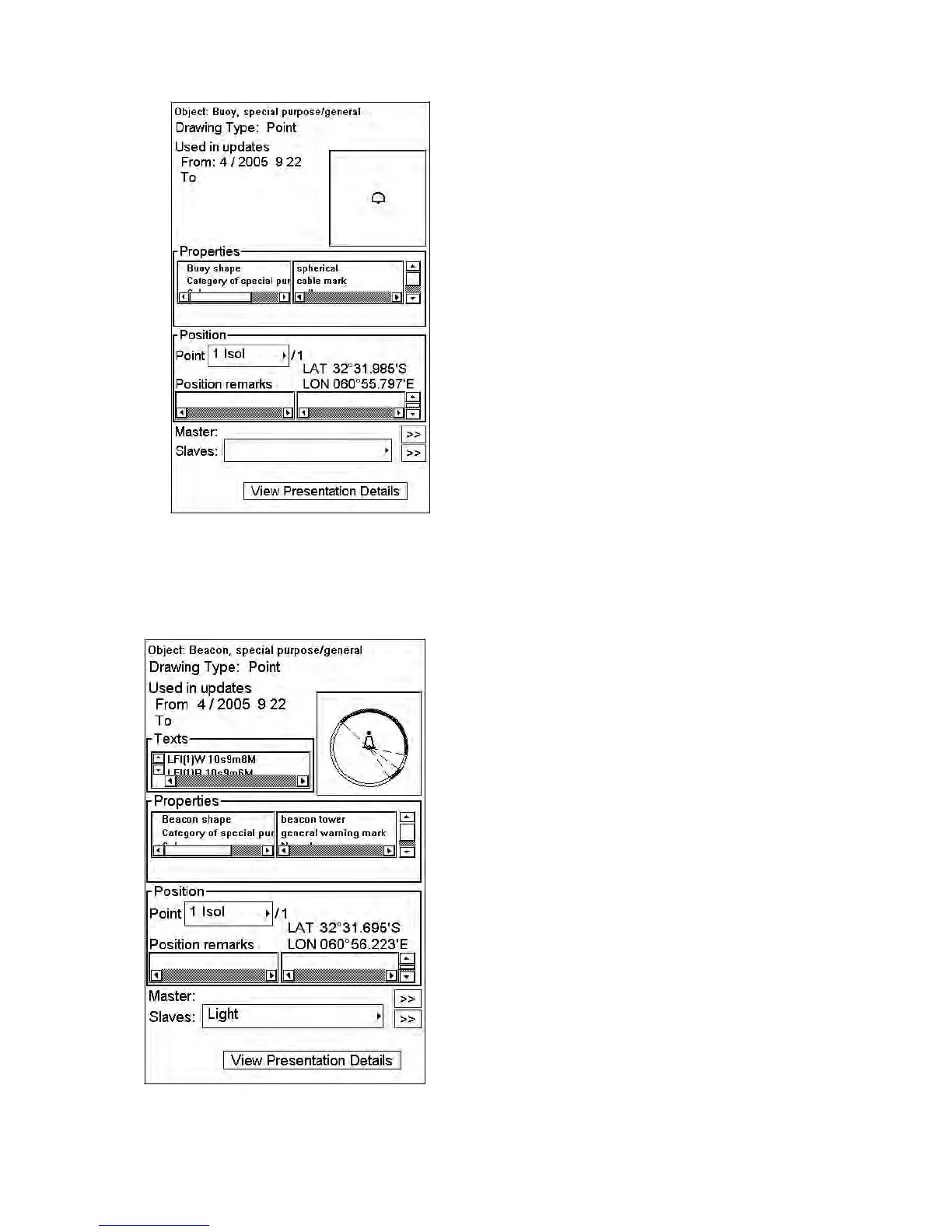
Detailed information for the selected object appears in the Object window.
5. To close the windows, click the CANCEL key on the keyboard-equipped control unit, or click the X on the
window you wish to close.
8.13.3 How to display properties of a vector chart object
After you have selected a vector chart object, you can view detailed information about it in the Object window:



 To Next Page