24-1
24. Recording Functions
24.1 Introduction
The ECDIS records various voyage-related items like movement and position of your ship and dangerous radar
targets (from radar). These items are recorded in the following logs:
Voyage log: Records entire voyage, i.e., a sailing of a route from first point to the last.
Details log: Records position, speed and course once every minute.
Danger Targets log: Records tracked target data.
Chart Usage log: Records information of used charts in display.
Alert log: Records alerts generated by the system.
The operator may print the contents of any log.
24.2 Events and Man Overboard Functions
The Events and Man Overboard (MOB) functions are accessed with the mouse. Spin the scrollwheel to display
Event/Info/MOB in the mouse functions area then push the left or right mouse button as appropriate.
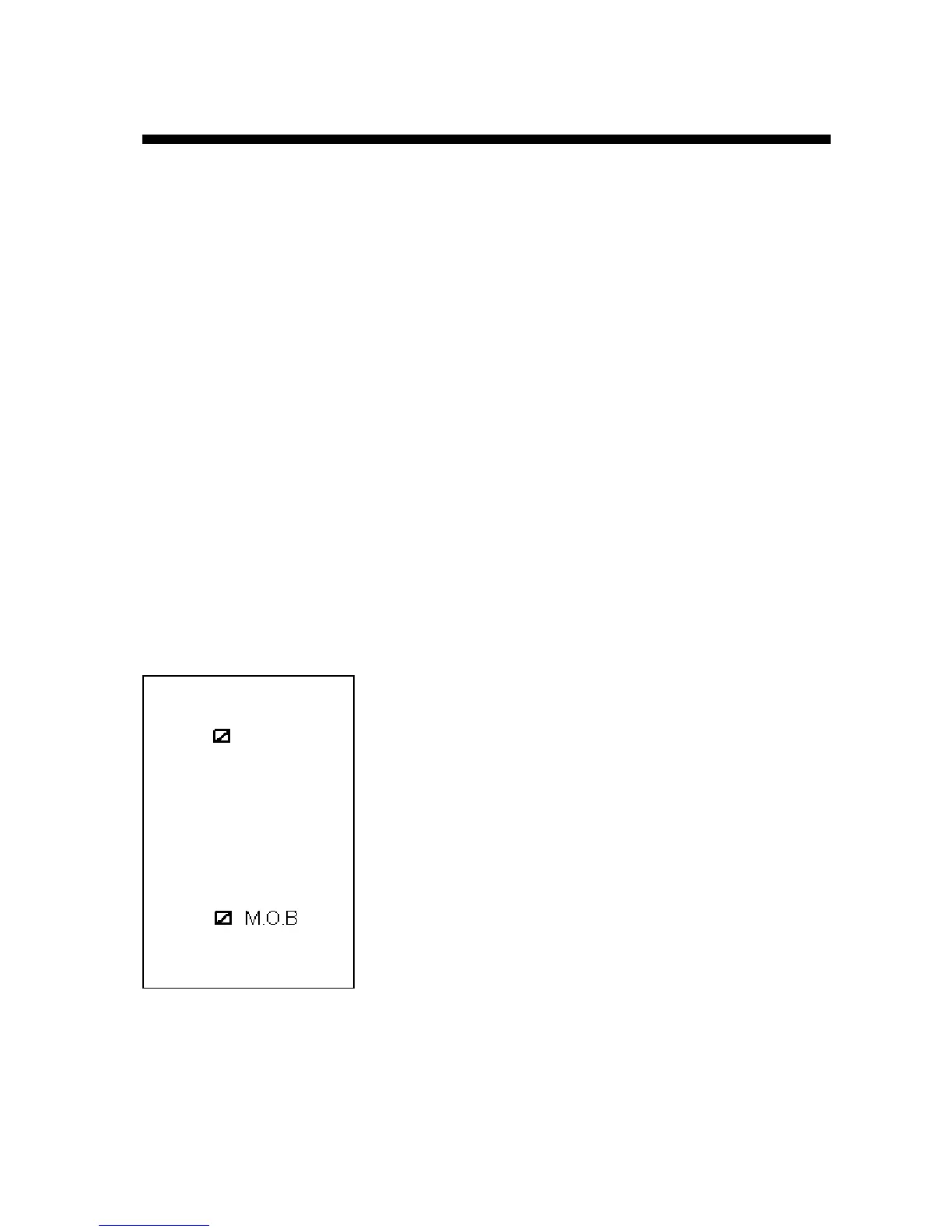
Left mouse button (Event): Records an event to the logbook. The EVENT dialog box appears, where you can write
a comment (up to 48 alphanumeric characters) for an event.
The comment is displayed in the electronic chart area if
Events is selected for display in the Tracking page of the Chart Display dialog box.
Right mouse button (MOB): Records MOB position to the logbook.
The ECDIS can display Events and MOB.
These events are also recorded into the Voyage log.


 To Next Page