4. Control Units
4-7
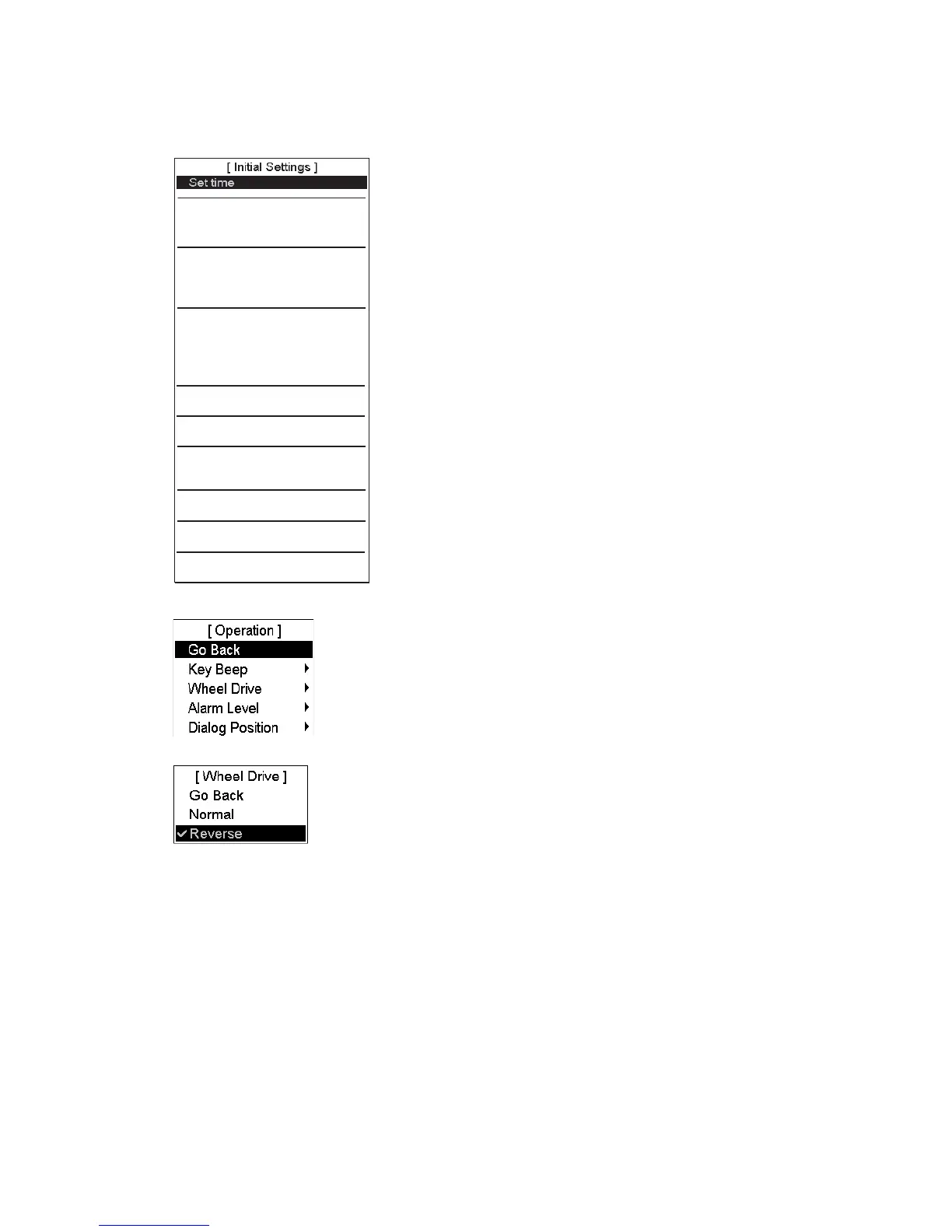
Scrollwheel incrementing direction
The scrollwheel incrementing direction can be selected to normal (forward) or reverse.
1. Open the Initial Settings menu.
Function keys
Operation
X
Parameter backup
Digitizer
Backup and Restore
Installation parameters
Navigation parameters
X
Chart Alert parameters
Optimization parameters
X
Print Navigation parameters
X
Print Optimization parameters
X
Selftest
Standby
Presentation Library
Access Server and Diagnostic
X
Close
2. Select Operation from the menu.
3. Spin the scrollwheel to select Wheel Drive then push the scrollwheel.
4. Spin the scrollwheel to select Normal or Reverse then push the scrollwheel.



 To Next Page